
A production-ready ComfyUI API
- Define API inputs in ComfyUI
- Autoscaling GPUs and cold-start controls
- Dev → Staging → Prod for ComfyUI
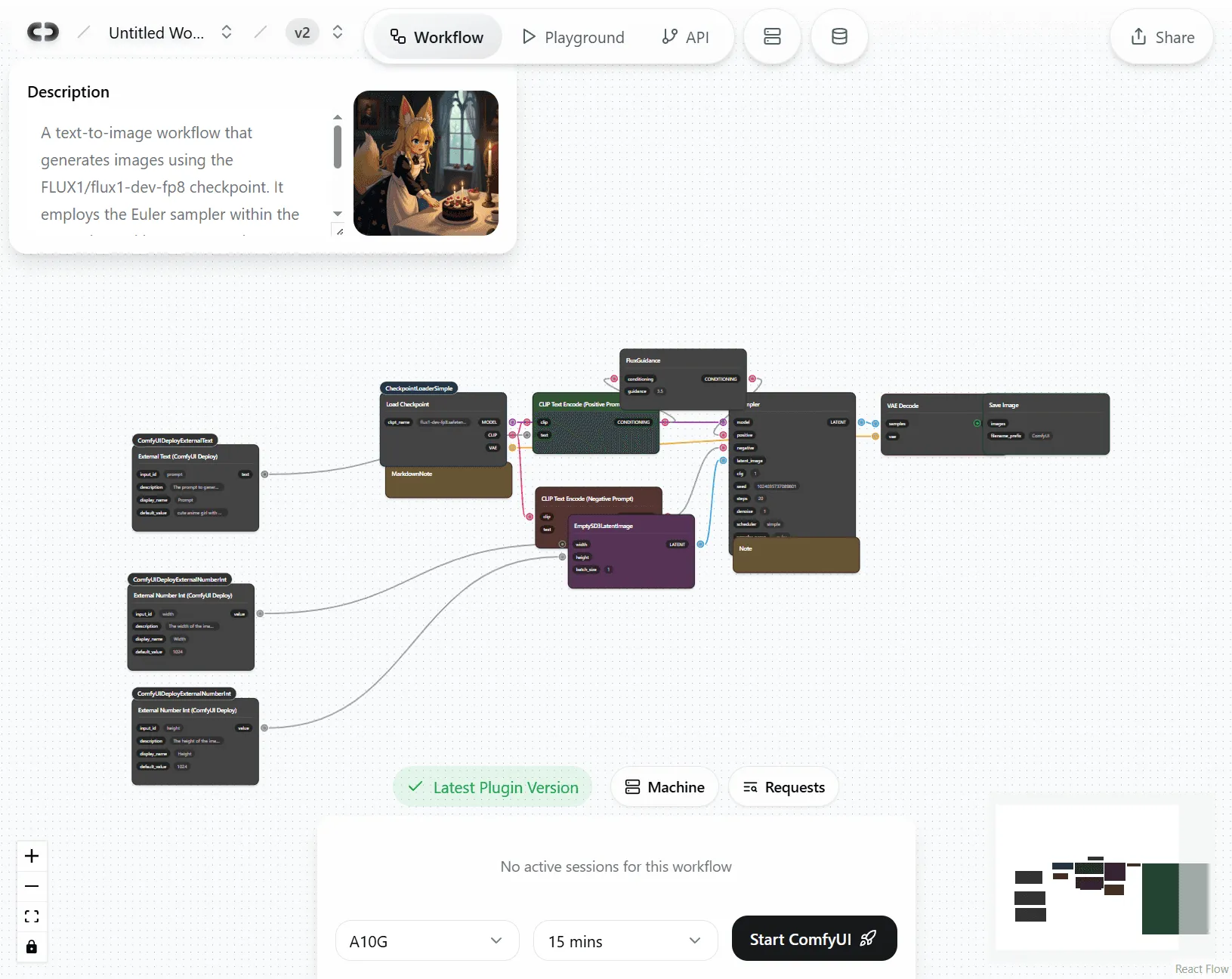
Why is ComfyUI API deployment so hard?
Environment and reproducibility
Pin custom nodes and commits, Python deps, and model paths. Updates break. Sharing takes days.
Scaling and ops
Concurrency, queues, retries, timeouts, GPU choice, model caching, logs, webhooks, versioning, staging, rollback.
API and security
Inputs and outputs, file handling, validation, errors, plus keys, rate limits, roles, and secrets. Weeks of glue code.
ComfyDeploy API
From ComfyUI graph to live endpoint, in minutes.
Ship
- Staging and production slots with a unique deployment_id
- Inputs and outputs mapped via External nodes, no glue code
- Official TypeScript SDK, with Python and Ruby available
Scale
- Serverless GPUs with parallel runs (set Max Parallel GPUs)
- Warm time or Always Warm to balance latency and cost
- Per-second billing, scale to zero when idle
Control
- Manage API inputs visually in ComfyUI
- Models cached once and available org-wide
- Version history with one-click rollback
How it works
From local workflow to team collaboration
1Choose or create your ComfyUI setup
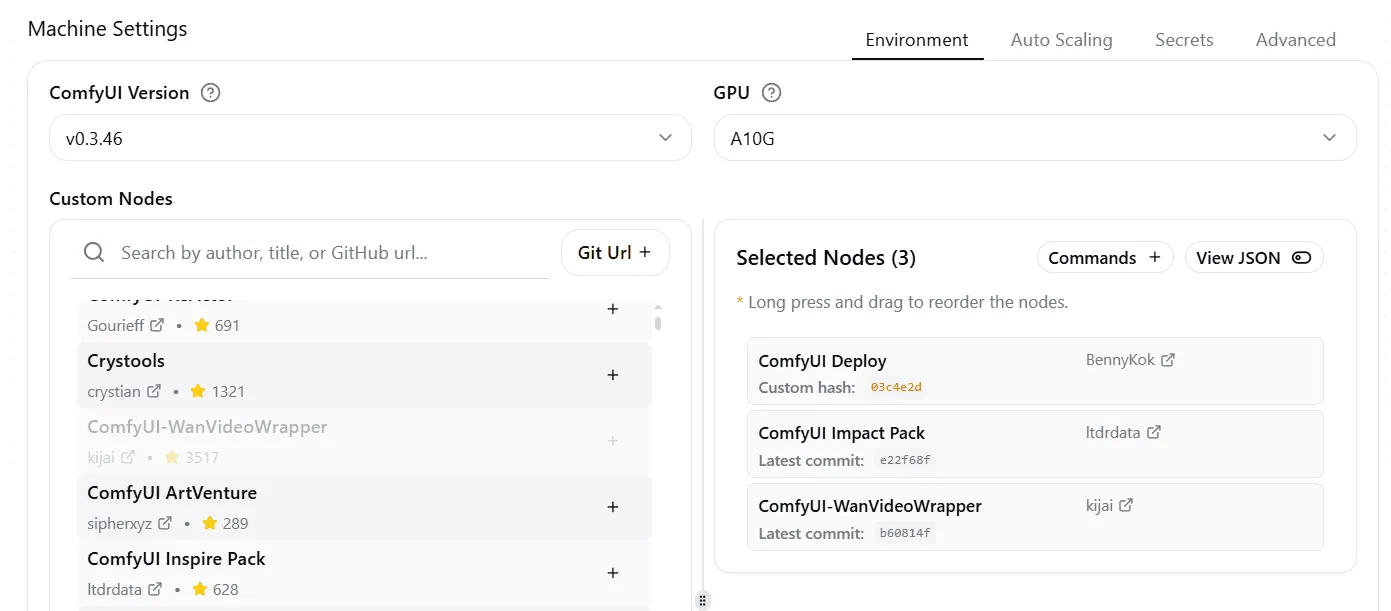
Select custom nodes
Pick a ComfyUI version, then add custom nodes from the community list or any Git URL. Every dependency is version-locked, so your team gets a reproducible runtime.
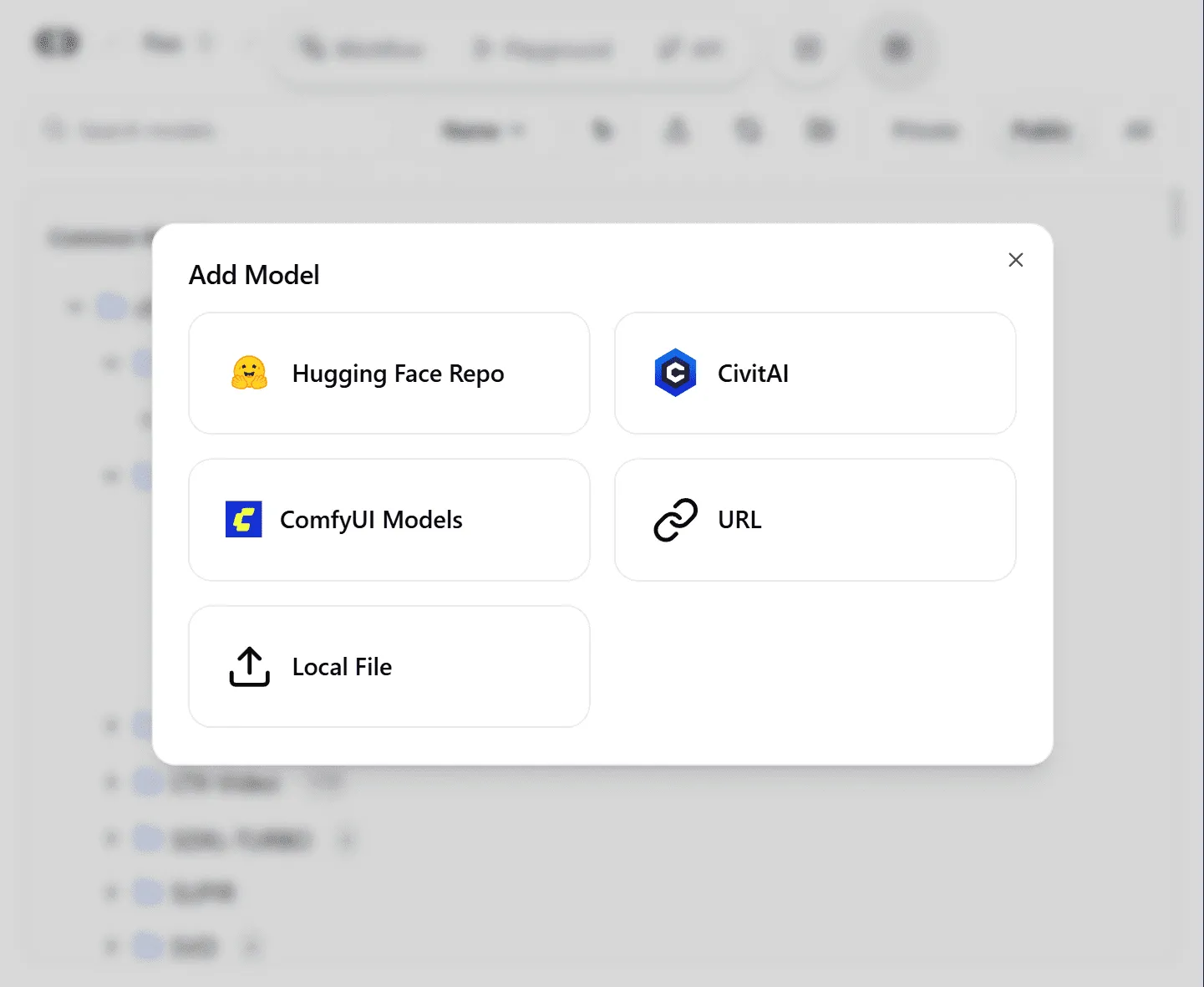
Upload your assets
Upload models, LoRAs, and files to a shared team workspace. Sync straight from Hugging Face, Civitai, a URL, or your local machine.
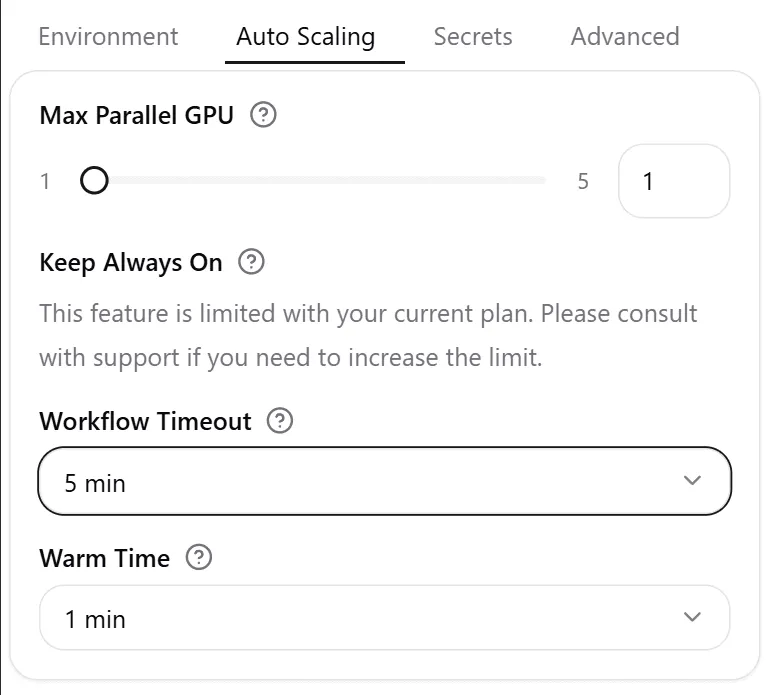
Select a GPU and deploy
Choose a dedicated GPU like an A100 or H100, or enable auto-scaling. Set workflow timeout, warm time, and max parallel GPUs, then launch.
2Create or upload your workflow
Start fresh in ComfyDeploy
- Instant launch. A new ComfyUI environment, ready in your browser.
- Full node access. The complete editor with any custom nodes you need.
- Pro hardware. Build on A100 and H100 GPUs from day one.
Migrate your existing ComfyUI workflow
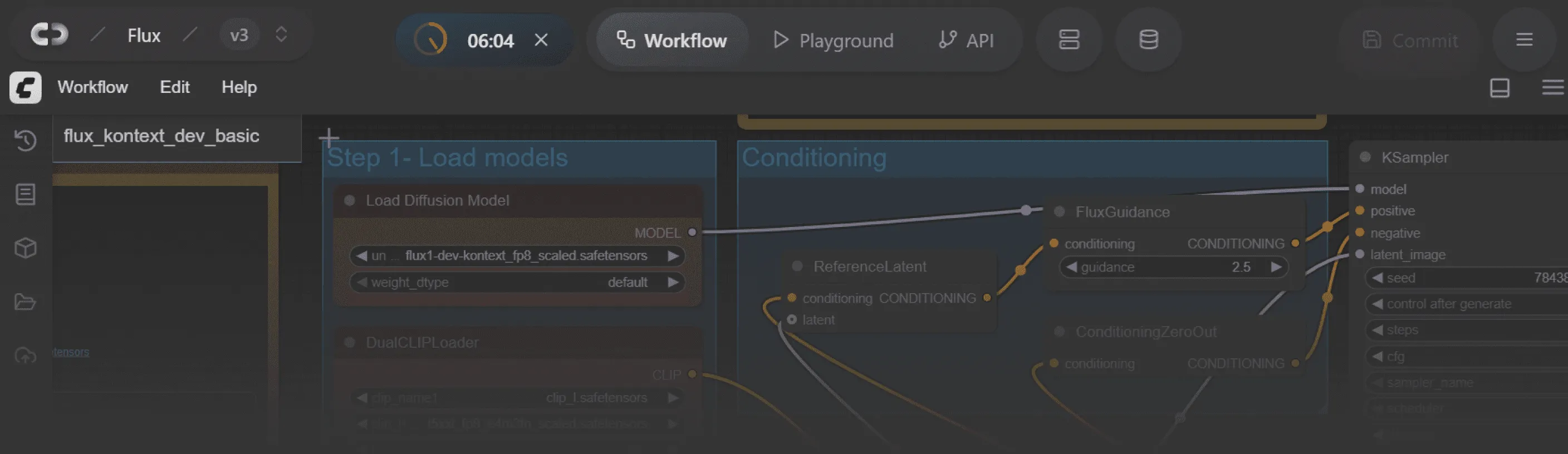
- Quick integration. Add ComfyDeploy nodes to your local ComfyUI.
- One-click deploy. Push workflows straight to our cloud platform.
- Perfect replication. Models, nodes, and settings transfer intact.
3Mark your inputs
Design your API visually
Define the request and response directly in ComfyUI. ComfyDeploy’s External and Output nodes become your API schema. No YAML, no glue code.
Learn more about ComfyDeploy custom nodes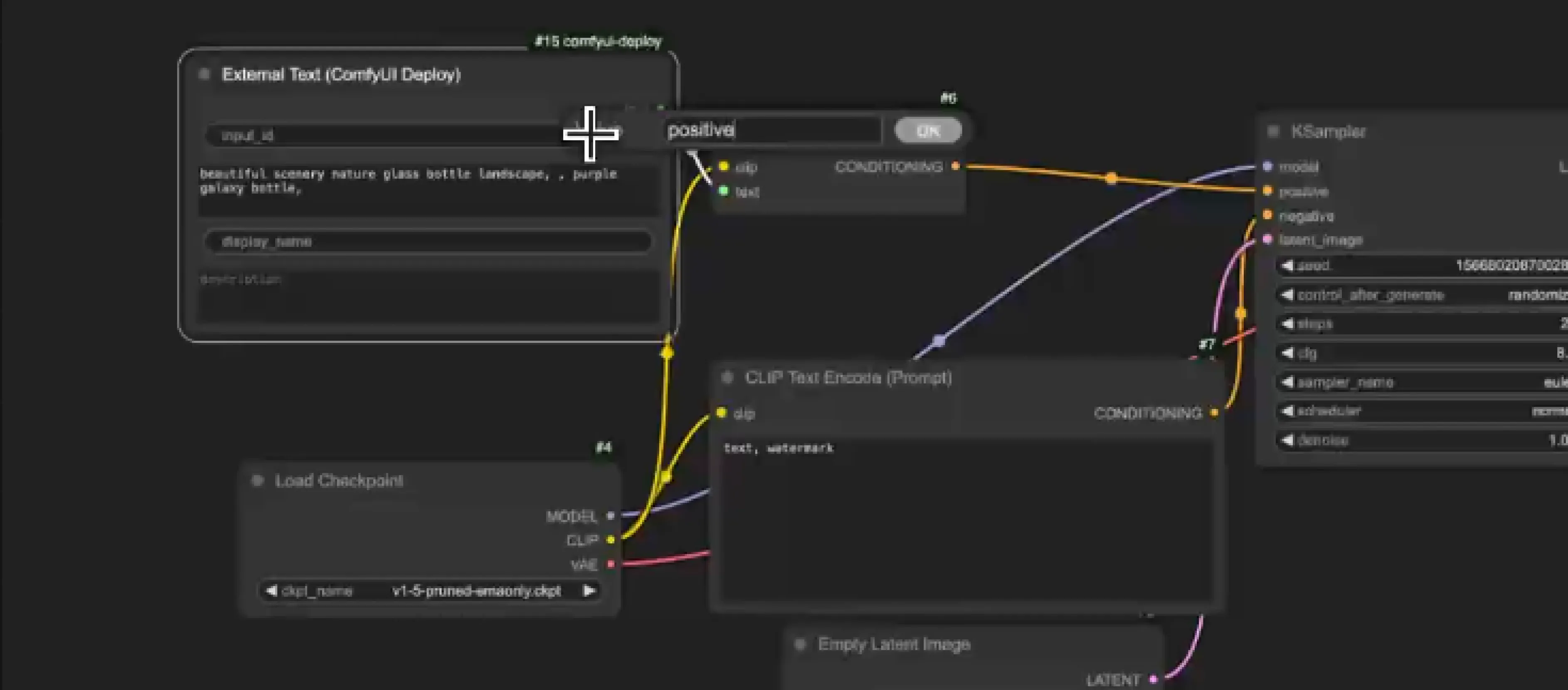
4Share code with full control
Live testing
Run and debug your API safely inside ComfyUI before anyone else sees it.
Visual API builder
Drag nodes and define inputs, all inside ComfyUI.
Live preview
See exactly how your API behaves with real inputs and outputs in real time.
Auto-scaling backend
Infrastructure that grows from one to millions of requests without breaking.
One-click production
Go from ComfyUI workflow to a live, public API in under 60 seconds.
Auto-generated SDKs
Clean, documented code in Python, TypeScript, and more, ready to ship.
Developer-ready integration
SDKs and working code examples your engineering team can ship immediately, without digging through documentation.
Read the API docs// npm i @comfydeploy/sdk import { ComfyDeploy } from "@comfydeploy/sdk"; const cd = new ComfyDeploy({ apiKey: process.env.COMFYDEPLOY_API_KEY!, }); // Trigger a run on your deployed workflow const run = await cd.runs.create({ deploymentId: "dep_123", inputs: { prompt: "cozy living room, warm light" }, }); // Wait for completion and grab the first image URL const result = await cd.runs.wait(run.id); console.log(result.outputs.images[0].url);
Frequently asked questions
Is the ComfyUI API sync or async?
Both. For long runs, use async: you’ll receive a job ID and, optionally, a webhook callback.
What about auth, rate limits, and quotas?
API keys per org or project, with rate limits and usage caps to control spend and abuse.
Can I run many jobs in parallel, or in batches?
Yes. Parallelism and concurrency controls are built in, and batch patterns work via array inputs or job fan-out.
How are custom nodes and models handled at runtime?
They’re baked into the template’s machine, so production won’t drift when teammates update locally.
Can I deploy to my own infrastructure (VPC, on-prem, edge)?
Hybrid and on-prem runners are supported, and the API keeps the same contract.