Qwen-Image to Wan 2.2 Fast Video
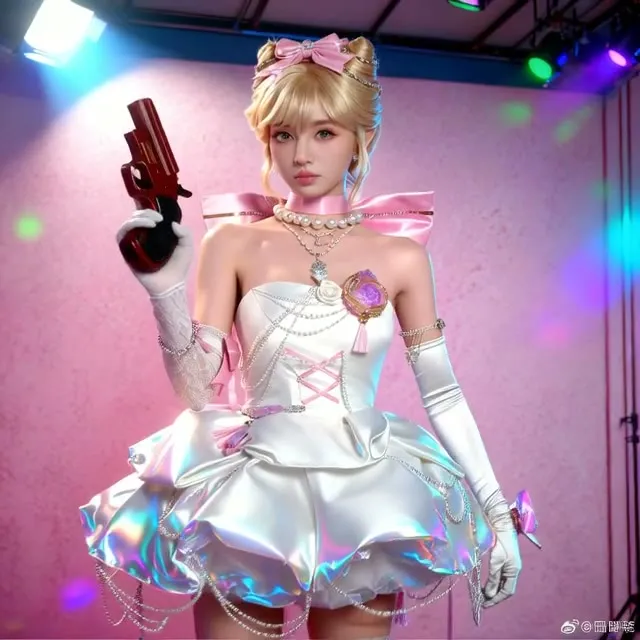
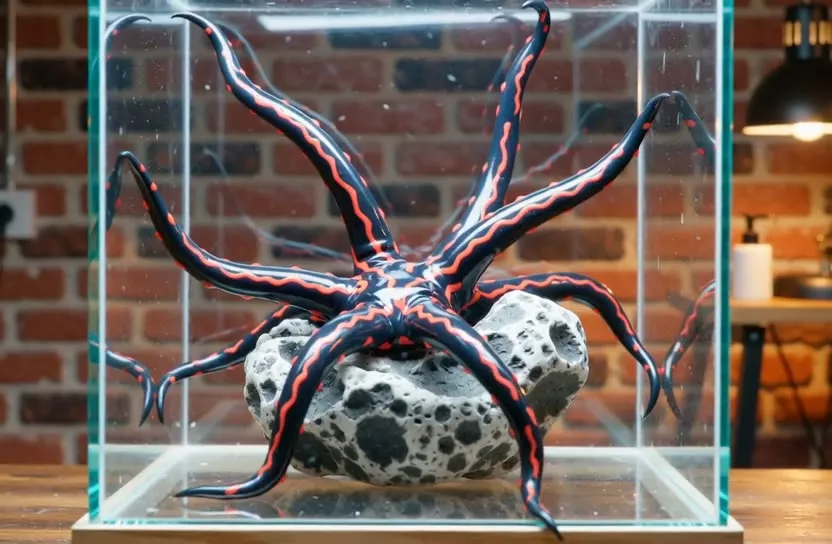
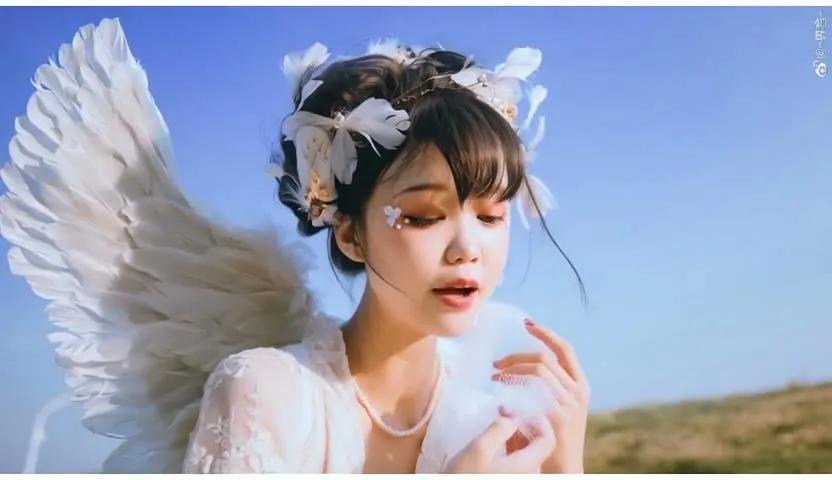
Write an image prompt and a video prompt. A fast Qwen-Image Distill model makes the first frame and Wan 2.2 turns it into a short, smoothed video.
- L40S
- Text to video
- Image to video
- Free template
How it works
Stage one makes the still. UnetLoaderGGUF loads Qwen_Image_Distill-Q8_0.gguf, CLIPLoader loads qwen_2.5_vl_7b_fp8_scaled, and qwen_image_vae decodes. ModelSamplingAuraFlow and KSampler sample, and the result is saved as an image. ResolutionSelector picks the size.
Stage two animates it with the ComfyUI-WanVideoWrapper nodes. Two GGUF models, Wan2.2-I2V-A14B-HighNoise-Q8_0 and Wan2.2-I2V-A14B-LowNoise-Q8_0, are loaded by WanVideoModelLoader, each with a matching lightning LoRA (ligh-i2v_high_noise_model and ligh-i2v_low_noise_model) chosen in WanVideoLoraSelect. The text encoder is umt5_xxl_fp8_e4m3fn_scaled and the VAE is wan_2.1_vae. Two WanVideoSampler nodes run the high-noise and low-noise passes, and block swap keeps memory use down.
Finishing steps are RIFE VFI with rife47.pth for interpolation, FastLaplacianSharpen and FastFilmGrain, then CreateVideo and SaveVideo. The easy-use nodes clean GPU memory between stages.
Tips
- Write the video prompt as Subject, Scene, Motion and Aesthetic, like the default example.
- Keep num_frames modest for fast runs, because both frame count and resolution add time.
- Edit the video negative prompt only if you see a specific artifact.
- Describe the first frame clearly in the image prompt, since the video starts from it.
What you can use it for
- Short cinematic clips from text only
- Product or vehicle b-roll with a controlled first frame
- Fast concept animatics
- Testing video ideas with a quick GGUF stack
Run it in three steps
Open the template
Click Run on ComfyDeploy. The workflow, its custom nodes and models are set up for you on a cloud machine.
Add your inputs
Provide image prompt and video prompt in the playground or the ComfyUI editor.
Run, share or deploy
Run it on an L40S, share it with your team as a playground, or deploy it as an API endpoint.
Frequently asked questions
What GPU does the Qwen-Image plus Wan 2.2 workflow need?
The recommended GPU is the L40S. ComfyDeploy provisions it for you, so there is nothing to install.
Why does it start with an image?
It is a two-model route to text-to-video. Qwen-Image makes the first frame, then Wan 2.2 image-to-video animates it. That keeps the look under control from the first frame.
How many frames does it make?
The default num_frames input is 49. You can change it, and a RIFE VFI node interpolates frames for smoother motion.