First-Last Frame Wan 2.2 Image-to-Video
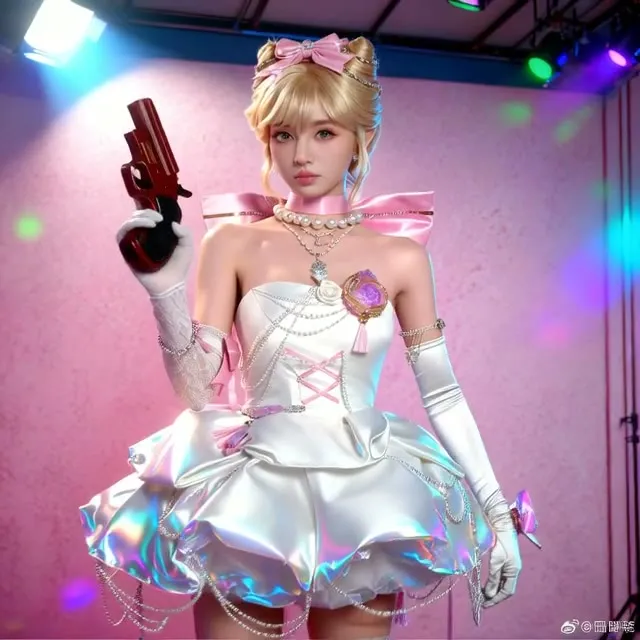
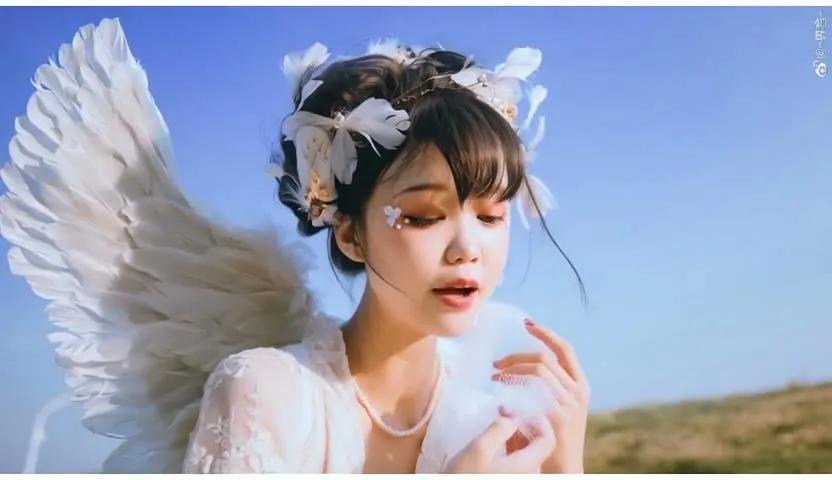
Upload a first frame and a last frame and the workflow animates the transition between them using Wan 2.2. Good for animators and creators who want control over where a clip starts and ends.
- L40S
- Image to video
- Free template
How it works
The workflow uses the Wan 2.2 two-expert setup: Wan2.2-I2V-A14B-HighNoise-Q8_0.gguf and Wan2.2-I2V-A14B-LowNoise-Q8_0.gguf, loaded with UnetLoaderGGUF from comfyui-gguf. Each expert has a matching lightning LoRA (ligh-i2v_high_noise_model and ligh-i2v_low_noise_model) applied with LoraLoaderModelOnly, and PathchSageAttentionKJ patches in SageAttention.
The start and end images are resized with ImageResize+, then handed to WanFirstLastFrameToVideo along with the encoded prompt from umt5_xxl_fp8_e4m3fn_scaled and the wan_2.1_vae. Two KSamplerAdvanced nodes run in sequence, the first for the high-noise expert and the second for the low-noise one.
After decoding, FastLaplacianSharpen and FastFilmGrain finish the frames, and CreateVideo plus SaveVideo write the MP4. easy cleanGpuUsed and easy clearCacheAll free VRAM between stages.
Tips
- Pick start and end images with the same subject, style and framing so the motion in between stays coherent.
- Write the prompt in sections for subject, scene, motion and aesthetic, like the example in the workflow.
- Keep the default negative prompt, which targets blur, extra fingers and static results.
- Use LQ or MQ quality for quick previews before rendering at HQ.
- Both lightning LoRAs are distilled for speed, so the sampler runs few steps. Raise the frame length only after you are happy with a short test, since longer clips use more memory.
What you can use it for
- Animate between two keyframes
- Looping or transition clips for motion design
- Storyboard shots with a defined start and end pose
- Cartoon and 2D style motion
Run it in three steps
Open the template
Click Run on ComfyDeploy. The workflow, its custom nodes and models are set up for you on a cloud machine.
Add your inputs
Provide start image and end image in the playground or the ComfyUI editor.
Run, share or deploy
Run it on an L40S, share it with your team as a playground, or deploy it as an API endpoint.
Frequently asked questions
What GPU does this workflow need?
It is set to run on an L40S GPU. It uses Q8 GGUF versions of Wan 2.2 to reduce memory use.
How long is the video?
The length input defaults to 49 frames. You can change it, and the quality setting (HQ, MQ or LQ) controls the resolution.
How do I run it as an API?
Deploy it on ComfyDeploy and send the two images and prompt to the endpoint. The exposed inputs become the API fields.