Wan 2.2 Image-to-Video with Radial Attention
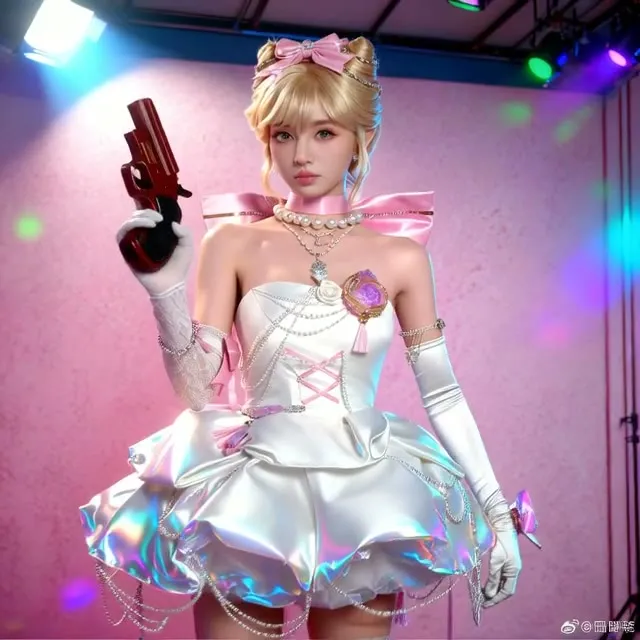
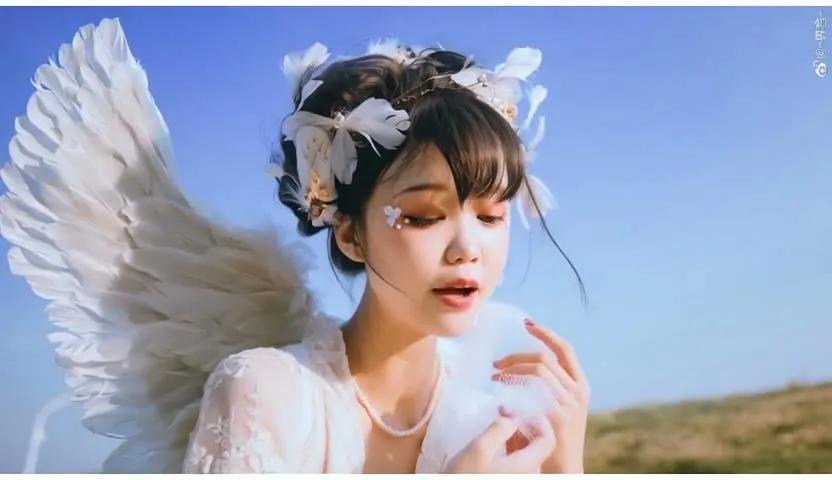
A Wan 2.2 image-to-video graph that patches both models with Radial Attention and TorchCompile so longer videos render faster. Default length is 261 frames.
- L40S
- Image to video
- Free template
How it works
The input image is fitted by ResizeAndPadImage using a size from ResolutionSelector, which follows the aspect ratio you pick. WanImageToVideo builds the conditioning from the image, prompt and negative prompt, with text encoded by umt5_xxl_fp8_e4m3fn_scaled.safetensors and the wan_2.1_vae.safetensors VAE.
Wan 2.2 runs in two stages. wan2.2_i2v_high_noise_14B_fp8_scaled.safetensors and wan2.2_i2v_low_noise_14B_fp8_scaled.safetensors each get a speed LoRA (ligh-i2v_high_noise_model and ligh-i2v_low_noise_model), a PatchRadialAttn node and a TorchCompileModel node. Two KSamplerAdvanced nodes run the stages in order.
VAEDecode, CreateVideo and SaveVideo produce the final file. The prompt should describe both the subject action and camera movement.
Tips
- Long videos need more time and memory, so test with a shorter length first.
- Describe motion explicitly, for example where the camera pans and how the subject reacts.
- The first run may take longer because TorchCompileModel compiles the model.
- Keep the Chinese negative prompt from the example unless you see a specific artifact.
Run it as an API
You can deploy this workflow on ComfyDeploy as a hosted API endpoint. The inputs listed above become the request fields, so your own app can submit them and receive the finished result without running ComfyUI yourself. The same workflow can also be run and shared from the ComfyDeploy playground in your browser.
The workflow keeps its settings in a few named inputs, so it is easy to experiment before deploying.
What you can use it for
- Long animated shots from a single image
- Camera moves and expressions on portraits
- Product or lifestyle clips
- Testing long-form Wan 2.2 generation
Run it in three steps
Open the template
Click Run on ComfyDeploy. The workflow, its custom nodes and models are set up for you on a cloud machine.
Add your inputs
Provide input image and text prompt in the playground or the ComfyUI editor.
Run, share or deploy
Run it on an L40S, share it with your team as a playground, or deploy it as an API endpoint.
Frequently asked questions
What GPU does this Wan 2.2 workflow need?
It is configured for an L40S on ComfyDeploy and loads the 14B fp8 high-noise and low-noise models.
What does Radial Attention do?
PatchRadialAttn applies a sparse attention pattern to each model. The author says it generates videos over 20 seconds in almost half the time.
How do I set the video length?
Use the length input. It defaults to 261 frames.