Infinite Avatar: Talking Video from Image and Voice
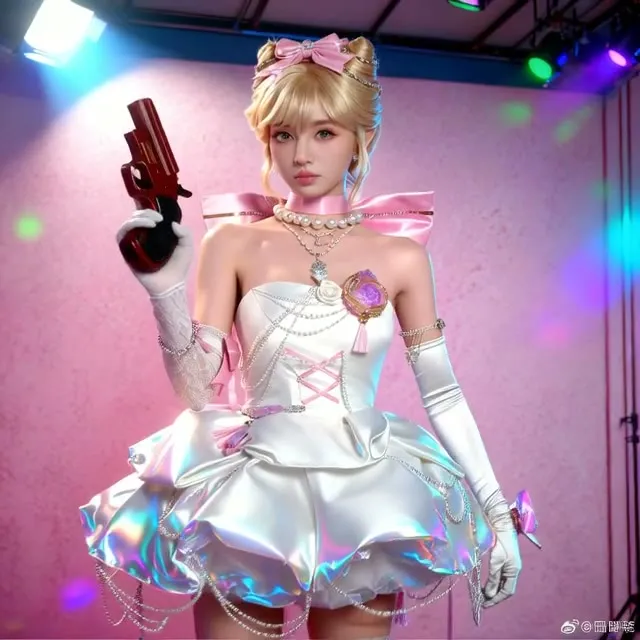
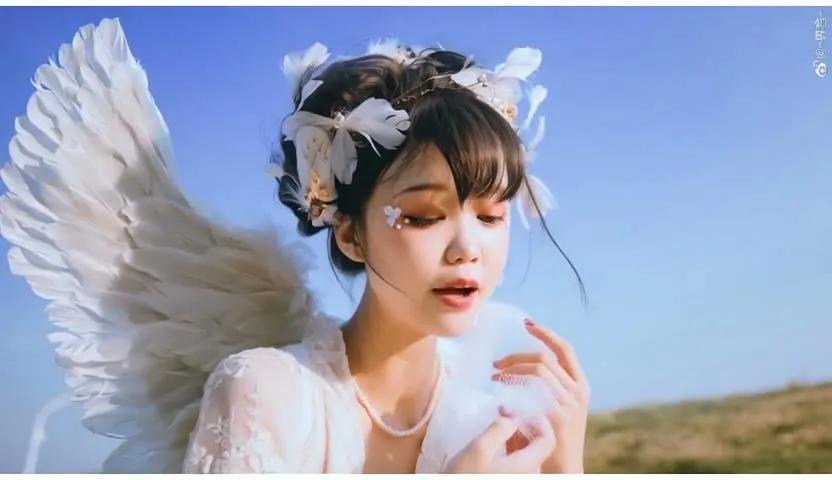
Upload a portrait and a voice clip, write what the avatar should say, and get a lip-synced talking video. It can clone the voice with Chatterbox and write the video prompt with an LLM.
- L40S
- Avatars & lip sync
- Image to video
- Free template
How it works
The portrait is resized and encoded with clip_vision_h.safetensors. Wan 2.1 comes from ComfyUI-WanVideoWrapper: WanVideoModelLoader loads Wan2_1-I2V-14B-MAGREF_fp8_e5m2_scaled_KJ.safetensors with the FusionX and lightx2v distillation LoRAs, text is encoded with umt5-xxl-enc-fp8_e4m3fn.safetensors, and WanVideoBlockSwap offloads blocks to save VRAM.
For speech, audio is separated and cropped, then Wav2Vec embeddings come from MultiTalkWav2VecEmbeds. MultiTalkModelLoader uses infinitetalk_single.safetensors, and WanVideoImageToVideoMultiTalk sets up the conditioning. WanVideoSampler generates the frames and WanVideoDecode produces the video.
Optional branches: Chatterbox_TTS clones the voice from your track, and an LLM node can write the video prompt automatically when the auto prompt switch is on.
Tips
- The audio track is limited to one minute at most. Short clean clips clone best.
- If only the audio prompt changes between runs, later runs are faster, according to the video prompt note.
- Turn auto prompt on and add a short instruction if you do not want to write a full camera and motion description.
- Pick the aspect ratio that matches your portrait to avoid heavy cropping.
Run it as an API
You can deploy this workflow on ComfyDeploy as a hosted API endpoint. The inputs listed above become the request fields, so your own app can submit them and receive the finished result without running ComfyUI yourself. The same workflow can also be run and shared from the ComfyDeploy playground in your browser.
What you can use it for
- Talking character videos from a single illustration
- Voiced spokesperson clips
- Dubbing a still portrait with a cloned voice
- Longer talking videos built in 81-frame segments
Run it in three steps
Open the template
Click Run on ComfyDeploy. The workflow, its custom nodes and models are set up for you on a cloud machine.
Add your inputs
Provide portrait image and audio track (voice sample) in the playground or the ComfyUI editor.
Run, share or deploy
Run it on an L40S, share it with your team as a playground, or deploy it as an API endpoint.
Frequently asked questions
What GPU does this avatar workflow need?
It is configured for an L40S on ComfyDeploy. It uses a 14B Wan 2.1 model with block swap to manage memory.
Can it clone a voice?
Yes. With use_cloned_voice on, Chatterbox TTS clones your audio track and reads the audio prompt. With it off, your track is used directly for up to 30 seconds.
How do I set the video length?
Multiply the audio length in seconds by 25, then choose the nearest frame count divisible by 81, as the FRAMES input notes explain.