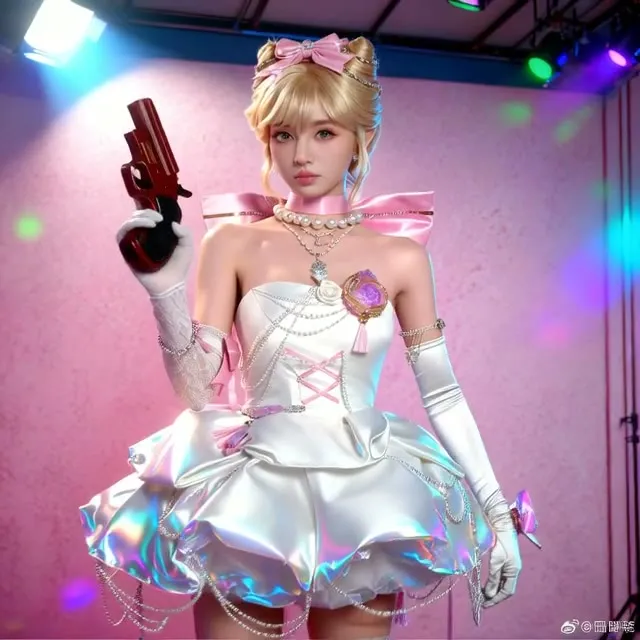
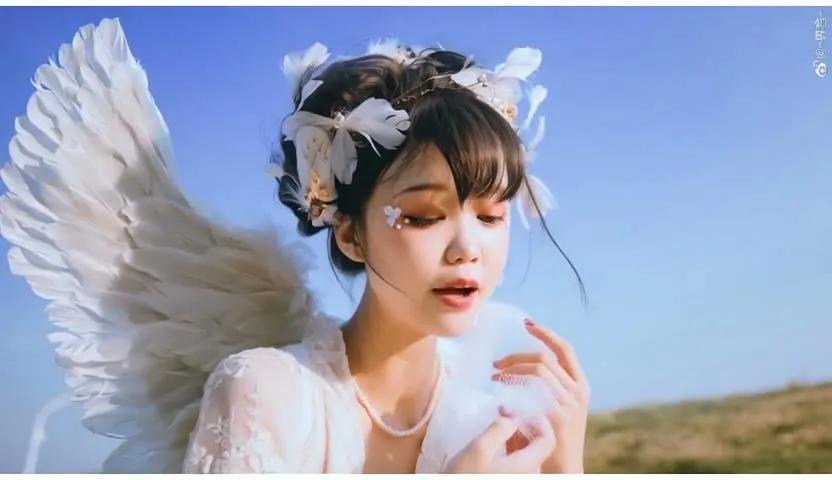
Kontext to Wan 2.2 Fast Image-to-Video (14B)
Upload an image and a short prompt. Kontext first restyles the picture, then Wan 2.2 14B turns it into a short video using a fast two-stage sampler.
- L40S
- Image to video
- Image editing
- Free template
How it works
The workflow has two stages. First, Flux Kontext restyles your image. It loads flux1-kontext-dev with clip_l and t5xxl_fp8_e4m3fn_scaled, applies the Pixelart_-_FLUX LoRA and the first_person_pov_v1 LoRA (about 0.96 strength), and uses ReferenceLatent with FluxKontextImageScale to edit your picture from the prompt. KSampler runs 20 euler steps and the restyled still is saved with SaveImage.
Second, the still becomes a video. WanImageToVideo builds an 81-frame, 768 by 768 latent from the image. Two models are used in sequence: wan2.2_i2v_high_noise_14B_fp8_scaled and wan2.2_i2v_low_noise_14B_fp8_scaled, each with the lightx2v T2V 14B step-distill LoRA. Two KSamplerAdvanced nodes split the work, high noise for the first 2 steps and low noise for the rest, using lcm with the beta scheduler. The text encoder is umt5_xxl_fp8_e4m3fn_scaled and the VAE is wan_2.1_vae. CreateVideo assembles the frames at 16 fps and SaveVideo writes the file.
LLM Toolkit nodes (PromptManager and SystemPromptTaskGenerator) help write both the Kontext prompt and the video prompt.
Tips
- Keep the source image clean and centered; the first frame of the video comes from the restyled still.
- Put the motion you want, such as parallax backgrounds or a camera move, in the text prompt.
- The Wan stage uses a Chinese negative prompt for quality artifacts. Leave it unless you have a reason to change it.
- Check the still first. A bad restyle will carry into the video.
What you can use it for
- Turning a character picture into a pixel-art game clip
- Animating restyled concept art
- Short first-person POV style video from a still
- Testing a look on a still before committing to video
Run it in three steps
Open the template
Click Run on ComfyDeploy. The workflow, its custom nodes and models are set up for you on a cloud machine.
Add your inputs
Provide input image and text prompt in the playground or the ComfyUI editor.
Run, share or deploy
Run it on an L40S, share it with your team as a playground, or deploy it as an API endpoint.
Frequently asked questions
What GPU does the Kontext plus Wan 2.2 workflow need?
The recommended GPU is the L40S. ComfyDeploy provisions it for you, so there is nothing to install.
What does the 2+2 steps setting mean?
The two Wan 2.2 KSamplerAdvanced nodes each run 4 steps total with the lcm sampler. The high-noise model handles steps 0 to 2 and the low-noise model finishes from step 2, helped by the lightx2v distill LoRA.
Can I change the Kontext style?
Yes. The Kontext stage loads two LoRAs, Pixelart_-_FLUX and first_person_pov_v1. Swap them or lower their strength to change the look.