InfiniteTalk Avatar Video from Image and Audio
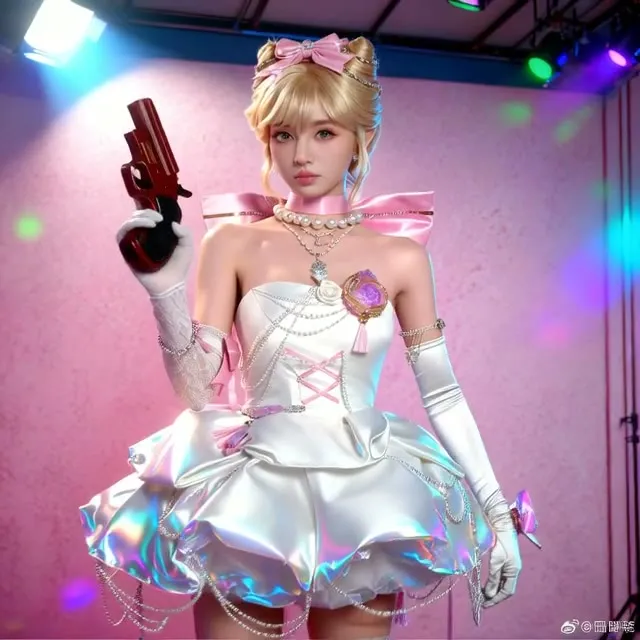
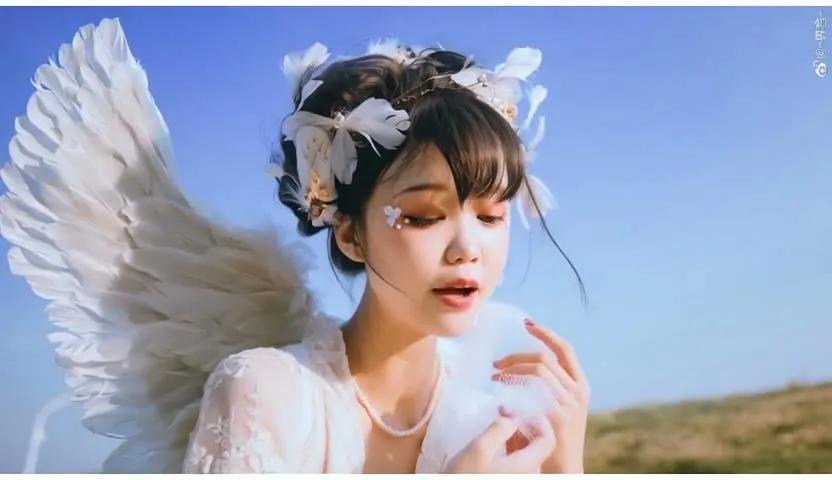
Upload a portrait and an audio clip, and the workflow produces a video of the person speaking or singing in sync. Designed for avatar and music-video style clips.
- L40S
- Avatars & lip sync
- Image to video
- Free template
How it works
The workflow runs on ComfyUI-WanVideoWrapper. WanVideoModelLoader loads Wan2_1-I2V-14B-MAGREF_fp8_e5m2_scaled_KJ, MultiTalkModelLoader loads infinitetalk_single, and two LoRA selectors add Wan2.1_I2V_14B_FusionX_LoRA and the lightx2v 480p distill LoRA for fewer steps. WanVideoBlockSwap moves blocks off the GPU to save VRAM.
Audio is loaded and separated with MelBandRoFormerSampler using MelBandRoformer_fp16, which isolates the voice. DownloadAndLoadWav2VecModel and MultiTalkWav2VecEmbeds turn that voice into lip-sync conditioning, and AudioDurationFrames sets how many frames the audio needs.
Your portrait is resized and encoded with WanVideoClipVisionEncode and WanVideoImageToVideoMultiTalk, then WanVideoSampler generates the frames. After WanVideoDecode, RIFE VFI (rife47) interpolates frames for smoother motion, and CreateVideo and SaveVideo write the result.
Tips
- Use the video prompt to direct the camera and styling, such as a close-up with a gentle slider move.
- Frame count defaults to 81. Longer audio needs more frames.
- A sharp, front-facing portrait gives better lip sync.
- The use_default_audio toggle lets you test with the built-in sample before uploading your own track.
- The lightx2v and FusionX LoRAs keep sampling short, and RIFE interpolation smooths the motion, so you get a usable clip without long render times.
What you can use it for
- Talking avatars from a single portrait
- Singing or monologue clips
- Vertical social videos
- Spokesperson videos from recorded audio
Run it in three steps
Open the template
Click Run on ComfyDeploy. The workflow, its custom nodes and models are set up for you on a cloud machine.
Add your inputs
Provide portrait image and audio track in the playground or the ComfyUI editor.
Run, share or deploy
Run it on an L40S, share it with your team as a playground, or deploy it as an API endpoint.
Frequently asked questions
What GPU does this workflow need?
It is set to run on an L40S GPU on ComfyDeploy. It uses fp8 weights and block swap to fit in memory.
Which models does it use?
It uses Wan2_1-I2V-14B-MAGREF in fp8 with infinitetalk_single, the FusionX and lightx2v LoRAs, and clip_vision_h. Audio is analyzed with Wav2Vec.
How do I run it as an API?
Deploy it on ComfyDeploy and send the image, audio and prompt to the endpoint. The external input nodes define the fields.