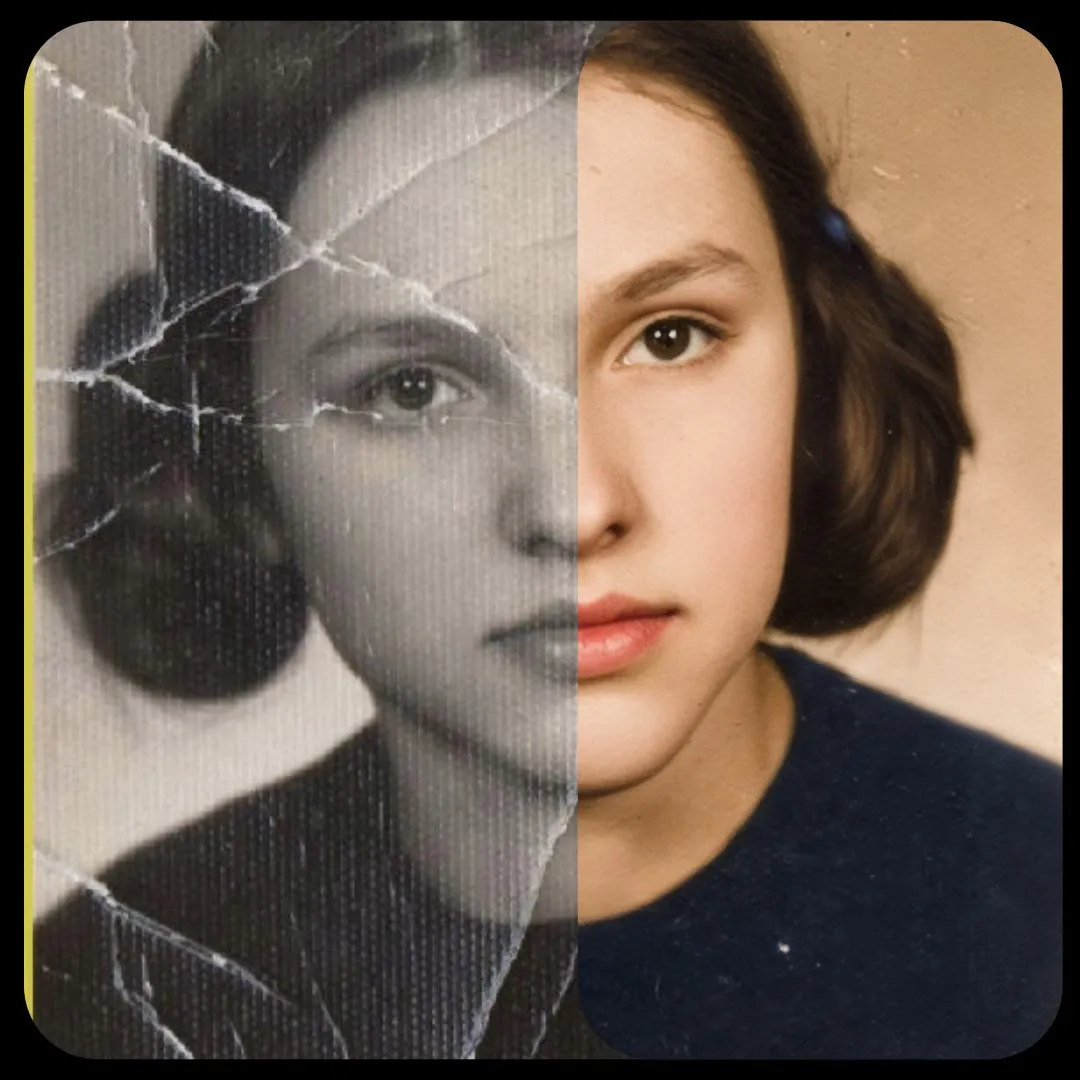
Through the Ages Photo Grid (Nano Banana)
Upload one photo and type a time period, or leave it blank. Nano Banana generates a grid image showing the person in different eras.
- No GPU (runs on CPU)
- Image editing
- Free template

How it works
This workflow has no local model files. It uses the llm-toolkit custom nodes to send your photo and instructions to Gemini 2.5 Flash Image on OpenRouter.
The subject photo is loaded and passed through ResizeAndPadImage to the size from ResolutionSelector, which offers square, 3:4, 4:3, 9:16 and 16:9. An LLMPromptManager builds the instruction from your text, for example 1950s, and APIProviderSelectorNode with ConfigGenerateImageOpenRouter selects the provider and model. GenerateImage then returns the grid, and SaveImage stores it.
The prompt field accepts a period like 1950s, or you can leave it blank. An extra prompt field can add more instructions. If there is no OpenAI key on the machine secrets, the notes say to write the full prompt yourself and remove the AI system prompt.
Tips
- Crop your photo to the chosen aspect ratio, because the image is padded to size.
- Use a front-facing photo with good lighting.
- Try the free model variant for tests.
- Name specific decades for more distinct results.
What you can use it for
- Shareable then-and-now social posts
- Retro decade looks of a person or pet
- Family history style collages
- Themed grid art for events
Run it in three steps
Open the template
Click Run on ComfyDeploy. The workflow, its custom nodes and models are set up for you on a cloud machine.
Add your inputs
Provide subject photo and time period text in the playground or the ComfyUI editor.
Run, share or deploy
Run it on a cloud machine, share it with your team as a playground, or deploy it as an API endpoint.
Frequently asked questions
What GPU does the Through the Ages workflow need?
It is listed as CPU, so no GPU is needed. Image generation is done by Google Gemini 2.5 Flash Image through OpenRouter.
Do I need an API key?
Yes. Enter your OpenRouter key in the external_api_key input. Models offered are google/gemini-2.5-flash-image-preview and its free variant.
How do I run the Through the Ages workflow as an API?
Deploy the workflow on ComfyDeploy and call the generated endpoint. The ComfyUIDeployExternal input and output nodes in the graph become the request and response fields.
Related workflows
All Nano Banana workflowsVirtual Try-On with Nano Banana
No GPU needed