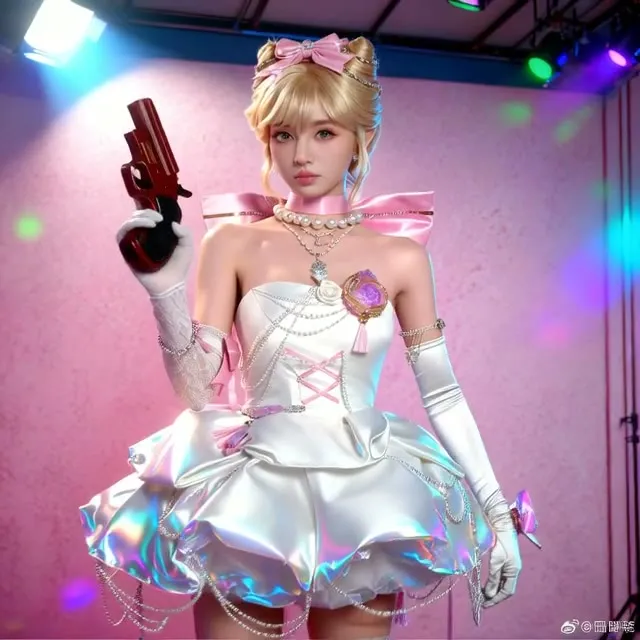
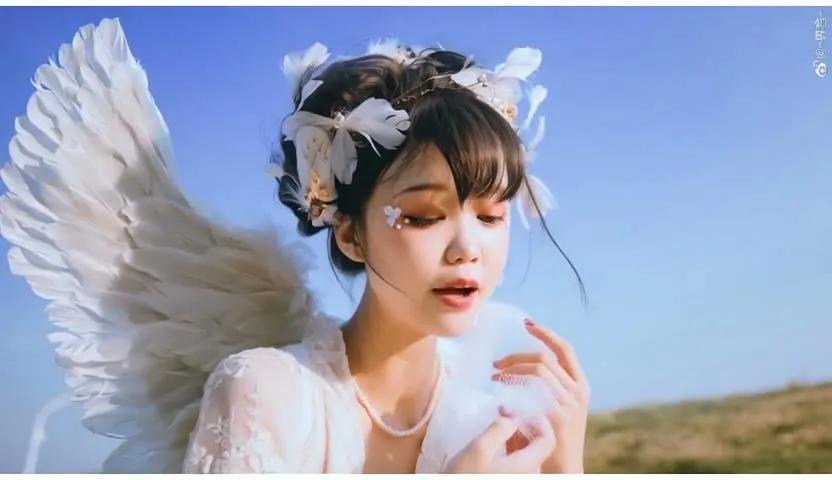
Flux Krea and Wan 2.2 Styled Video Pipeline
This two-stage workflow creates a styled image with Flux Krea, guided by line art from an input video, and then animates it with Wan 2.2 image-to-video. It aims to match the look of commercial video tools using open models.
- L40S
- Image to video
- Text to image
- Video editing
- Free template
How it works
The workflow has two stages. In the image stage, NunchakuFluxDiTLoader loads svdq-int4_r32-flux.1-krea-dev with the FLUX.1-turbo-Alpha LoRA. An AIO_Preprocessor (default LineArtPreprocessor) extracts structure from the input video, and a Redux style model (flex1_redux_siglip2_512 with siglip2-so400m-patch16-512) plus StyleModelApply pushes the style. SamplerCustomAdvanced and CFGGuider produce the first frame.
In the video stage, that image feeds WanVideoImageToVideoEncode. ComfyUI-WanVideoWrapper loads Wan2.2-I2V-A14B-HighNoise-Q8_0.gguf and LowNoise-Q8_0.gguf with the matching lightning LoRAs, and two WanVideoSampler nodes run. WanVideoBlockSwap saves VRAM.
Both prompts can be written by an LLM through the llm-toolkit nodes, controlled by the prompt_on_off toggle. After decoding, RIFE VFI (rife47) interpolates frames, FastFilmGrain adds grain, and SaveVideo writes the output. easy cleanGpuUsed nodes free memory between stages.
Tips
- Try different preprocessors to change how closely the first frame follows the input video.
- Frame count defaults to 81.
- Write the image prompt and video prompt separately, one for the look and one for the motion.
- Keep the long default negative video prompt to reduce static and blurry output.
- Turn prompt_on_off off if you prefer to write both prompts yourself, which also avoids needing a key for the LLM nodes.
What you can use it for
- Restyle the look of a video clip
- Cinematic character shots
- Concept videos with a custom first frame
- Vertical short-form video
Run it in three steps
Open the template
Click Run on ComfyDeploy. The workflow, its custom nodes and models are set up for you on a cloud machine.
Add your inputs
Provide input video and image prompt in the playground or the ComfyUI editor.
Run, share or deploy
Run it on an L40S, share it with your team as a playground, or deploy it as an API endpoint.
Frequently asked questions
What GPU does this workflow need?
It is set to run on an L40S GPU on ComfyDeploy. Flux Krea runs as a Nunchaku int4 model and Wan 2.2 as Q8 GGUF to save memory.
What does the input video do?
A frame from the input video goes through an AIO preprocessor such as LineArtPreprocessor, and that structure guides the image stage.
How do I run it as an API?
Deploy it on ComfyDeploy and send the video and prompts to the endpoint. The exposed inputs become the API fields.