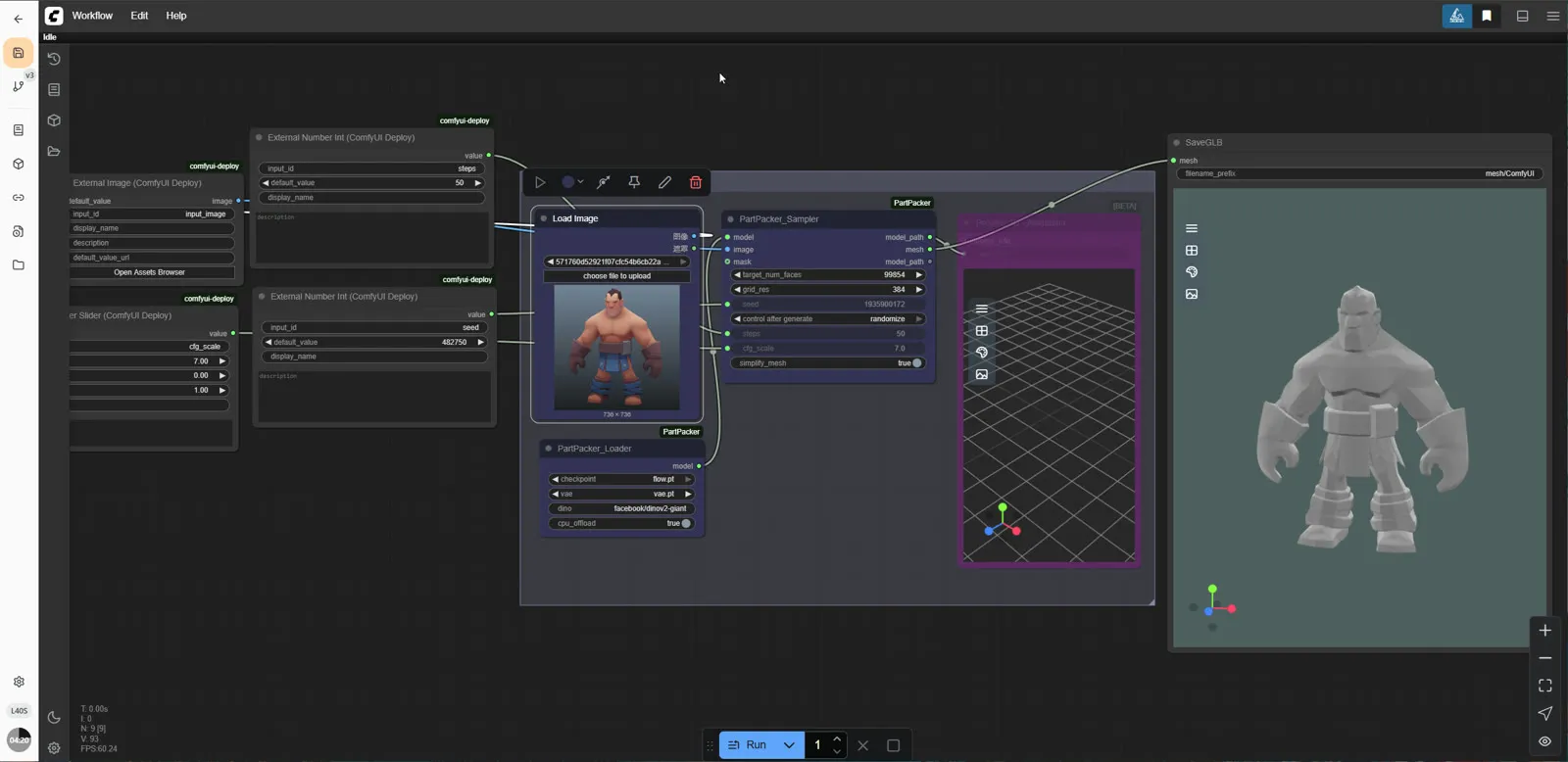
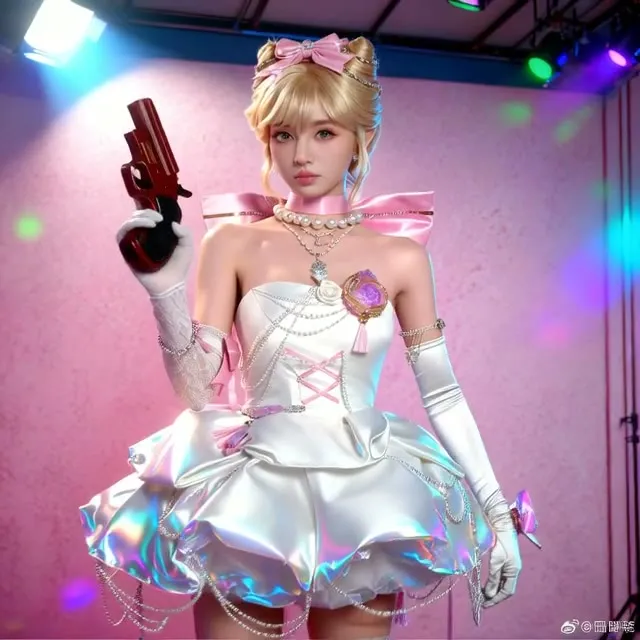
Hunyuan3D 2.1 Image-to-3D with Textures
Upload one image and get a textured 3D model back. The workflow removes the background, builds the mesh with Hunyuan3D 2.1, bakes multi-view textures and exports the format you choose.
- L40S
- 3D
- Free template
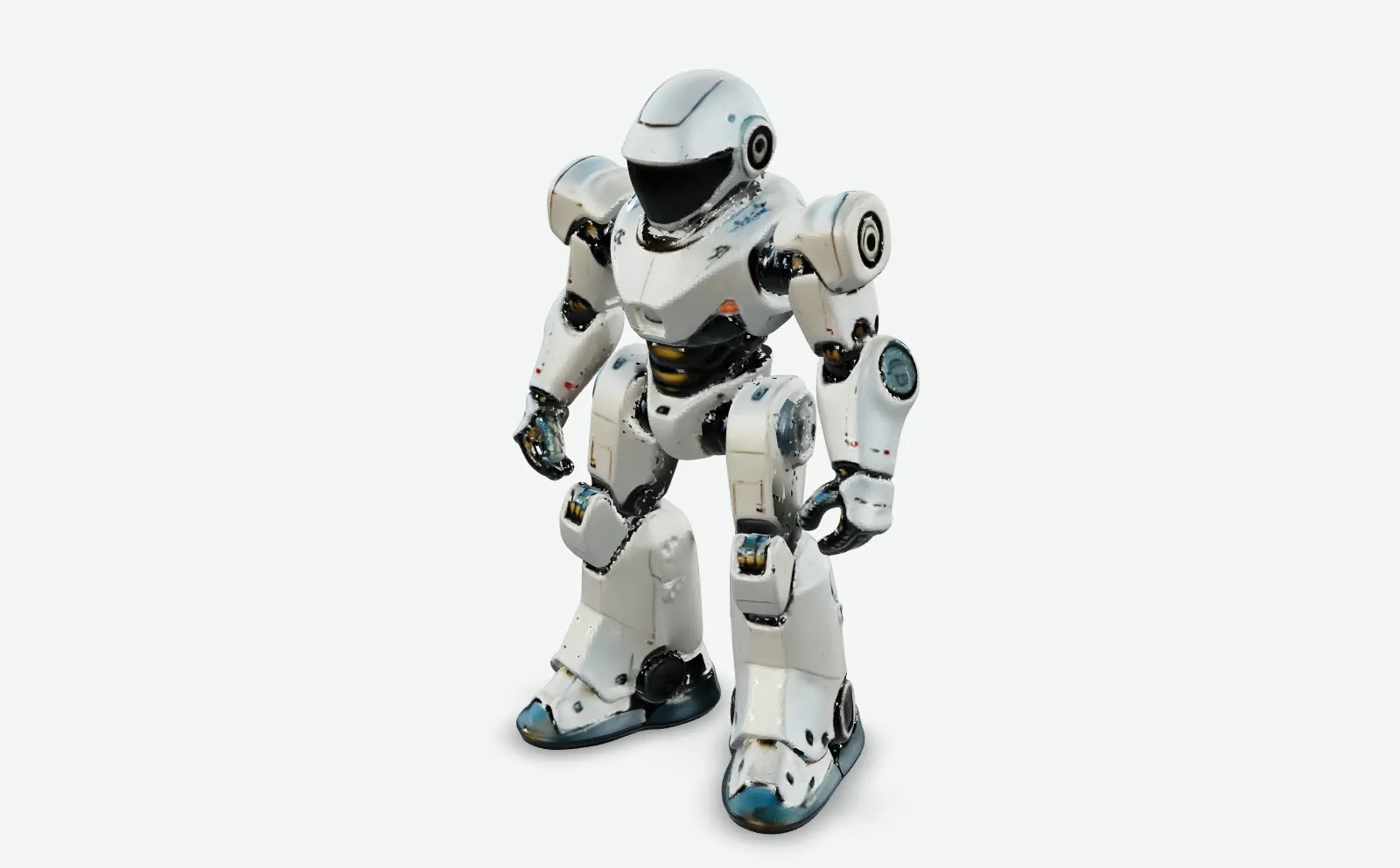
How it works
The input image is resized with ImageResizeKJv2 from comfyui-kjnodes, and the BiRefNetRMBG node removes the background so only the subject drives the 3D result.
The mesh itself comes from the Hy3DMeshGenerator node using the Hunyuan3D 2.1 shape model (model.fp16.ckpt), with hunyuan3d-vae-v2-1.fp16.ckpt loaded through Hy3D21VAELoader and decoded by Hy3D21VAEDecode. Hy3DPostprocessMesh cleans the geometry.
For texture, Hy3D21CameraConfig sets the views, Hy3DMultiViewsGenerator creates multi-view images, Hy3DMeshUVWrap prepares UVs, Hy3DBakeMultiViews bakes the views onto the mesh and Hy3DInPaint fills gaps. Hy3DExportMesh writes the file under the name you give, and two Preview3D nodes show the result. These nodes come from the comfyui-hunyan3dwrapper package.
Tips
- Use a clear, centered subject with a clean silhouette. Background removal is automatic, but cluttered scenes can leave edge artifacts.
- Pick glb for web and game engines, stl or 3mf for 3D printing. Note that STL carries no texture.
- Change the seed to get a different mesh and texture from the same picture.
- Set a distinct Model_name for each run so exported files do not overwrite each other.
Run it as an API
You can deploy this workflow on ComfyDeploy as a hosted API endpoint. The inputs listed above become the request fields, so your own app can submit them and receive the finished result without running ComfyUI yourself. The same workflow can also be run and shared from the ComfyDeploy playground in your browser.
What you can use it for
- Turning product photos into 3D assets for previews
- Creating game props from concept art
- Making printable meshes in STL or 3MF
- Quick 3D mockups from character illustrations
Run it in three steps
Open the template
Click Run on ComfyDeploy. The workflow, its custom nodes and models are set up for you on a cloud machine.
Add your inputs
Provide input image and seed in the playground or the ComfyUI editor.
Run, share or deploy
Run it on an L40S, share it with your team as a playground, or deploy it as an API endpoint.
Frequently asked questions
What GPU does this Hunyuan3D 2.1 workflow need?
It is configured for an L40S on ComfyDeploy. Shape generation and texture baking both run on the GPU.
Which 3D formats can I export?
The file_format input offers glb, obj, ply, stl, 3mf and dae.
How do I run image-to-3D as an API?
Deploy the workflow on ComfyDeploy and send input_image, seed, Model_name and file_format. The mesh file is returned as the result.