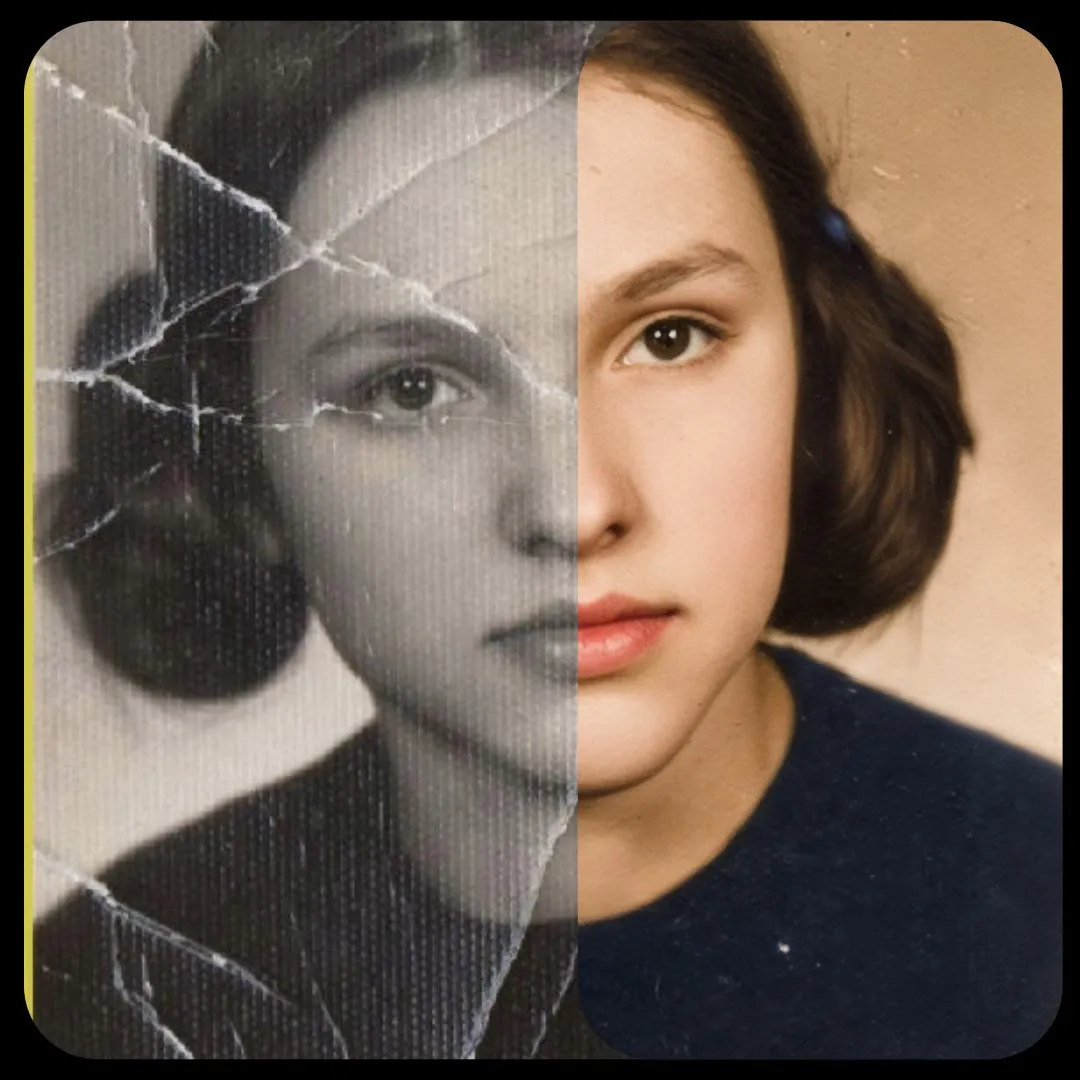
3D Figurine Generator (Nano Banana)
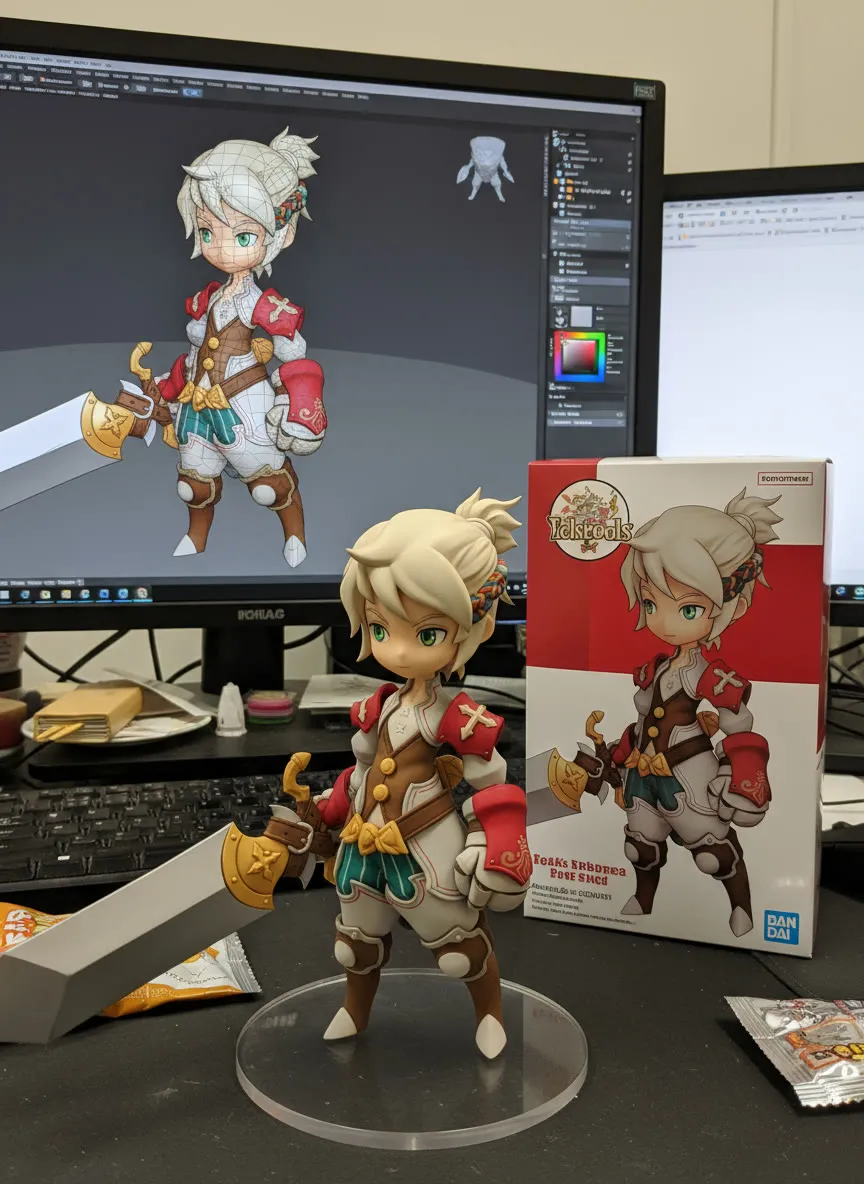
Upload a subject photo and a short prompt, and Nano Banana renders it as a collectible figurine. The image is padded to your chosen aspect ratio first.
- T4
- Image editing
- Free template
How it works
This workflow has no local diffusion model. The model list is empty, and the image is generated by Gemini 2.5 Flash Image (nicknamed Nano Banana) through OpenRouter, using the llm-toolkit custom nodes.
Your subject photo is loaded and passed through ResizeAndPadImage, which pads it to the size chosen by ResolutionSelector (square, 3:4, 4:3, 9:16 or 16:9). A BananaTaskGenerator and LLMPromptManager combine your short prompt with a built-in task description for figurine sculptures. APIProviderSelectorNode and ConfigGenerateImageOpenRouter point the GenerateImage node at the OpenRouter model, using your key, and SaveImage stores the result.
The default prompt is short and descriptive, for example wireframe and a high-end streamer setup, which the model turns into a figurine with that theme.
Tips
- Crop the source image to the aspect ratio you pick. The notes warn that the image is padded to size, so a mismatch leaves visible borders.
- Use the extra prompt field for specific changes, such as swapping an object or keeping the same clothing with a logo that wraps the fabric.
- If you run without an OpenAI key on the machine, write your full prompt by hand and remove the system prompt step.
- Try the free model variant for tests and the standard one for final output.
What you can use it for
- Collectible figurine mockups from a portrait
- Turning pets or characters into desk-toy renders
- Social posts showing a person as a figurine
- Product concept shots for merchandise
Run it in three steps
Open the template
Click Run on ComfyDeploy. The workflow, its custom nodes and models are set up for you on a cloud machine.
Add your inputs
Provide subject image and short prompt in the playground or the ComfyUI editor.
Run, share or deploy
Run it on a T4, share it with your team as a playground, or deploy it as an API endpoint.
Frequently asked questions
What GPU does the Nano Banana figurine workflow need?
The recommended GPU is the T4. ComfyDeploy provisions it for you, so there is nothing to install. The image generation itself happens in Google Gemini 2.5 Flash Image via OpenRouter, so the GPU does very little.
Do I need an API key?
Yes. The workflow has an external_api_key input for your OpenRouter key. It offers google/gemini-2.5-flash-image-preview and its :free variant.
How do I run the figurine workflow as an API?
Deploy the workflow on ComfyDeploy and call the generated endpoint. The ComfyUIDeployExternal input and output nodes in the graph become the request and response fields.
Related workflows
All Nano Banana workflowsVirtual Try-On with Nano Banana
No GPU needed
Through the Ages Photo Grid (Nano Banana)
No GPU needed