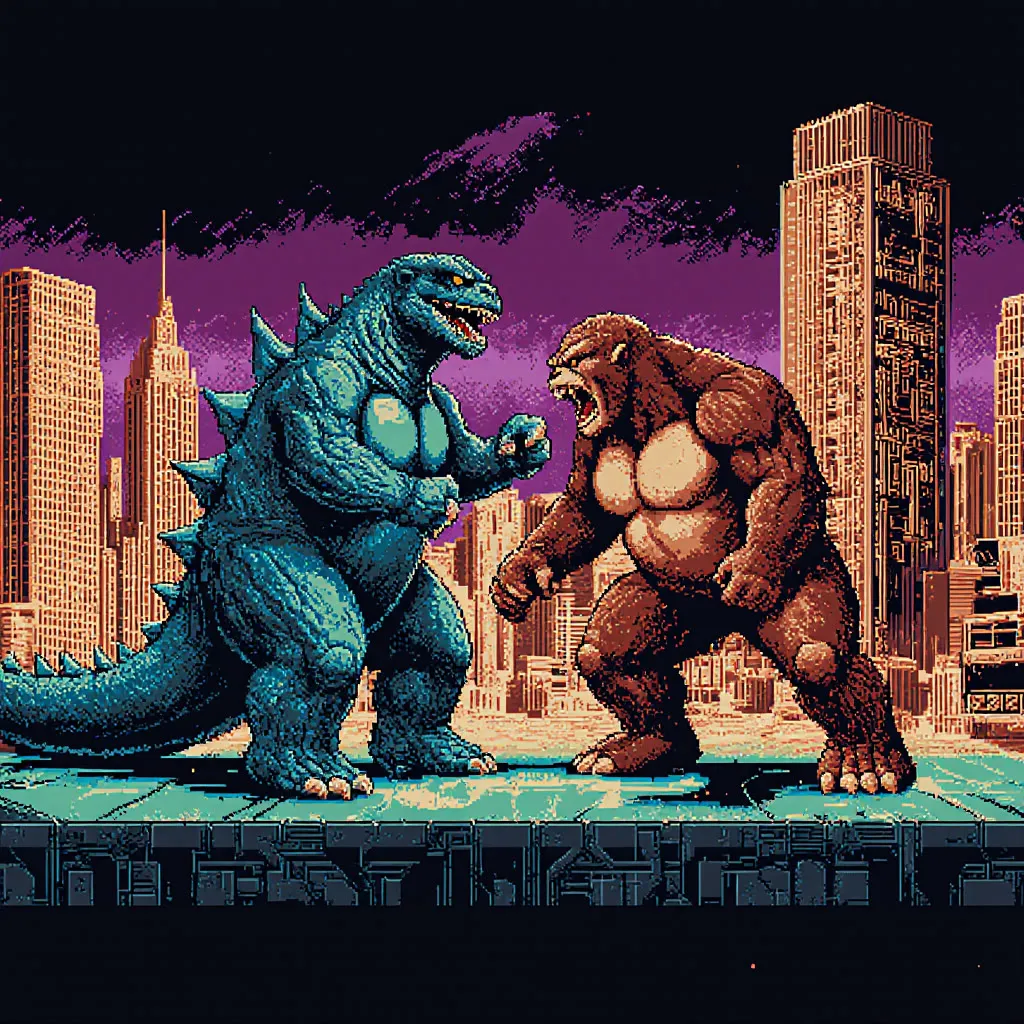
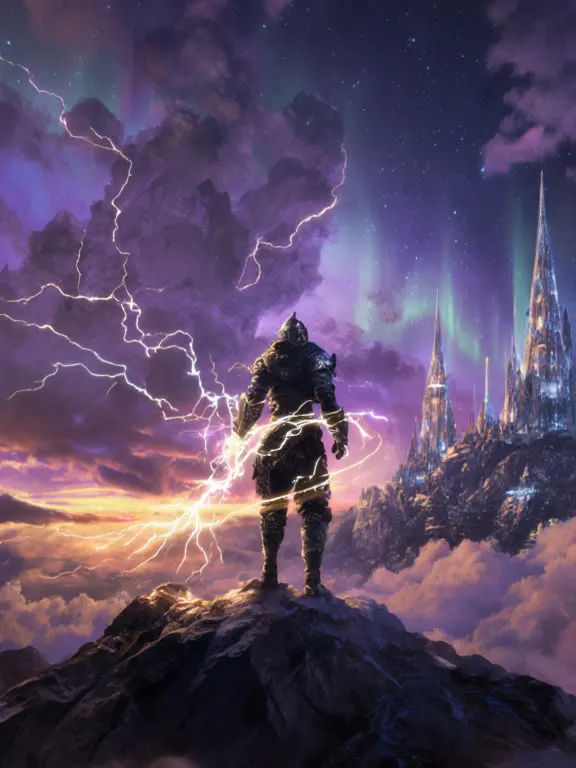
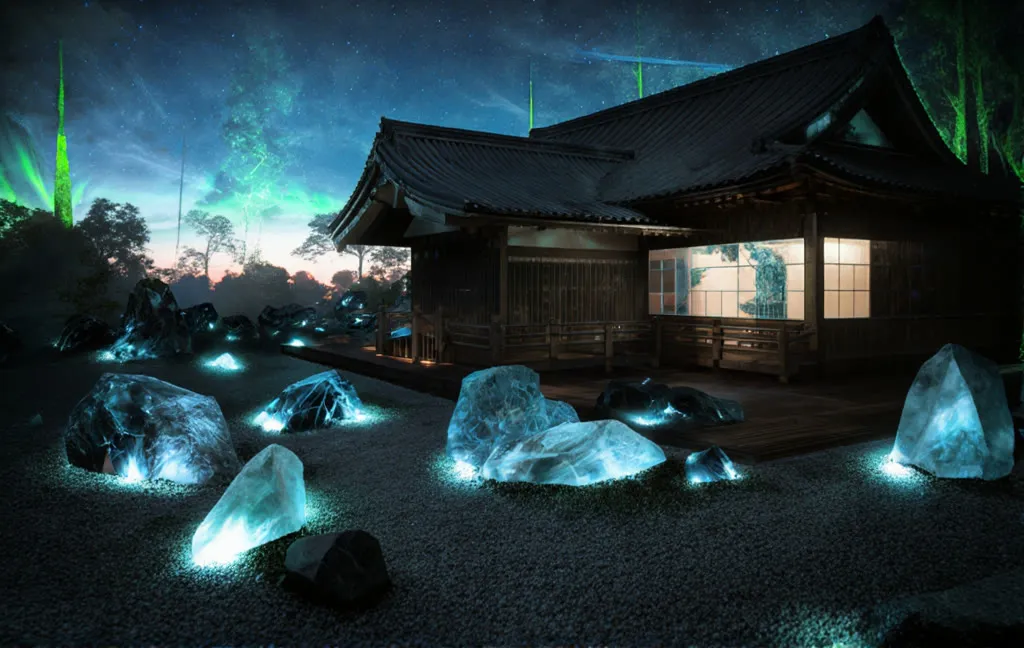
Flux Krea OpenPose ControlNet (Native)
Upload a reference photo, write a prompt, and Flux generates a new character in the same pose. Aimed at character artists who need pose control.
- L40S
- ControlNet
- Text to image
- Free template
How it works
Only native ComfyUI nodes and the OpenposePreprocessor are used, so there are no extra custom node packages listed.
LoadImage brings in your reference photo and ImageScaleToMaxDimension resizes it. OpenposePreprocessor extracts a body pose skeleton, which PreviewImage displays. The Flux union ControlNet (diffusion_pytorch_model.safetensors) is loaded with ControlNetLoader, SetUnionControlNetType sets the pose type, and ControlNetApplyAdvanced attaches it to the conditioning.
Unlike the depth workflow, this one starts from an EmptyLatentImage, and GetImageSize passes the reference image dimensions to it, so the output matches the reference aspect ratio. flux1-krea-dev.safetensors is the generator, with clip_l, t5xxl_fp16 and ae.safetensors. The prompt goes through FluxGuidance, and the negative branch goes through FluxDisableGuidance.
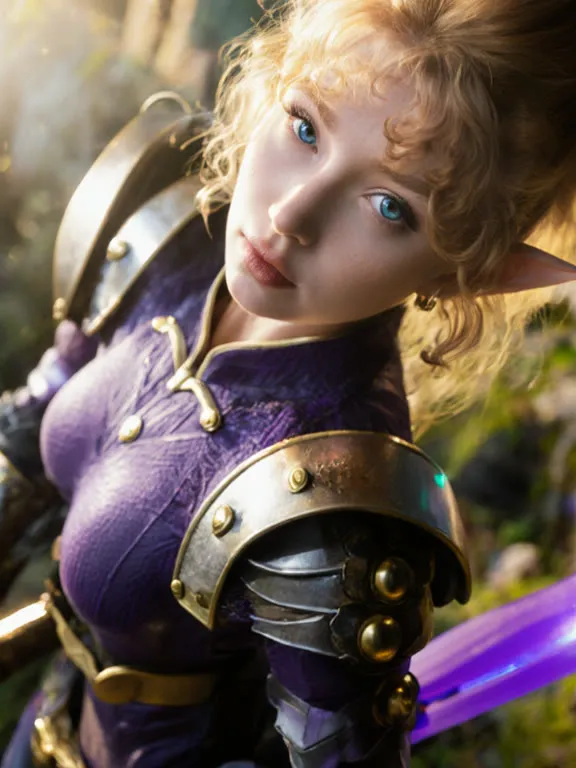
The sample prompt describes a knight warrior princess with detailed armor, and the sample negative lists cartoon, 3D render, extra limbs and bad anatomy.
Tips
- Use a reference where the full body and limbs are clearly visible so the pose is detected correctly.
- Check the pose preview first. If limbs are missing, try a different reference.
- Keep the negative prompt focused on anatomy issues such as extra limbs and bad anatomy, as in the example.
- Describe clothing and setting in detail, since the pose is the only thing taken from the reference.
What you can use it for
- Placing a new character in a pose from a photo
- Consistent poses across a set of character images
- Fashion or armor concept art in a chosen stance
- Building a pose-guided generation API
Run it in three steps
Open the template
Click Run on ComfyDeploy. The workflow, its custom nodes and models are set up for you on a cloud machine.
Add your inputs
Provide pose reference image and text prompt in the playground or the ComfyUI editor.
Run, share or deploy
Run it on an L40S, share it with your team as a playground, or deploy it as an API endpoint.
Frequently asked questions
What GPU does the Flux OpenPose workflow need?
The recommended GPU is an L40S. It runs flux1-krea-dev with t5xxl_fp16 and a union ControlNet.
Does the output copy the reference image?
No. Only the pose skeleton from OpenposePreprocessor is used, so the subject, clothing and background come from your prompt.
How do I run the Flux OpenPose workflow as an API?
Deploy it on ComfyDeploy and call the endpoint with the reference image and prompt. The generated output is returned from the API response.