Flux Krea Text-to-Image (Native)
The simplest Flux text-to-image setup: one prompt, one sampler, one image out. A good starting point for anyone new to Flux or building on it.
- L40S
- Text to image
- Free template

How it works
This is an 11-node graph that uses only core ComfyUI nodes, so no custom node packages are needed.
UNETLoader loads flux1-krea-dev.safetensors, DualCLIPLoader loads clip_l.safetensors and t5xxl_fp16.safetensors as the two text encoders, and VAELoader loads ae.safetensors. Your prompt goes into a CLIPTextEncode node, then through FluxGuidance, which sets the guidance value Flux uses in place of a classic CFG scale. The negative side uses a second CLIPTextEncode passed through FluxDisableGuidance. An EmptyLatentImage sets the canvas size, KSampler denoises it, VAEDecode turns the latent into pixels, and SaveImage stores the picture.
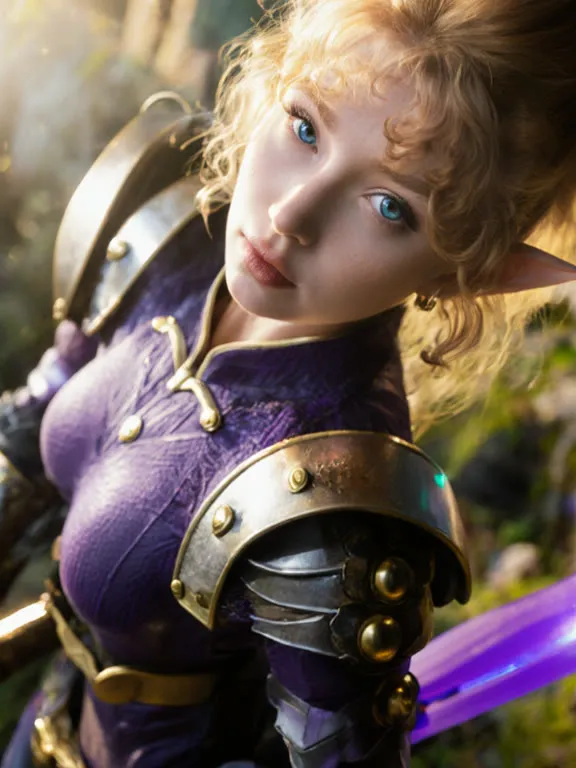
The example prompt describes a warrior on a floating mountain, written as a long, descriptive paragraph. The example negative text lists things like cartoon, 3D render, blurry and watermark.
Tips
- Flux responds well to long, natural-language prompts. Describe subject, lighting and mood in full sentences.
- Adjust the FluxGuidance value for prompt adherence versus a more natural look.
- Change the EmptyLatentImage width and height for portrait or wide images.
- Use this as the base for the Flux Krea depth and OpenPose ControlNet workflows, which add a control image on top.
Run it as an API
ComfyDeploy can publish this graph as an endpoint so you can generate images from your own app.
What you can use it for
- Concept art and illustration from a text description
- A clean baseline to test Flux prompts
- Starting graph to add LoRAs or upscaling
- Prompt experiments before adding ControlNets
Run it in three steps
Open the template
Click Run on ComfyDeploy. The workflow, its custom nodes and models are set up for you on a cloud machine.
Add your inputs
Provide text prompt in the playground or the ComfyUI editor.
Run, share or deploy
Run it on an L40S, share it with your team as a playground, or deploy it as an API endpoint.
Frequently asked questions
What GPU does the Flux Krea text-to-image workflow need?
The recommended GPU is an L40S. It loads flux1-krea-dev with the t5xxl_fp16 text encoder, which is a large model stack.
Can I add a LoRA?
The graph uses only native nodes and has no LoRA loader, but you can add a LoraLoader after the UNETLoader in the ComfyUI editor and deploy your edited version.
How do I run Flux Krea text-to-image as an API?
Deploy it on ComfyDeploy and call the endpoint with your prompt text. The generated output is returned from the API response.