Flux Redux Image Prompting (Krea Dev)
Upload a reference image and a text prompt. Flux Redux carries the look of the reference into a new image shaped by your words.
- L40S
- Text to image
- Image editing
- Free template
How it works
The graph uses native ComfyUI nodes only. UNETLoader loads flux1-krea-dev, DualCLIPLoader loads clip_l and t5xxl_fp16, and ae.safetensors is the VAE.
The reference image goes through CLIPVisionEncode using sigclip_vision_patch14_384, and StyleModelApply uses flux1-redux-dev to turn those image features into extra conditioning next to your text prompt. FluxGuidance sets guidance, and BasicGuider carries the combined conditioning into the sampler.
Sampling uses the advanced custom sampler path. RandomNoise, KSamplerSelect and BasicScheduler feed SamplerCustomAdvanced, with ModelSamplingFlux adjusting the model for the latent size. EmptySD3LatentImage defines the canvas, then VAEDecode and SaveImage output the result.
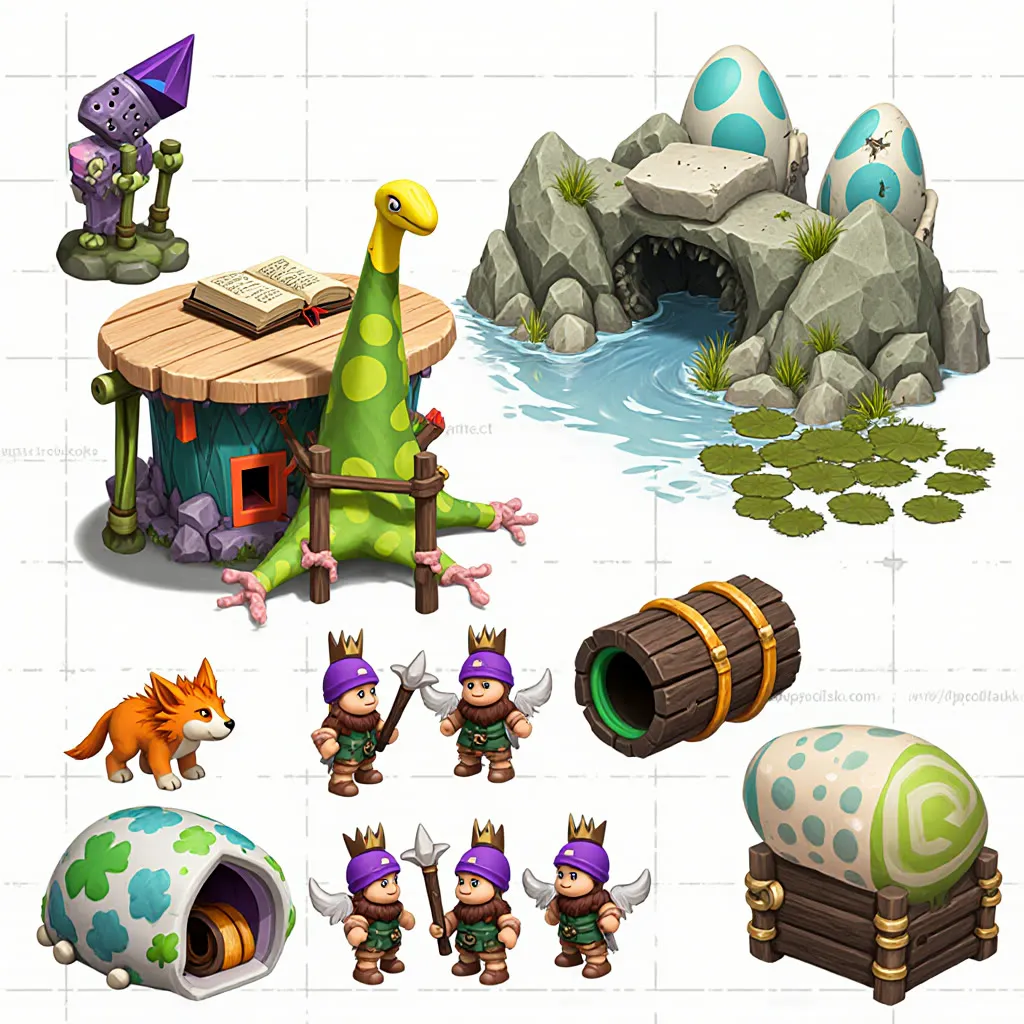
The workflow’s own note says Redux can be used with any Flux1 dev or schnell workflow. The example prompt is an RPG game level environment assets collection.
Tips
- Use a reference with a clear, consistent style. Redux picks up overall character, not exact layout.
- Keep your text prompt about the subject and let the image supply the style.
- Fix the seed when comparing reference images, so the only change is the reference.
- Chain a second Apply Style Model node to blend two references.
What you can use it for
- Generating assets that match a reference style
- Game environment and asset sheets in one visual style
- Mood-board driven concept art
- Mixing several references by chaining style nodes
Run it in three steps
Open the template
Click Run on ComfyDeploy. The workflow, its custom nodes and models are set up for you on a cloud machine.
Add your inputs
Provide reference image and text prompt in the playground or the ComfyUI editor.
Run, share or deploy
Run it on an L40S, share it with your team as a playground, or deploy it as an API endpoint.
Frequently asked questions
What GPU does the Flux Redux workflow need?
The recommended GPU is the L40S. ComfyDeploy provisions it for you, so there is nothing to install.
Can I mix more than one reference image?
Yes. A note in the workflow says you can chain multiple Apply Style Model nodes to mix several images together.
How do I run the Flux Redux workflow as an API?
Deploy the workflow on ComfyDeploy and call the generated endpoint. The ComfyUIDeployExternal input and output nodes in the graph become the request and response fields.