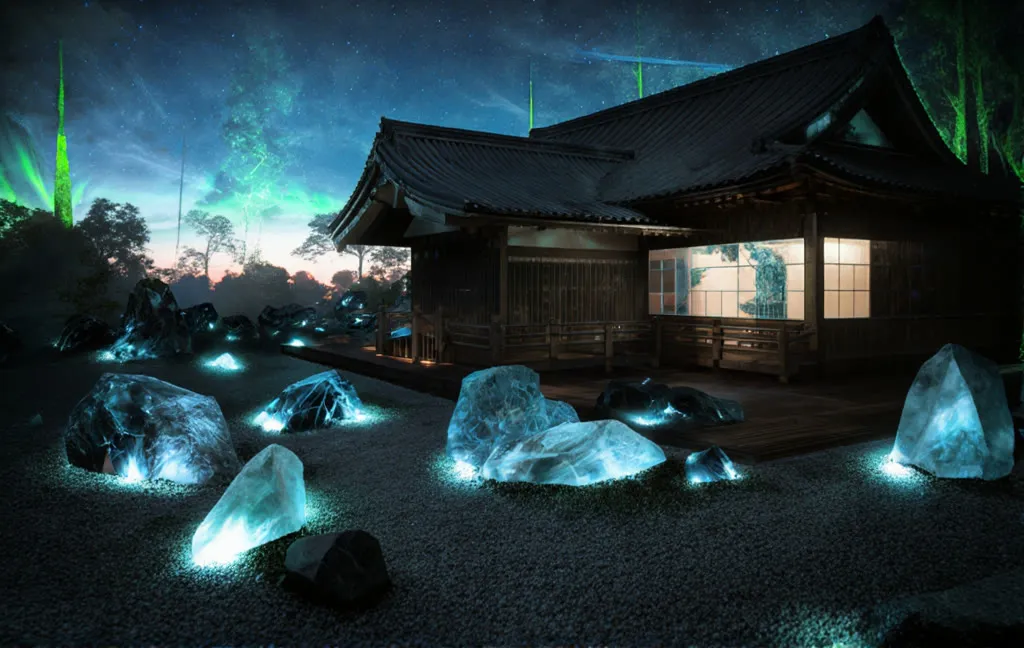
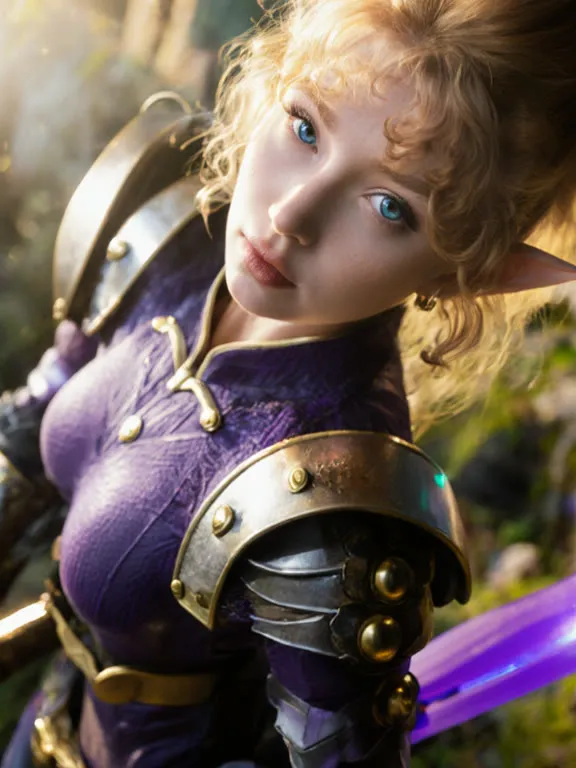
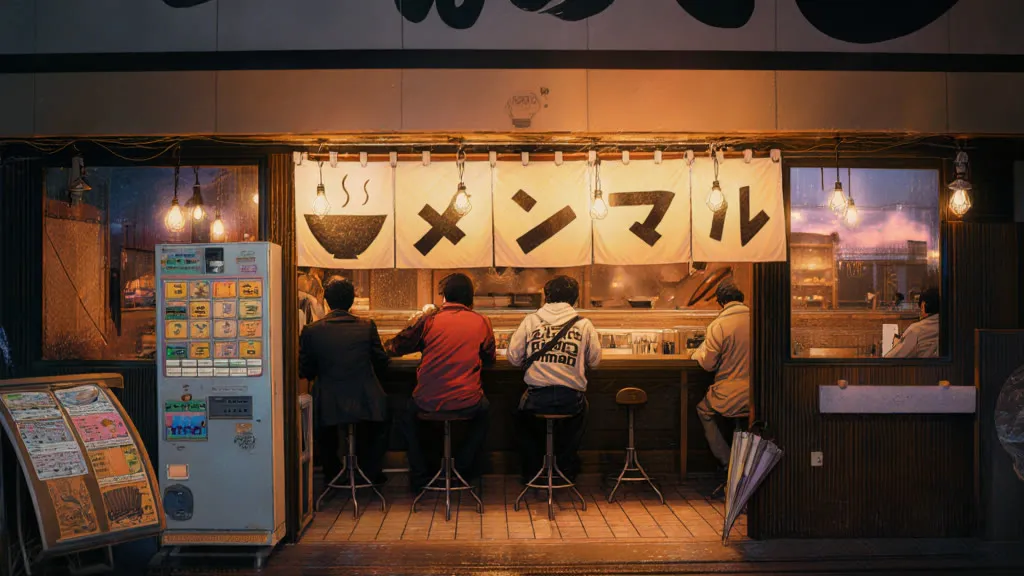
Flux Photoshoot with Pose, Face and Style Control
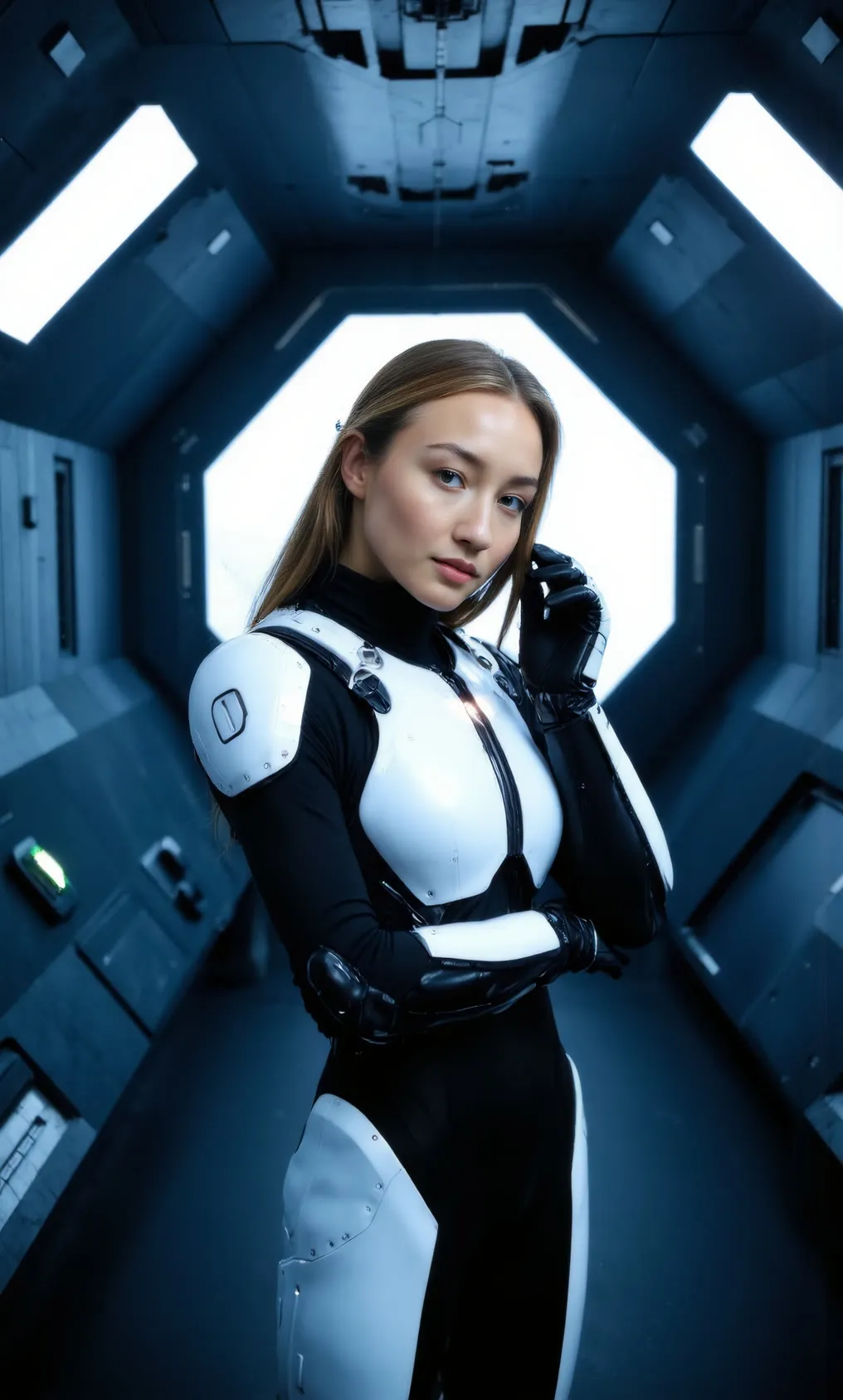
Provide a pose reference and a face or style reference, add a prompt, and the workflow renders a realistic portrait with that pose. Built for creators making consistent photoshoot-style images.
- L40S
- Image editing
- ControlNet
- Free template
How it works
The base is a Flux checkpoint (stoiqoNewrealityFLUXSD35_f1DAlphaTwo) loaded through FluxLoader, with clip_l, t5xxl_fp8_e4m3fn_scaled and ae.safetensors. A Power Lora Loader (rgthree) and LoraLoader add realism and person-focused LoRAs, selectable through the PL_select input.
For pose, DWPreprocessor extracts a pose map from your input image. SetUnionControlNetType and ControlNetApplyAdvanced apply a union ControlNet. RMBG removes the background and APersonMaskGenerator masks the person.
For identity, ApplyPulidFlux uses pulid_flux_v0.9.1 with InsightFace and an EVA CLIP model. ReduxAdvanced with flex1_redux_siglip2_512 can add a second image as style guidance. Sampling uses SamplerCustomAdvanced with CFGGuider, with ApplyTeaCachePatch and AdaptiveGuidance to cut compute.
A second SamplerCustomAdvanced pass with the Euler sampler works as a hires fix, and 4xFaceUpDAT is available for face upscaling.
Tips
- Use a pose image where the body is clearly visible so DWPreprocessor finds the joints.
- Raise the LoRA strengths gradually from 0, since they start off.
- Keep the negative prompt, which pushes away cartoon and illustration looks.
- Write photographic details into the prompt, such as camera and lens, as the example does.
- If faces drift from the reference, check that the face image is sharp and well lit, since PuLID relies on InsightFace detecting it.
What you can use it for
- Portraits in a chosen pose from a reference photo
- Consistent face across several shots
- Fashion or sci-fi photoshoot concepts
- Style transfer with Redux from a reference image
Run it in three steps
Open the template
Click Run on ComfyDeploy. The workflow, its custom nodes and models are set up for you on a cloud machine.
Add your inputs
Provide pose reference image and face reference image in the playground or the ComfyUI editor.
Run, share or deploy
Run it on an L40S, share it with your team as a playground, or deploy it as an API endpoint.
Frequently asked questions
What GPU does this workflow need?
It is set to run on an L40S GPU on ComfyDeploy.
Can I use my own LoRA?
The PL_select input lists the LoRA files available on the machine, and PL_strength_model and PL_strength_clip set how strongly it applies. Both strengths default to 0 in this workflow.
How does it keep the pose and face?
DWPreprocessor and a union ControlNet carry the pose, and PuLID Flux uses the face reference. Both steps are visible in the workflow nodes.