Product Photo Generator V2
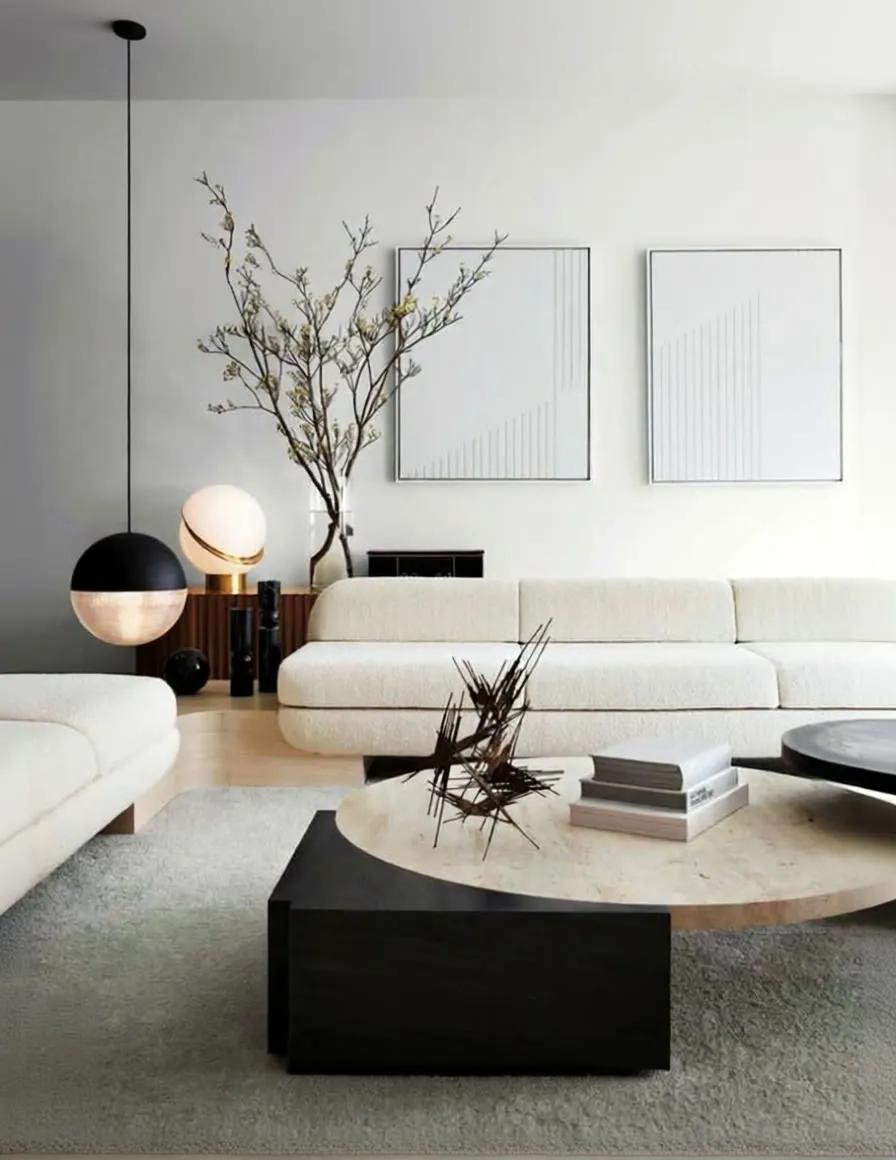
Upload a photo of your product, optionally add a prompt, and the workflow designs a photoshoot idea and renders a ready-to-use image. Made for online stores and social media content.
- A10G
- Image editing
- Text to image
- Free template

How it works
The workflow has no local diffusion model. It uses OpenAI nodes from the machine’s custom node setup. Your product photo comes in through an image input, and up to eight LoadImage nodes can add extra reference images, merged with ImageBatchMulti. A Fast Groups Bypasser (rgthree) lets you switch groups of nodes on or off.
An OpenAIChatNode using gpt-4.1 looks at the product image. Its OpenAIChatConfig instructions (written in Spanish) ask it to design a creative idea and setting for a photo shoot that matches what the product represents, with an example of a detailed perfume bottle prompt. The text it produces becomes the image prompt.
The OpenAI Image API node then renders the final picture with gpt-image-1 at 1024x1536 and high quality.
Tips
- Use a clear product photo on a simple background so the model recognizes the item.
- Add a prompt of your own when you want a specific setting, or leave it to the chat model to propose one.
- Extra reference images can be added through the optional Load Image groups if you want to guide the style.
- The built-in instructions are in Spanish, but you can edit them in the workflow for another language.
What you can use it for
- Product images for an online store
- Social media posts for a product
- Lifestyle and photoshoot concepts for a bottle or package
- Quick creative direction from one product photo
Run it in three steps
Open the template
Click Run on ComfyDeploy. The workflow, its custom nodes and models are set up for you on a cloud machine.
Add your inputs
Provide product image and text prompt in the playground or the ComfyUI editor.
Run, share or deploy
Run it on an A10G, share it with your team as a playground, or deploy it as an API endpoint.
Frequently asked questions
What GPU does this workflow need?
It is set to an A10G GPU, but the image is generated by the OpenAI Image API (gpt-image-1) rather than locally, so the GPU load is light.
Do I need an API key?
Yes. The workflow calls OpenAI for both the prompt step and image generation, so an OpenAI API key is required on the machine.
How do I run it as an API?
Deploy it on ComfyDeploy and call the endpoint with the product image and prompt. The inputs are exposed as the producto and prompt fields.