Qwen-Image Inpainting (ControlNet, Lightning)
Load an image, paint a mask over the area to change, and describe what should appear there. Eight Lightning steps keep it quick.
- L40S
- Inpaint & outpaint
- Image editing
- Free template
How it works
This is a native ComfyUI graph with 16 nodes and no custom packages. UNETLoader loads qwen_image_fp8_e4m3fn, CLIPLoader loads qwen_2.5_vl_7b_fp8_scaled and VAELoader loads qwen_image_vae. A LoraLoaderModelOnly node applies Qwen-Image-Lightning-8steps-V1.1, and ModelSamplingAuraFlow prepares the model.
The image and its mask come from LoadImage. ImageScaleToTotalPixels scales the image to about 1.68 megapixels. The inpainting itself uses ControlNetInpaintingAliMamaApply with Qwen-Image-InstantX-ControlNet-Inpainting, which takes the image, mask and prompt conditioning together. The image is VAE-encoded for the latent, KSampler runs 8 steps with euler and the simple scheduler, and VAEDecode with SaveImage writes the result.
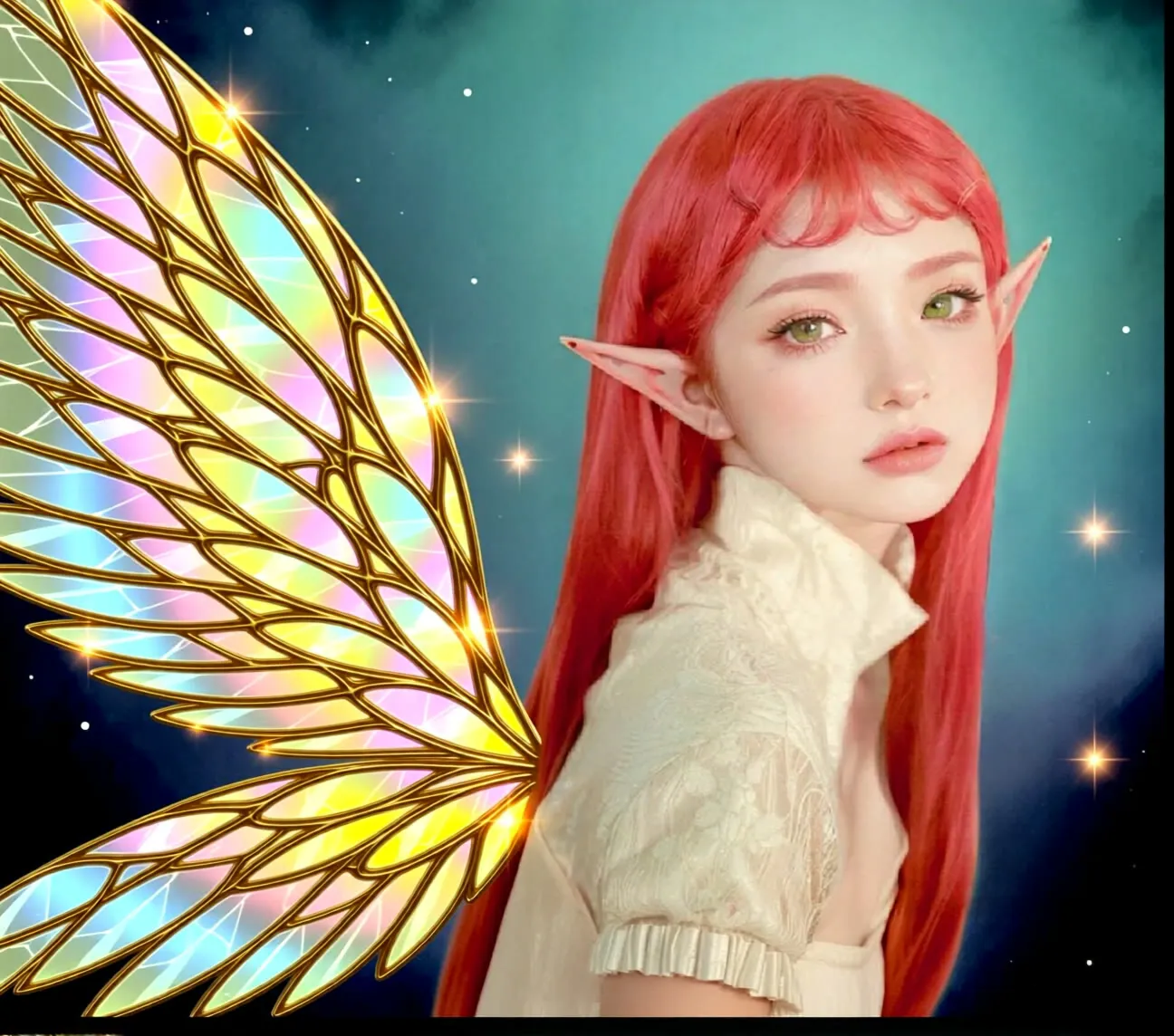
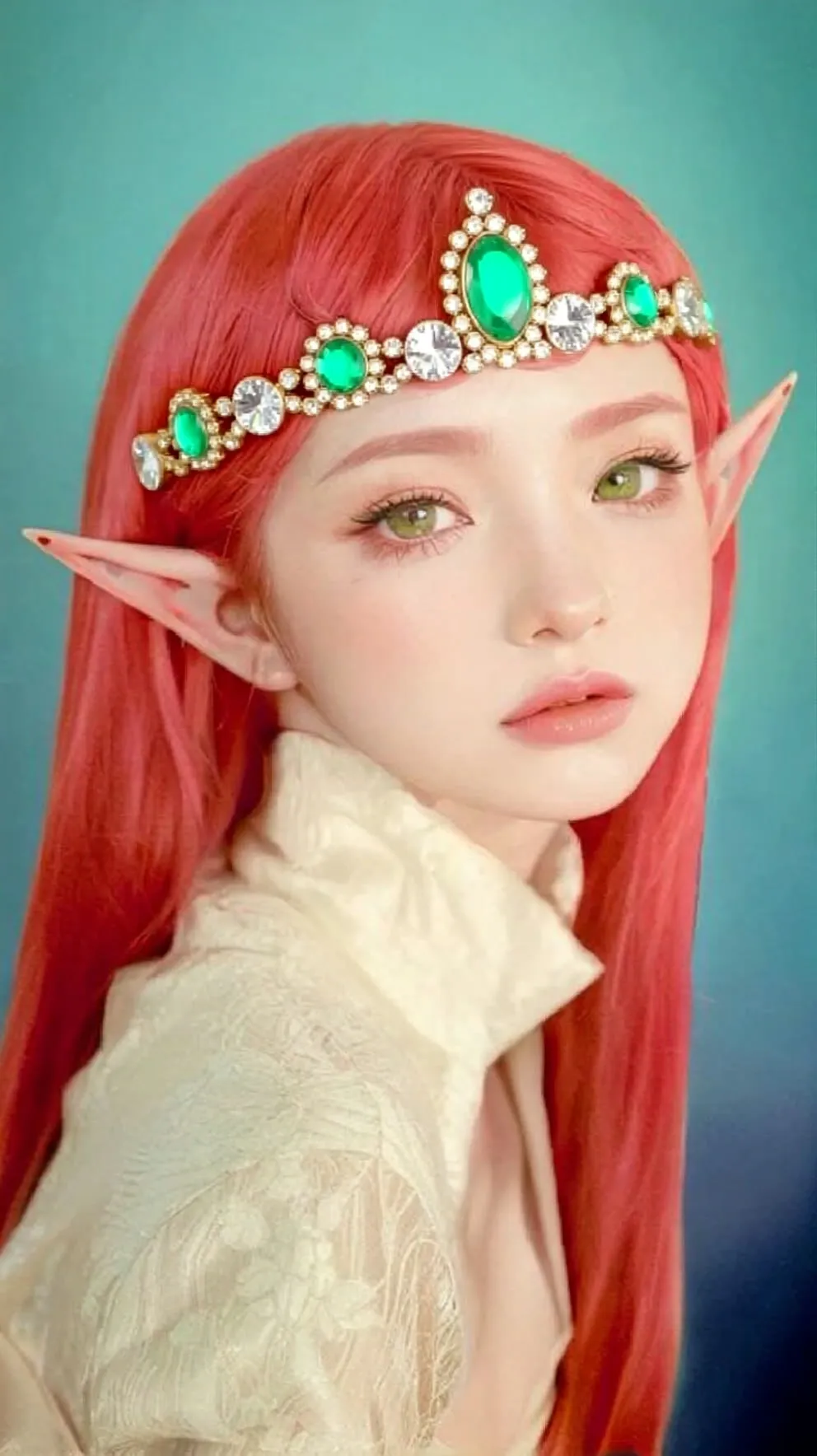
The example prompt adds a gold tiara with gems and a pearl necklace to an elf princess.
Tips
- Paint the mask a little larger than the object you want to replace, to leave room for blending.
- Describe only what should appear in the masked region.
- Input is scaled to roughly 1.68 megapixels, so very large images are reduced during the edit.
- Change the seed and rerun if the fill does not match the surroundings.
What you can use it for
- Replacing or removing objects in a photo
- Adding accessories or clothing to a character
- Fixing small defects in generated images
- Changing one region of an illustration
Run it in three steps
Open the template
Click Run on ComfyDeploy. The workflow, its custom nodes and models are set up for you on a cloud machine.
Add your inputs
Provide image with painted mask and text prompt in the playground or the ComfyUI editor.
Run, share or deploy
Run it on an L40S, share it with your team as a playground, or deploy it as an API endpoint.
Frequently asked questions
What GPU does Qwen-Image inpainting need?
The recommended GPU is the L40S. ComfyDeploy provisions it for you, so there is nothing to install.
How do I draw the mask?
Right-click the Load Image node and choose Open in MaskEditor, then paint over the area you want to change.
How do I run Qwen-Image inpainting as an API?
Deploy the workflow on ComfyDeploy and call the generated endpoint. The ComfyUIDeployExternal input and output nodes in the graph become the request and response fields.