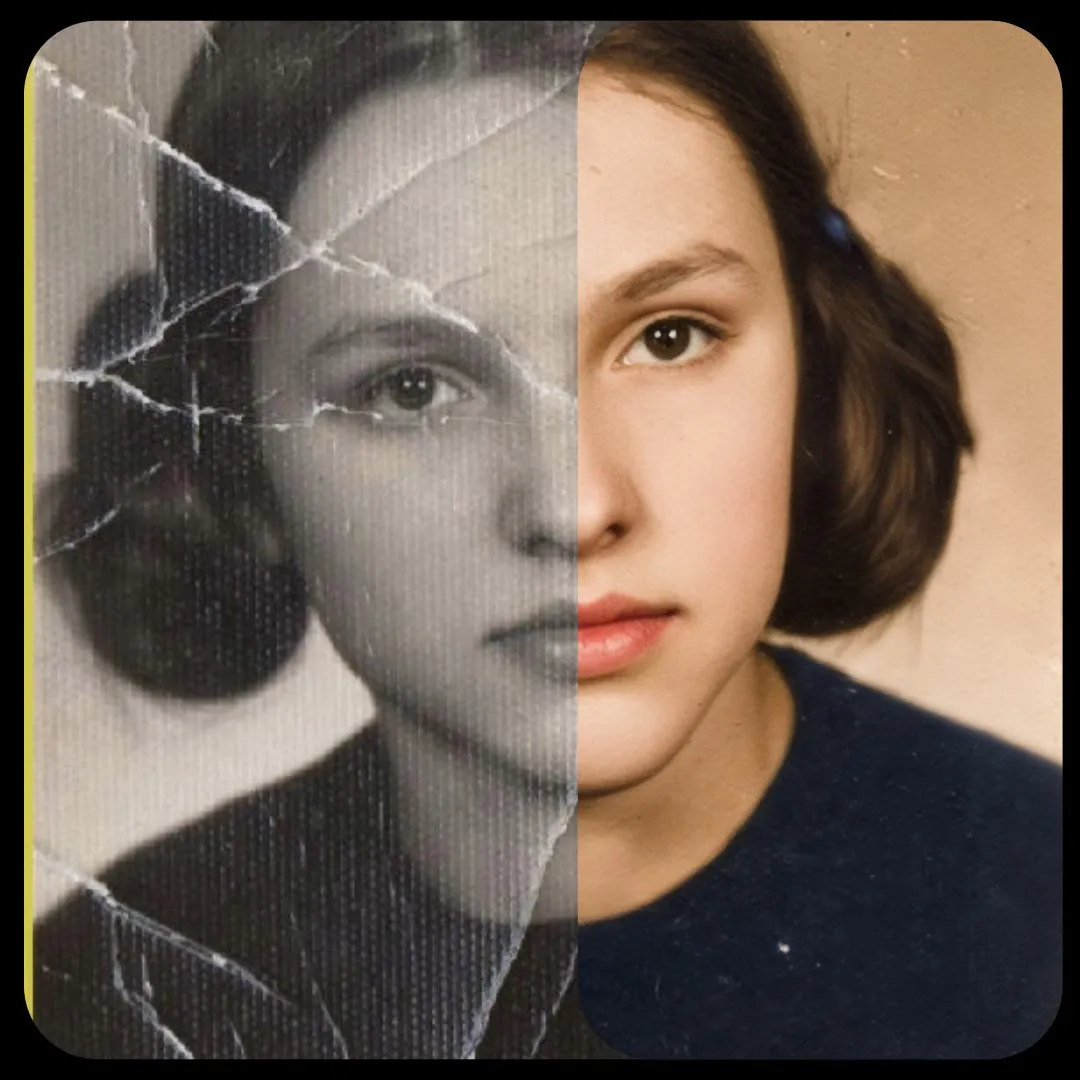
Strategy Guide (Nano Banana)
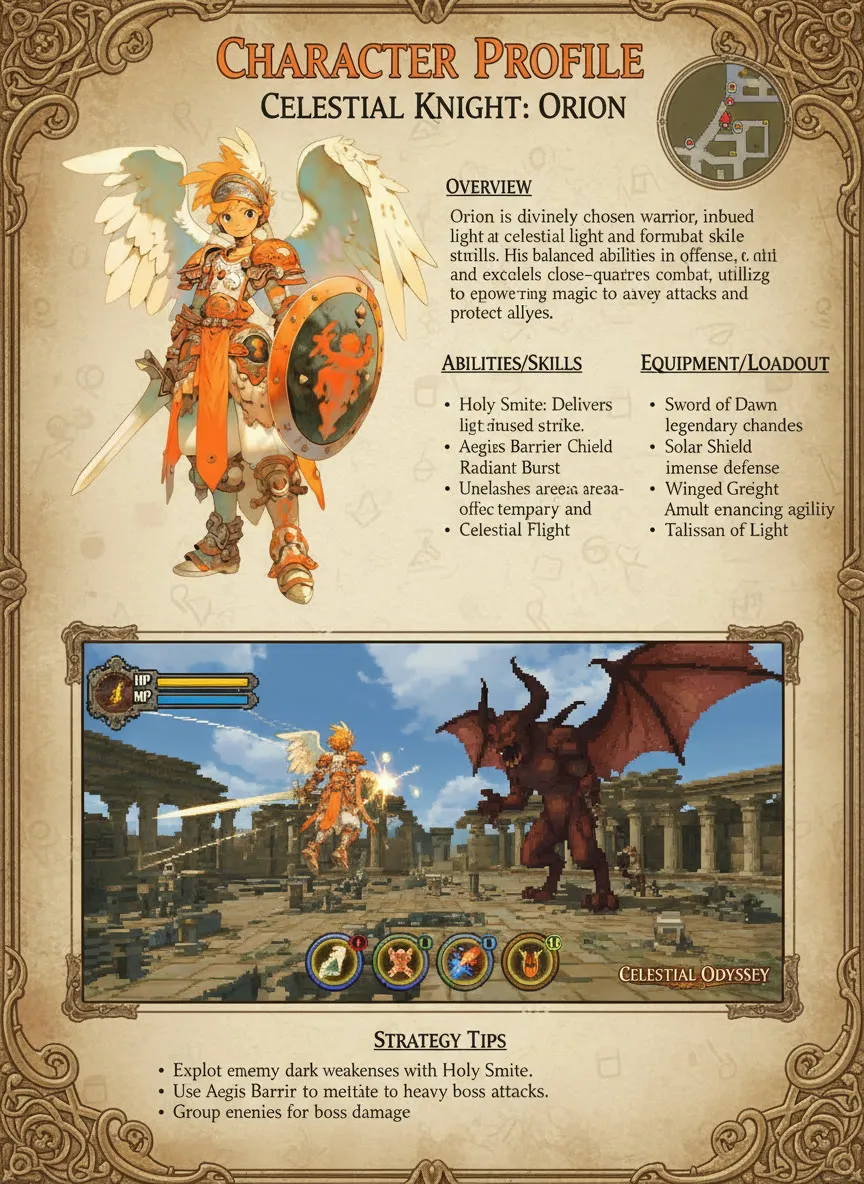
Upload a character or prop and the workflow lays it out as a strategy guide page, with a game-era art style you choose. Made for game artists and fan creators.
- T4
- Image editing
- Text to image
- Free template
How it works
This Nano Banana workflow uses Google’s Gemini 2.5 Flash Image model (google/gemini-2.5-flash-image-preview) through OpenRouter. The description asks you to bring your own OpenRouter key, which you paste into the external_api_key input.
The character or prop image is loaded and resized with ImageResizeKJv2 from comfyui-kjnodes, then a ResolutionSelector picks the output size from the aspect ratio you choose. The LLMPromptManager and BananaTaskGenerator nodes from llm-toolkit assemble the task text from your style prompt. GenerateImage then calls the model with the image and prompt, and SaveImage writes the result.
Compared with the other Nano Banana templates, this one resizes with the KJ node instead of padding, and it defaults to a portrait 9:16 layout, which suits a guide page.
Tips
- Upload a subject on a clean background so the layout stays readable.
- Describe the era and genre in the style prompt, such as the Sega Saturn RPG look in the example.
- Portrait 9:16 is the default. Try 3:4 if you plan to print the page.
- Change the seed to explore different layouts without rewriting the prompt.
Run it as an API
On ComfyDeploy you can expose this workflow as an endpoint and pass the image, style and key from your own tool.
What you can use it for
- Retro game strategy guide pages from original characters
- Prop or item reference layouts
- Fan art in a 32-bit era style
- Concept presentation boards for game pitches
Run it in three steps
Open the template
Click Run on ComfyDeploy. The workflow, its custom nodes and models are set up for you on a cloud machine.
Add your inputs
Provide character or prop image and style prompt in the playground or the ComfyUI editor.
Run, share or deploy
Run it on a T4, share it with your team as a playground, or deploy it as an API endpoint.
Frequently asked questions
What GPU does the Strategy Guide workflow need?
The recommended GPU is a T4. The image itself is generated by Gemini 2.5 Flash Image through OpenRouter, so the GPU only handles light resizing and padding.
Do I need my own API key?
Yes. The workflow has an external_api_key text input for your OpenRouter key, which the GenerateImage node uses to call the Gemini model. Without a key, the call cannot be made.
What style does the example use?
The default prompt asks for an RPG 32-bit Sega Saturn era graphics style at a 9:16 portrait ratio. You can replace it with another era or genre.
Related workflows
All Nano Banana workflowsVirtual Try-On with Nano Banana
No GPU needed
Through the Ages Photo Grid (Nano Banana)
No GPU needed