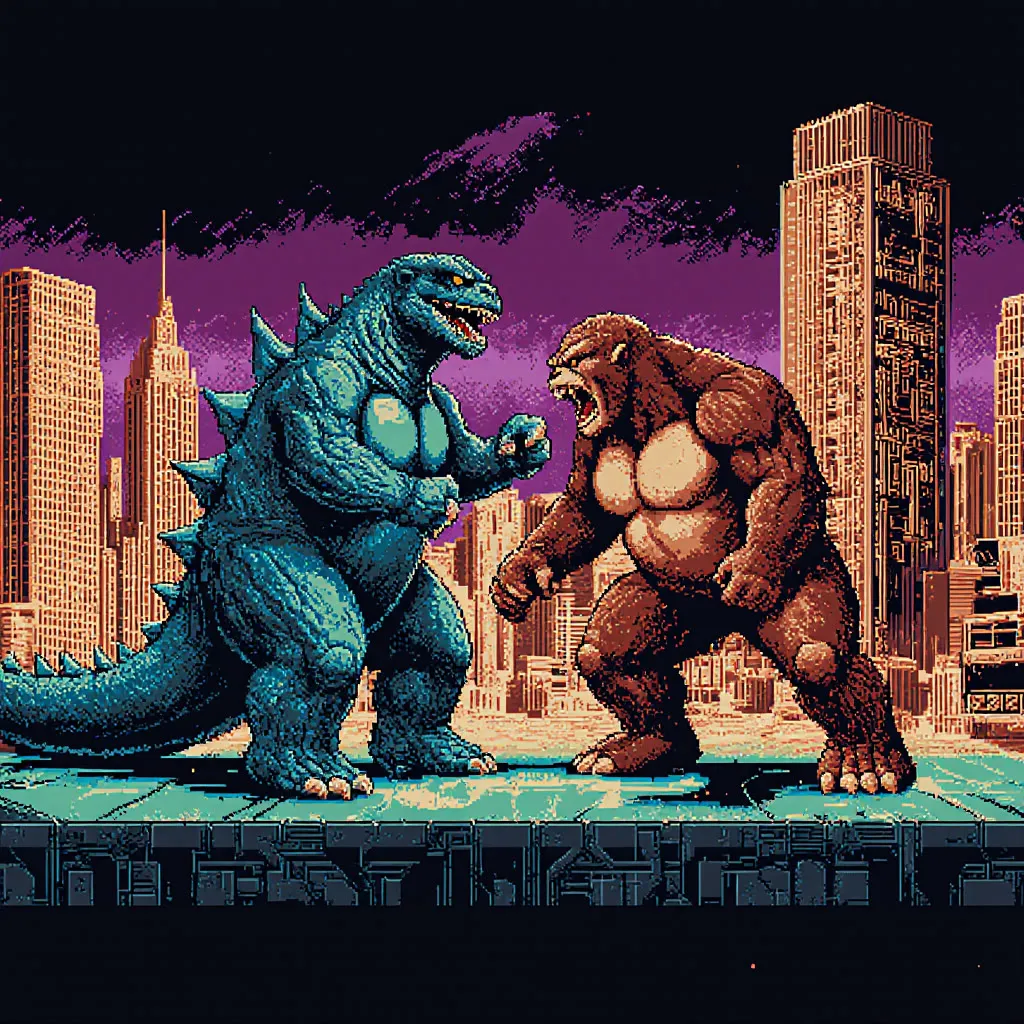
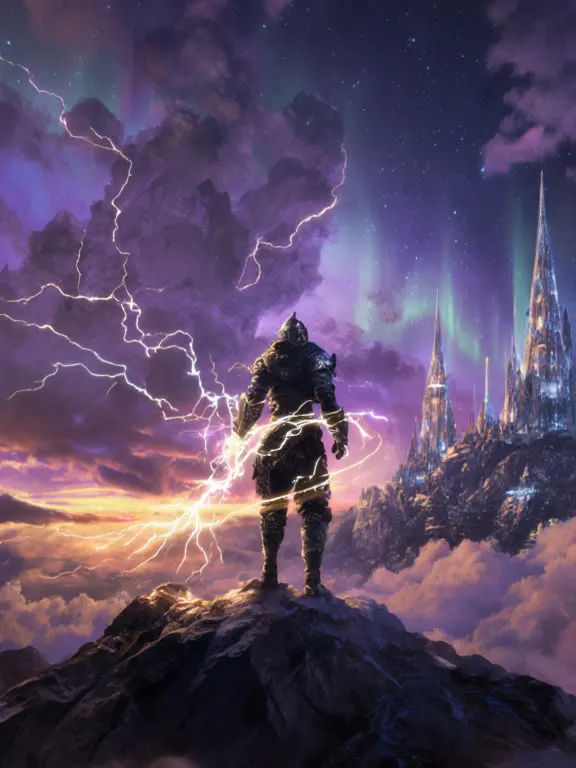
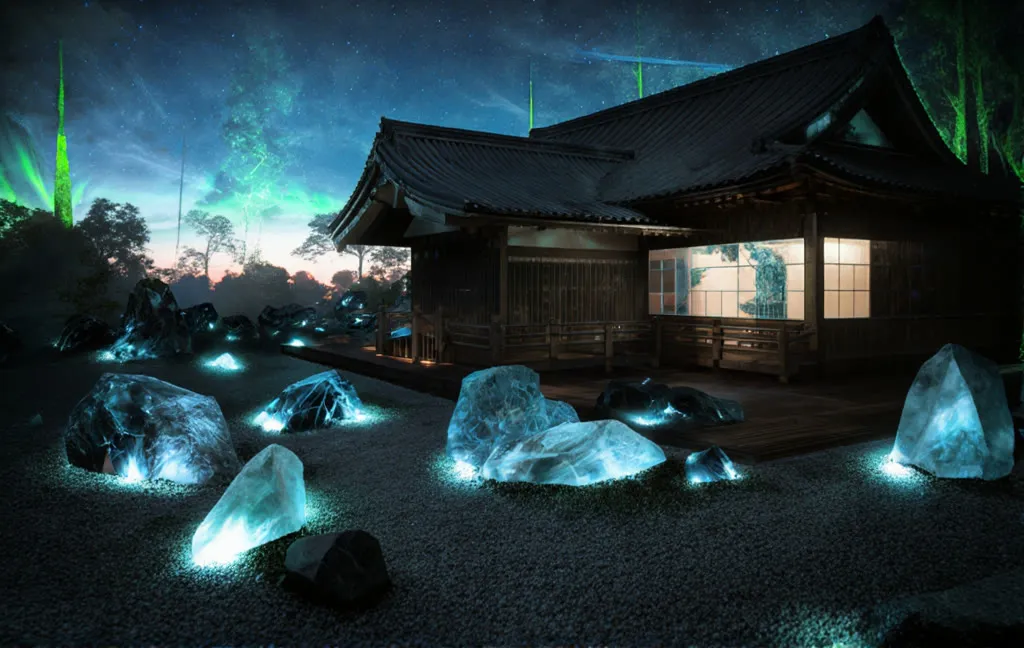
USO Subject and Style Transfer (Flux Krea)
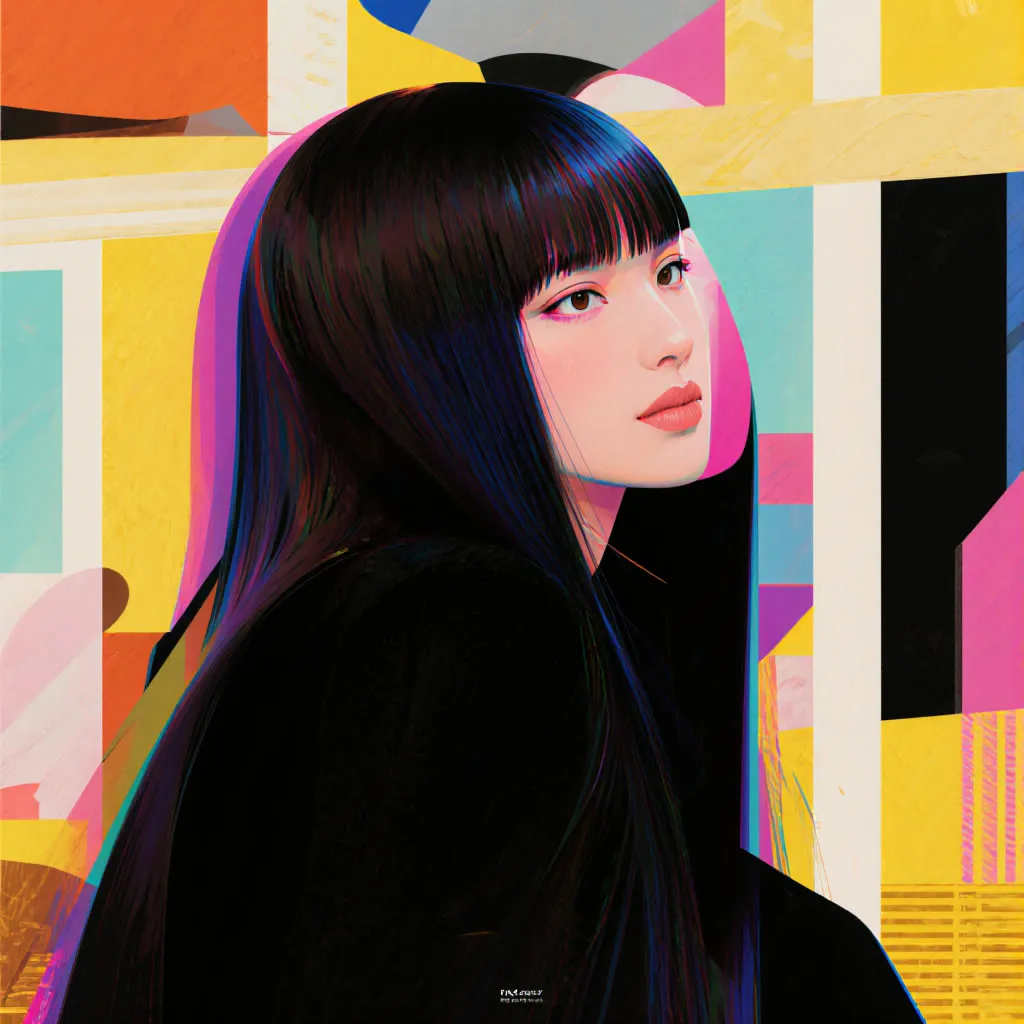
Upload a content image and style references, add a prompt, and USO generates a new image that keeps the subject and borrows the style.
- L40S
- Image editing
- Text to image
- Free template
How it works
The workflow uses flux1-krea-dev with clip_l, t5xxl_fp8_e4m3fn_scaled and ae.safetensors. USO (Unified Style and Subject-Driven Generation) is added with the uso-flux1-dit-lora-v1 LoRA through LoraLoaderModelOnly and the uso-flux1-projector-v1 file through ModelPatchLoader. The projector takes image features from CLIPVisionLoader using sigclip_vision_patch14_384.
Up to three LoadImage nodes supply the subject and style references. ImageScaleToMaxDimension controls the largest_size of the reference. Group nodes combine the references with the prompt, ConditioningZeroOut handles the negative conditioning, and KSampler runs 20 euler steps. VAEDecode and SaveImage output the picture.
An EasyCache node is included to skip some steps when the change between steps is small, which saves time. The notes say it can cost some quality and detail, and you can bypass it if you want maximum fidelity.
Tips
- Use 512px for full-character references and 1024px for head-only crops.
- Bypass EasyCache for the best detail.
- Describe the style change in the prompt, such as geometric shapes and graphic design layouts.
- Fix the seed when you compare different style references.
What you can use it for
- Applying a graphic design look to a photo
- Keeping a character while changing its art style
- Subject-driven generation with no style reference
- Consistent branded visuals from a style sample
Run it in three steps
Open the template
Click Run on ComfyDeploy. The workflow, its custom nodes and models are set up for you on a cloud machine.
Add your inputs
Provide subject image and style image(s) in the playground or the ComfyUI editor.
Run, share or deploy
Run it on an L40S, share it with your team as a playground, or deploy it as an API endpoint.
Frequently asked questions
What GPU does the USO workflow need?
The recommended GPU is the L40S. ComfyDeploy provisions it for you, so there is nothing to install.
Can I use it without style images?
Yes. The notes say you can disable all reference inputs and use the workflow for subject-driven generation.
What does the largest_size setting do?
It scales the reference image. The notes say 512px is the USO team recommendation to keep more character features, but 1024px works better for head-only inputs.