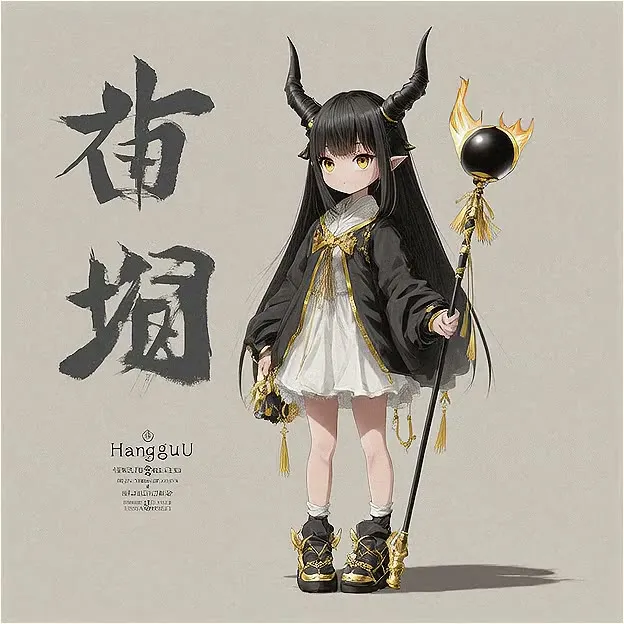
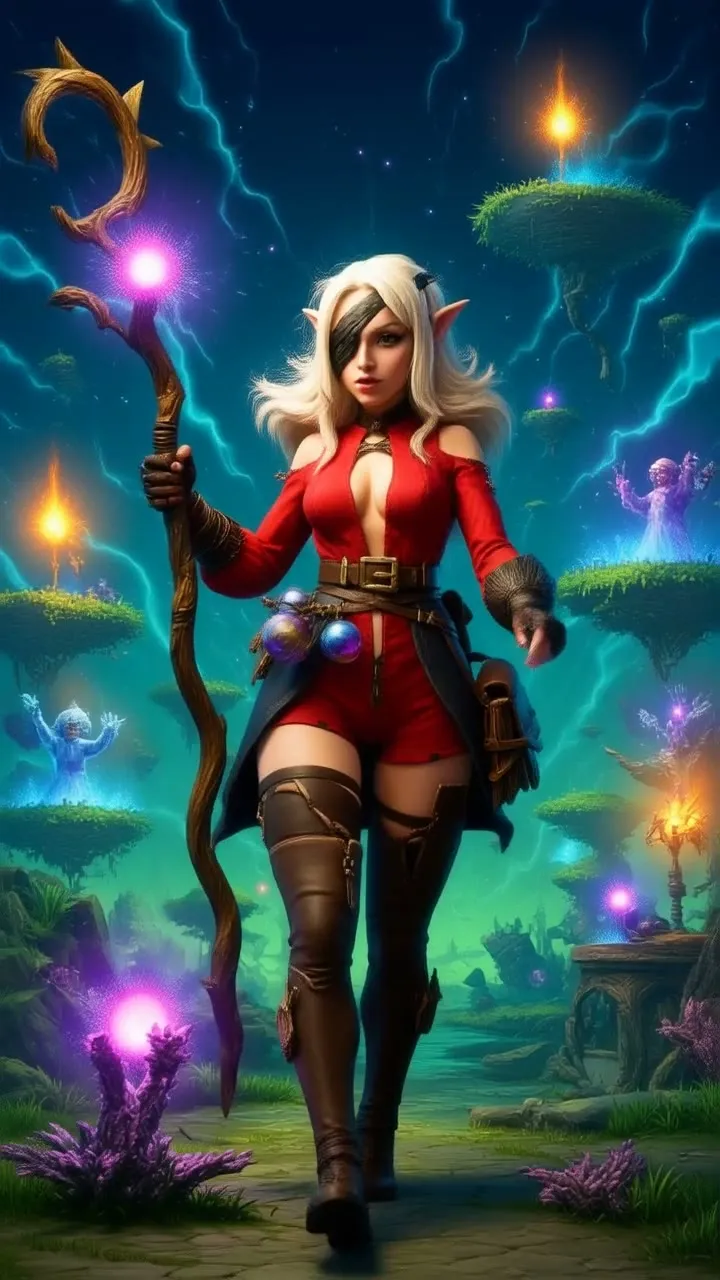
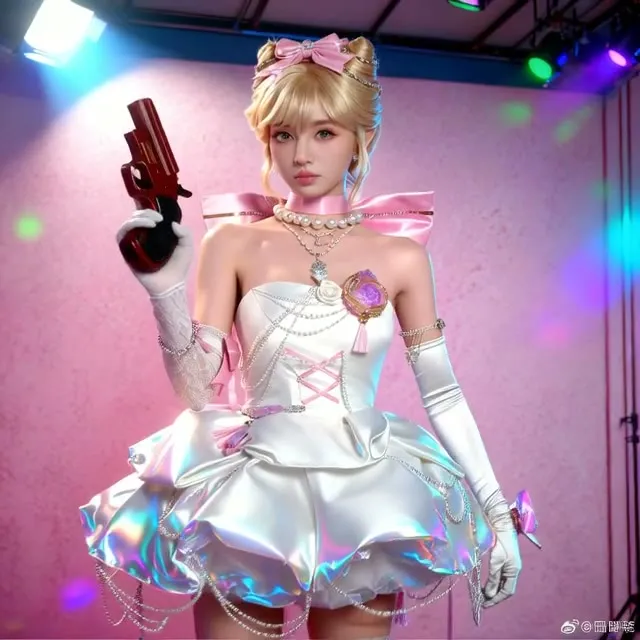
Wan 2.1 Image All-in-One (T2I, I2I, ControlNet)
One large Wan workflow that uses the Wan 2.1 video model as an image generator, with text-to-image, image-to-image, ControlNet and upscaling groups you switch on or off.
- L40S
- Text to image
- ControlNet
- Image editing
- Free template

How it works
This is a 119-node graph organized into groups that you enable with rgthree Fast Groups Bypasser nodes, so you only run the part you need.
Models load through ComfyUI-GGUF: Wan14BT2VFusionX-Q8_0.gguf and Wan2.1_T2V_14B_FusionX_VACE-Q8_0.gguf as the diffusion models, umt5-xxl-encoder-Q5_K_S.gguf as the text encoder, and wan_2.1_vae.safetensors. Power Lora Loader nodes let you add LoRAs, ModelSamplingSD3 sets sampling, and WanVideoNAG and MagCache nodes are present for guidance and speed.
For control, the graph includes DepthAnythingV2Preprocessor (depth_anything_v2_vitl.pth) and a DWPose model (dw-ll_ucoco_384_bs5.torchscript.pt with yolox_l.onnx). After generation, 4x-ClearRealityV1 and RealESRGAN_x4plus_anime_6B are available as upscalers, with UltimateSDUpscale and FastFilmGrain for finishing. Several SaveImage nodes store the different stages.
The graph also holds 13 Note nodes with usage instructions, and it clears GPU memory between stages with the easy cleanGpuUsed and clearCacheAll nodes, which matters when two 14B models are used in one run. Image inputs come from five LoadImage nodes, used for image-to-image and for the control maps.
Tips
- Bypass the groups you do not need. This keeps runs shorter and lowers memory use.
- Follow the in-graph notes on LoRAs: lightx2v or FusionX for about 10 steps.
- Use the anime upscaler for illustrations and 4x-ClearReality for photographic images.
- Run the Image Comparer node to check the upscaled result against the original.
What you can use it for
- Photorealistic images from a Wan text-to-image model
- Image-to-image restyling
- Depth or pose guided generation
- Upscaling generated images
Run it in three steps
Open the template
Click Run on ComfyDeploy. The workflow, its custom nodes and models are set up for you on a cloud machine.
Add your inputs
Provide text prompt and reference images for image-to-image or controlnet in the playground or the ComfyUI editor.
Run, share or deploy
Run it on an L40S, share it with your team as a playground, or deploy it as an API endpoint.
Frequently asked questions
What GPU does the Wan image all-in-one workflow need?
The recommended GPU is an L40S. It uses Q8 GGUF versions of Wan 2.1 T2V 14B FusionX and the VACE variant.
Which LoRAs speed it up?
The built-in notes recommend the Wan 2.1 T2V 14B lightx2v cfg_step_distill LoRA (rank 32) for roughly 10-step images, and the FusionX LoRA for 10 steps with a more polished style.
How do I run the Wan image all-in-one workflow as an API?
Deploy it on ComfyDeploy and call the endpoint with your prompt and any reference image. The generated output is returned from the API response.