
MiniMax H3 Image: Open-Weights 16 MP Model in ComfyUI
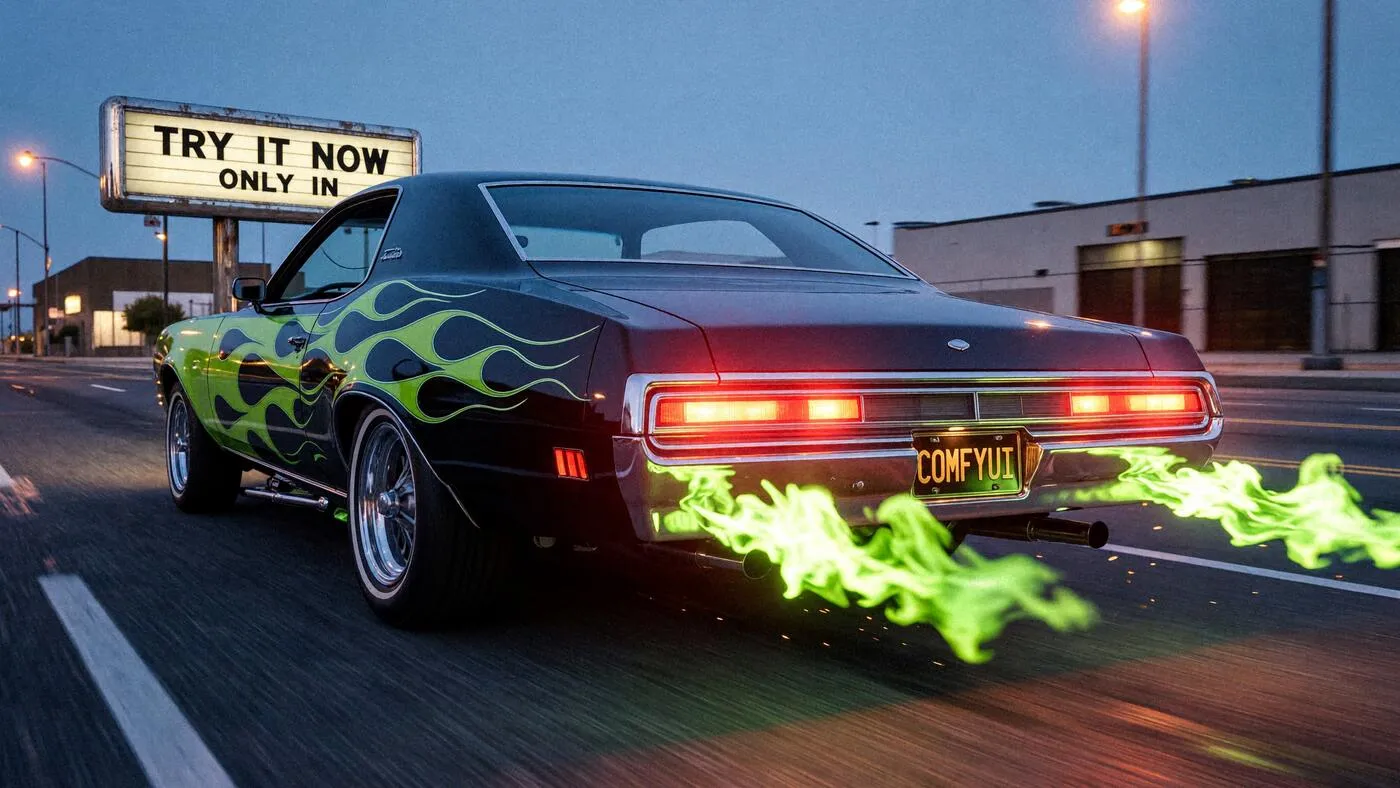
Images: ComfyUI blog, samples generated with MiniMax H3 Image.
MiniMax released H3 Image on November 10, 2026: an image generation and editing model with open weights, a 33.1 billion parameter diffusion transformer, and native output of about 16 megapixels. ComfyUI added native support the same day. It is the image sibling of the MiniMax H3 video model, and it reuses that model’s text encoder.
License, read this first. H3 Image ships under the MiniMax-H3-Image Community License Agreement, not a standard open-source license. The license territory excludes the European Union, the United Kingdom, South Korea and the United States, and it says use outside the territory is not authorized. It also requires separate written authorization from MiniMax if you or your affiliates have more than 1 million USD in annualized revenue, or if you provide a hosted service to third parties. Details are below.
What is MiniMax H3 Image?
According to the model card, H3 Image comes from the MiniMax H3 family. It is a dense single-stream transformer with 50 layers, and it drops the audio layers used by the H3 video model. One checkpoint handles both text-to-image and editing with one or more reference images. The card says the checkpoint is distilled to 6 sampling steps with no classifier-free guidance, so there is no negative prompt to tune.
The headline number is resolution. MiniMax says the model generates about 16 megapixels directly, without an upscaler, from 4096x4096 at 1:1 up to 6272x2688 at 21:9. Most open image models people run today target 1 to 4 megapixels, so this is a different working range.
Key specs and features
These come from the MiniMax model card and the ComfyUI announcement:
- Sizes. 4096x4096 (1:1), 4736x3552 (4:3), 5024x3360 (3:2), 5472x3072 (16:9) and 6272x2688 (21:9), plus portrait versions of the 4:3, 3:2 and 16:9 sizes.
- Sampling. 6 steps, CFG 1.0. In ComfyUI the negative prompt is a zero-out node that is never read.
- Editing. The model card says it supports up to 16 reference images. In ComfyUI you refer to them in the prompt as
<Picture 1>,<Picture 2>and so on, numbered by input order. - Long prompts. The ComfyUI post says prompts can run to 4096 tokens, and MiniMax publishes an optional prompt enhancer model, H3 Image PE, for expanding short prompts.
- Instruction following. MiniMax states that H3 Image has the strongest instruction following among open-source models. That is the company’s own claim, and the model card does not back it with a benchmark table, so test it on your prompts.

MiniMax H3 Image license: who can use it?
The license text is worth reading in full before you build anything. The points that matter for people building products:
- Territory. The license applies worldwide except the European Union, the United Kingdom, the Republic of Korea and the United States. The acceptable use policy lists use outside the territory as a prohibited use, and the license says that applies to outputs as well as the model. MiniMax says people in the excluded regions can contact it about a separate license.
- Revenue and hosting. Prior written authorization from MiniMax is required if annualized revenue of you and your affiliates exceeds 1 million USD, or if you provide a hosted service, including an API, to third parties.
- Attribution. Commercial products that use the model must display “MiniMax-H3-Image” in the user interface.
- No training other models on it. You may not use the model or its outputs to improve another AI model.
If you give others access, the license also requires you to bind them to equivalent use restrictions. We are not lawyers. If you work in the US, EU, UK or Korea, or you plan to sell access to the model, ask MiniMax and your own counsel before you ship.
MiniMax H3 Image ComfyUI workflow
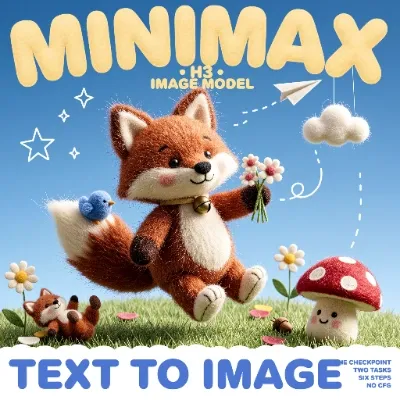
Try this workflow
MiniMax H3 Image text to image
- Model
- H3 Image int8 (21 GB), H3 text encoder int8 (25.3 GB), Qwen3.5 9B prompt enhancer (6.8 GB), VAE (1.2 GB)
- GPU
- A100 80 GB or H100 suggested
This card uses the official ComfyUI text-to-image template. Run on ComfyDeploy opens the ComfyDeploy import screen with the workflow loaded. Download JSON is the file for local ComfyUI: update ComfyUI, drag the file onto the canvas, and place the model files in diffusion_models, text_encoders and vae. The template notes link every file.
The template defaults to 16 megapixels, 6 steps, CFG 1.0 with the euler sampler and simple scheduler, which its notes say are fixed by the distilled checkpoint. Its notes say you can lower the megapixel setting to 4 on a small GPU or for faster runs. The prompt enhancer switch is on by default, so a Qwen3.5 9B model rewrites your prompt before generation. Comfy-Org also publishes an image edit template for the multi-reference case.
Smaller files exist: the Comfy-Org repository lists a w4a8 diffusion file at 12.5 GB and an NVFP4 text encoder at 15.7 GB. We have not tested their output quality.
How does it compare with FLUX 3 Klein and Qwen-Image 2.1?
Both are recent open-weight image models we have covered: FLUX 3 Image Klein at 5.6B parameters and Qwen-Image 2.1 at 7B. H3 Image is much larger at 33.1B, aims at 16 megapixels instead of 2K to 4K, and edits with up to 16 references. Qwen-Image 2.1 offers native transparency, which H3 Image’s published specs do not mention. The licenses also differ: Qwen-Image 2.1 is limited to non-commercial use, while H3 Image allows commercial use inside its territory with the conditions above. We have no head-to-head quality numbers, and MiniMax does not publish any comparison in the model card, so compare them on your own prompts.
What it means in practice
Sixteen megapixels at 6 steps matters for print, large-format and crop-heavy work, where you would otherwise generate small and upscale. The cost is memory. The template’s files add up to roughly 54 GB with the prompt enhancer loaded, which is why the card suggests an 80 GB card such as an A100 80 GB or H100. A 48 GB L40S would need to offload models between steps. That is a suggestion from file sizes, not a benchmark, and lowering the megapixel setting reduces the load.
If you are in the license territory and the terms fit your use, ComfyDeploy can run the template on a cloud GPU without local setup. Import it with the card above, try it in the ComfyUI playground, and call it through the ComfyUI API from your own tools. Keep the hosting clause in mind: serving this model to third parties needs MiniMax’s written authorization first. More graphs are collected in the workflow library.