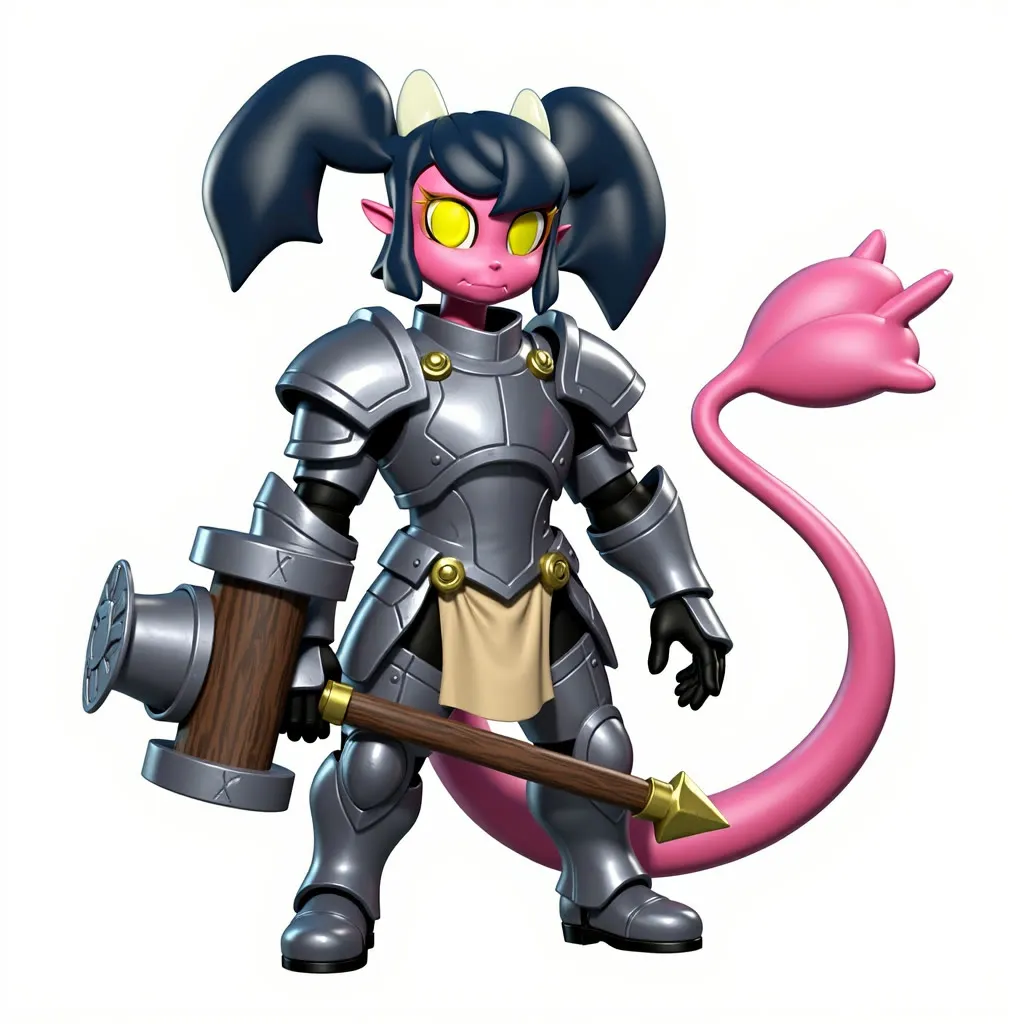
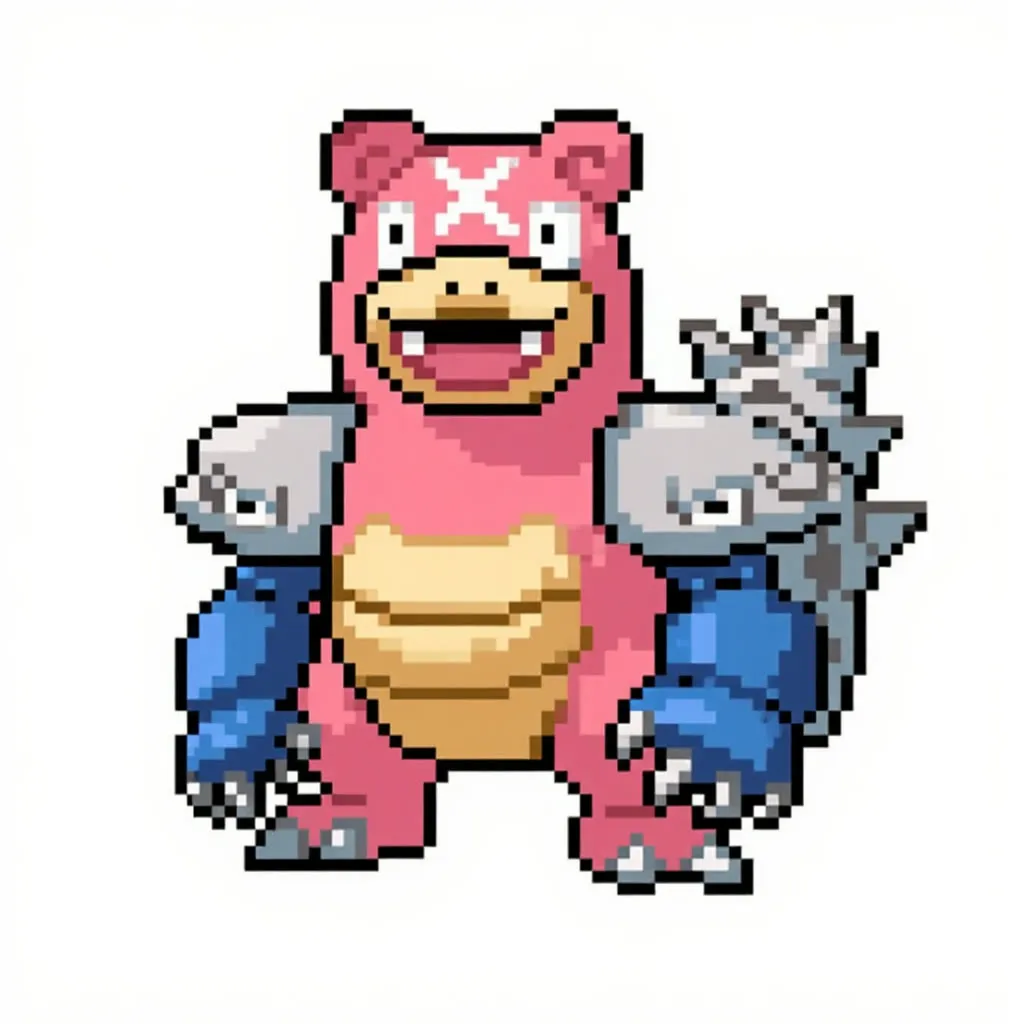
Any-2-LiveAction: Couples Edition
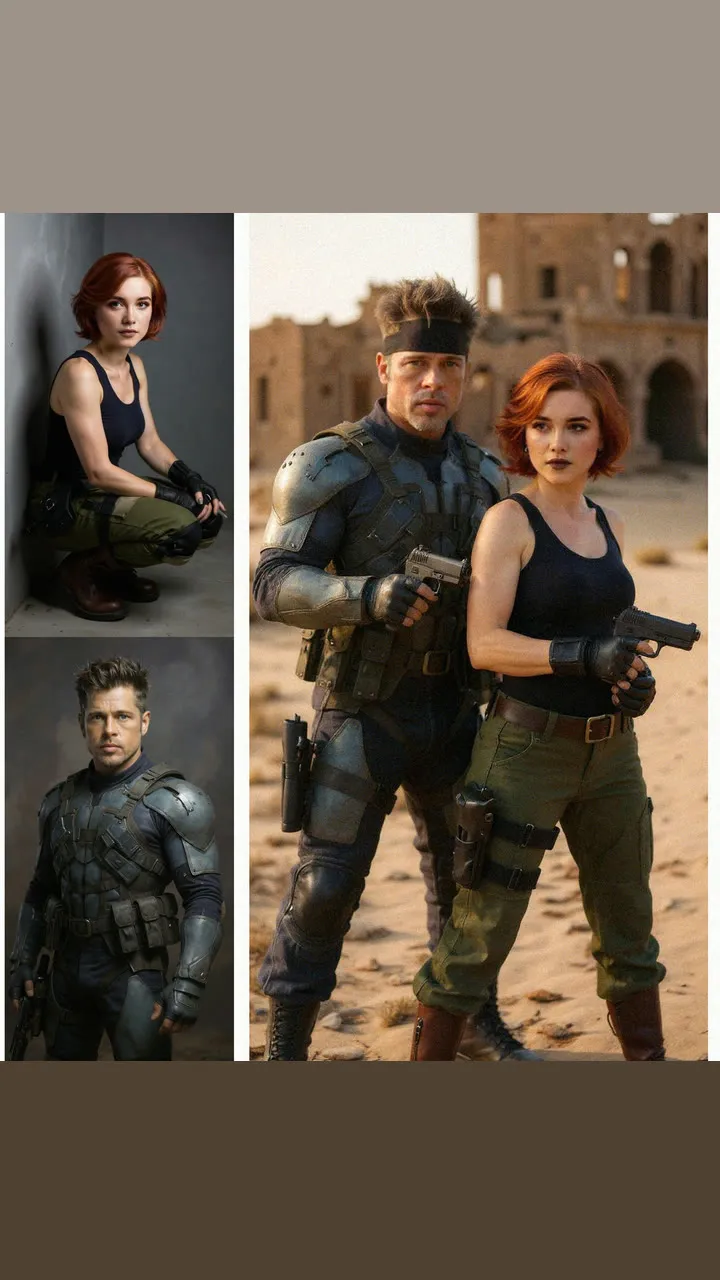
Restyle a character couple into live-action tokusatsu-style scenes with chosen actors, then animate the result. A large 223-node pipeline that needs API keys.
- A10G
- Image editing
- Image to video
- Free template
How it works
This is the largest pipeline in the set, with 223 nodes. Per the description, it uses Flux Kontext through an API to convert characters to live action, and Kling through the fal-api package to animate the result.
Inputs include the original character image, photos of the actor and actress, and separate manual prompts for the actress, actor, couple and action. A switch tells the graph on which side the actor stands. With OPENAI_API_KEY set, an llm-toolkit node (default gpt-4.1-mini) can write the prompts instead.
For identity, the graph uses ReActor face swap and ReActorFaceBoost with models such as inswapper_128.onnx, GPEN-BFR-512 and codeformer-v0.1.0, and the boost_model input picks the restorer. BiRefNetRMBG removes backgrounds, AILab_ImageStitch combines images, depth_anything_v2_vitl_fp16 and ControlNet-aux provide depth information, and LTXVFilmGrain and ColorAdjustment finish the frames. Many Image Comparer and PreviewImage nodes show intermediate results.
Tips
- Set the actor side value correctly, since the couple prompt depends on it.
- Use clear, front-facing actor photos for the best face match.
- Try a different face boost model if skin or eyes look off.
- Use the 9:16 aspect ratio default for vertical clips, or switch to 16:9 or 1:1.
What you can use it for
- Casting real people as anime or game characters
- Live-action fan film and tokusatsu style stills
- Short animated clips from the converted stills
- Face-consistent character adaptations
Run it in three steps
Open the template
Click Run on ComfyDeploy. The workflow, its custom nodes and models are set up for you on a cloud machine.
Add your inputs
Provide character images and actor and actress photos in the playground or the ComfyUI editor.
Run, share or deploy
Run it on an A10G, share it with your team as a playground, or deploy it as an API endpoint.
Frequently asked questions
What GPU does Any-2-LiveAction need?
The recommended GPU is an A10G. The heavy image and video generation uses external APIs, while the GPU handles face swapping, background removal and image processing.
What API keys does it need?
The description says Kling and Kontext need secrets on the machine. It also says to set OPENAI_API_KEY for automatic prompts and to have FAL_API or API_KEY_COMFY_ORG available.
What does the ACTOR_IS_ON_RIGHT_SIDE input do?
It tells the workflow which side of the original image the male character is on. The in-graph notes say 1 if the man is on the right and 0 otherwise, and that it works most of the time.