Faster Kontext Dev Two-Image Edit (Nunchaku)
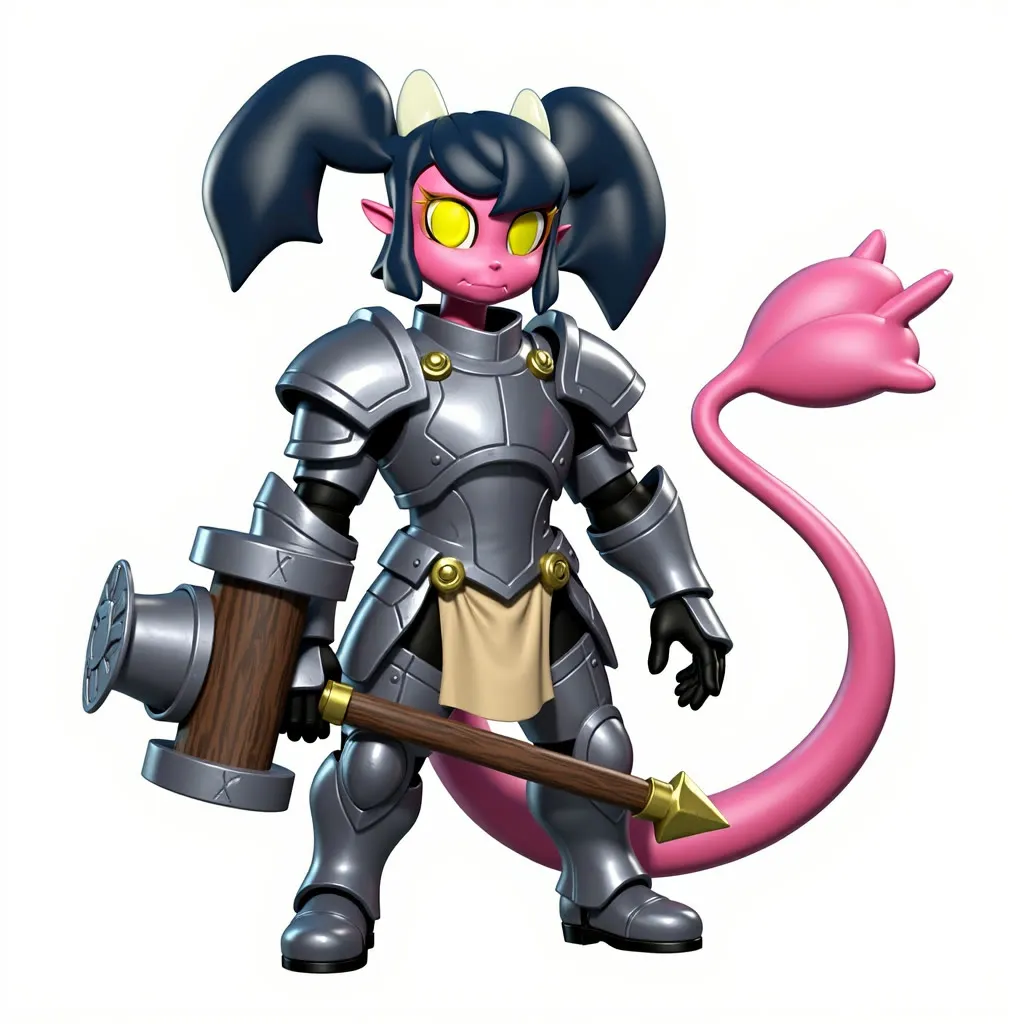
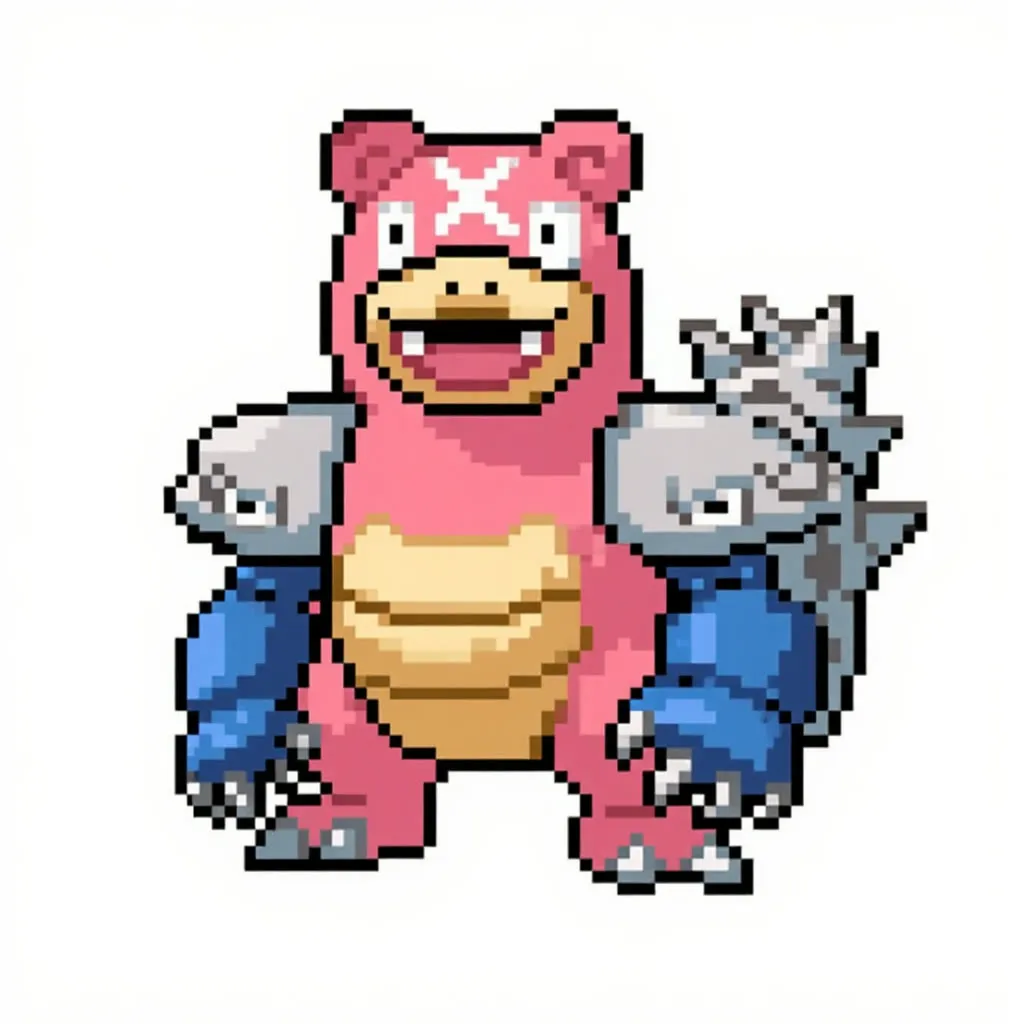
Give the workflow two images and a short instruction, and it merges them or applies one to the other using Flux Kontext Dev. It uses the quantized Nunchaku model for faster generation.
- L40S
- Image editing
- Free template
How it works
Two uploaded images each pass through optional background removal (BiRefNetRMBG with a color input), then ImageResizeKJv2 and FluxKontextImageScale resize them to sizes Kontext handles well. ImageStitch places them side by side, and each is encoded with VAEEncode and attached as a ReferenceLatent.
The model is svdq-int4_r32-flux.1-kontext-dev loaded by NunchakuFluxDiTLoader, with FLUX.1-turbo-Alpha as a LoRA. Text encoding uses t5xxl_fp16 and clip_l through DualCLIPLoader, and FluxGuidance sets guidance. Sampling settings noted in the workflow are dpm_adaptive with kl_optimal at 18 steps and a CFG of 1.9.
Prompting can be automatic: with enhance prompt on, a SystemPromptTaskGenerator and an OpenAI provider node turn your task into a Kontext-style prompt. With it off, you write the prompt yourself following the Black Forest Labs Kontext guide linked in the notes.
Tips
- Leave remove_background on when merging characters so textures stay inside the character shape.
- Batch size defaults to 4, which is useful for picking the best of several tries.
- Without an OpenAI key set as a secret, turn enhance prompt off and write the instruction manually.
- Describe what to keep as well as what to change, for example which design elements come from each image.
What you can use it for
- Merge two characters into one new design
- Place a subject from one image into another scene
- Fast concept iteration with batches of four
- Character design mashups
Run it in three steps
Open the template
Click Run on ComfyDeploy. The workflow, its custom nodes and models are set up for you on a cloud machine.
Add your inputs
Provide first image and second image in the playground or the ComfyUI editor.
Run, share or deploy
Run it on an L40S, share it with your team as a playground, or deploy it as an API endpoint.
Frequently asked questions
What GPU does this workflow need?
It is set to run on an L40S GPU. The Nunchaku int4 model (svdq-int4_r32-flux.1-kontext-dev) is smaller and faster than the full-precision Kontext Dev.
What makes it faster than a normal Kontext workflow?
It loads the model through NunchakuFluxDiTLoader and adds the FLUX.1-turbo-Alpha LoRA, so each image needs fewer steps.
How do I run it as an API?
Deploy it on ComfyDeploy and call the endpoint with two images, a prompt and options. The batch size input lets you request several results per call.
Related workflows
All Flux Kontext workflowsDate Scene Image and Video (Kontext and Seedance)
No GPU needed