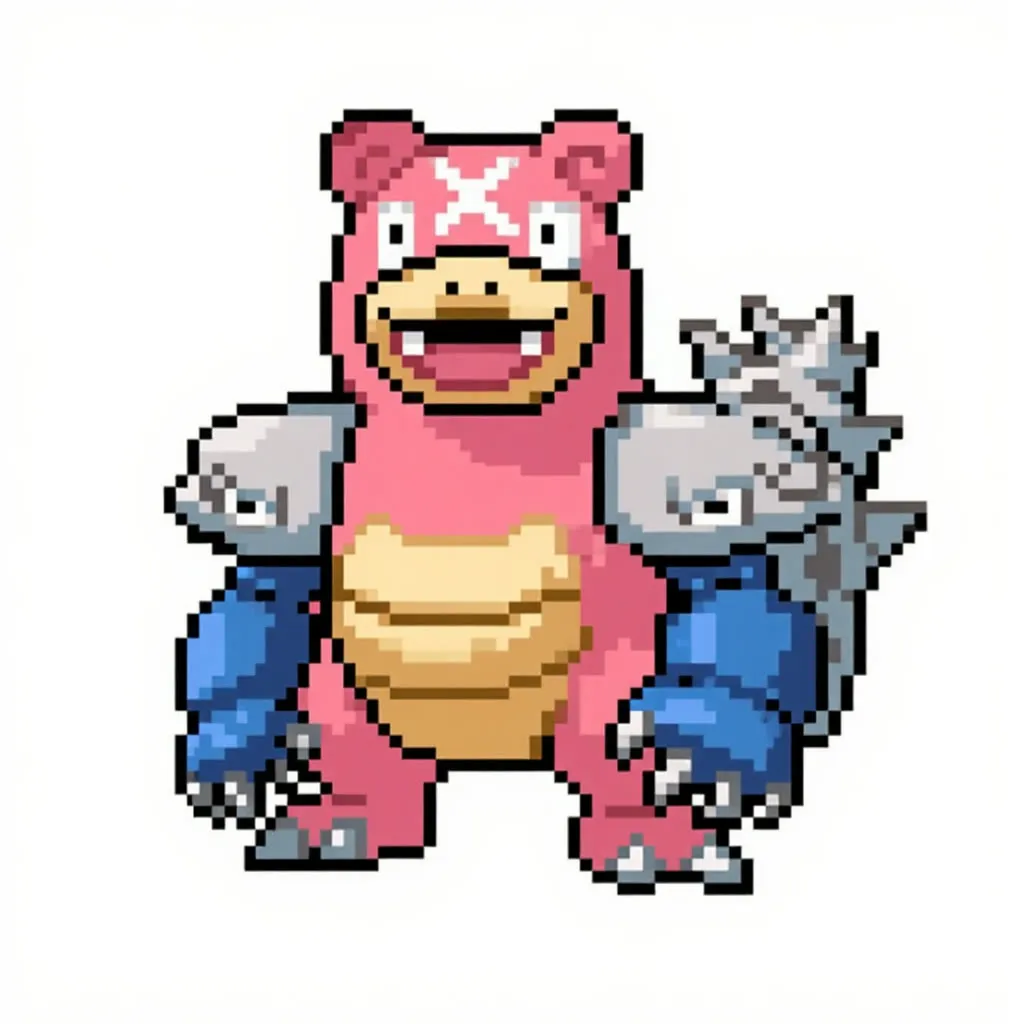
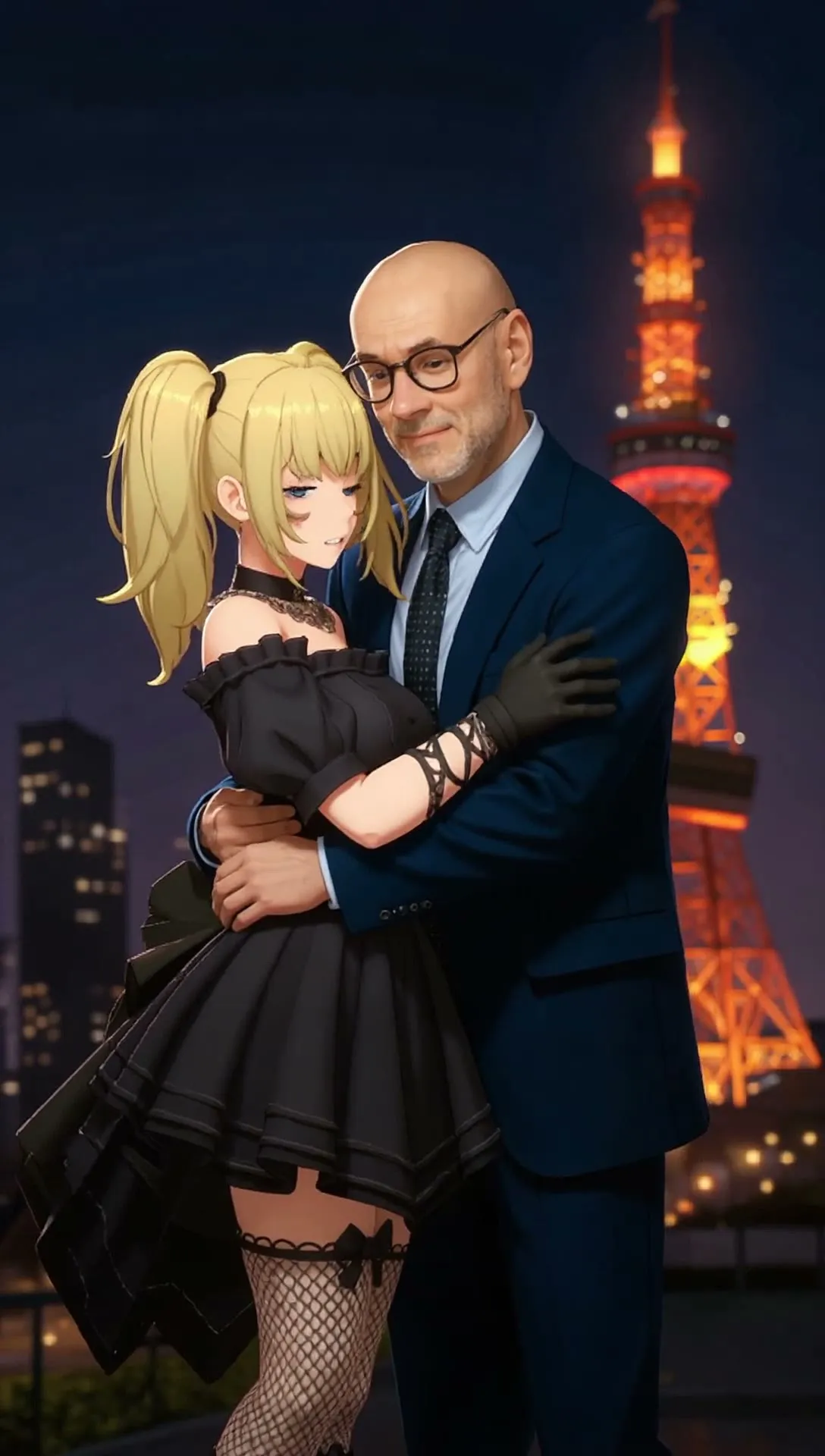
Flux Kontext Dev Two-Image Edit with NAG
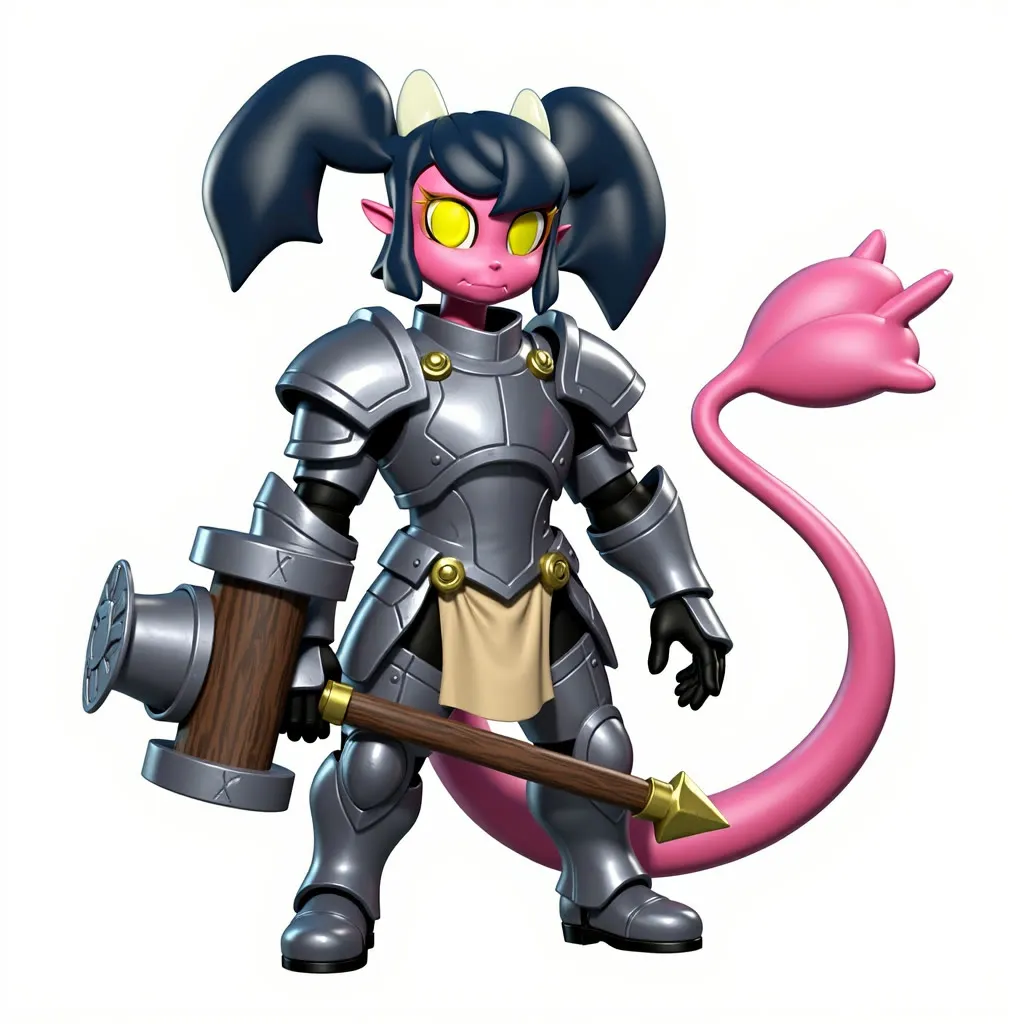
Upload two images and a short instruction, and Kontext Dev blends them, using NAG so a negative prompt works. Meant for character mashups and design exploration.
- A100-80GB
- Image editing
- Free template
How it works
The workflow loads flux1-kontext-dev.safetensors with UNETLoader, plus clip_l, t5xxl_fp16 and ae.safetensors. It takes two images, resizes each with ImageResizeKJv2 and FluxKontextImageScale, and can remove their backgrounds with BiRefNetRMBG set by the remove_background toggle. ImageStitch places them next to each other, and VAEEncode with ReferenceLatent hands both to the model.
A Preference_Latent toggle chooses between an empty latent and the first concept as the starting point. The SwitchAny nodes route these choices.
Prompting can be automatic. With enhance_prompt on, a system prompt task generator and an OpenAI provider node write a Kontext-style prompt from your instruction. Sampling uses KSamplerWithNAG with FluxGuidance, so your negative prompt has an effect. RepeatLatentBatch creates batches, and an ImageComparer shows the result.
Tips
- Turn on remove_background when you want effects to stay inside the character outline.
- Toggle Preference_Latent to compare starting from an empty latent versus the first concept.
- Add terms like short legs or big head to the negative prompt if you see those problems.
- If no OpenAI key is on the machine, turn enhance_prompt off and write the prompt yourself.
What you can use it for
- Blend two characters into a new design
- Merge design elements from two references
- Test negative prompts in Kontext edits
- Concept art iterations
Run it in three steps
Open the template
Click Run on ComfyDeploy. The workflow, its custom nodes and models are set up for you on a cloud machine.
Add your inputs
Provide first image and second image in the playground or the ComfyUI editor.
Run, share or deploy
Run it on an A100-80GB, share it with your team as a playground, or deploy it as an API endpoint.
Frequently asked questions
What GPU does this workflow need?
It is set to run on an A100-80GB GPU. It loads the full flux1-kontext-dev model with the t5xxl_fp16 encoder.
How is this different from the Nunchaku version?
This one loads the standard flux1-kontext-dev with UNETLoader and samples with KSamplerWithNAG. The Nunchaku workflow uses a quantized int4 model for speed.
How do I run it as an API?
Deploy it on ComfyDeploy and send two images and the prompt. The exposed inputs become API fields.
Related workflows
All Flux Kontext workflowsDate Scene Image and Video (Kontext and Seedance)
No GPU needed