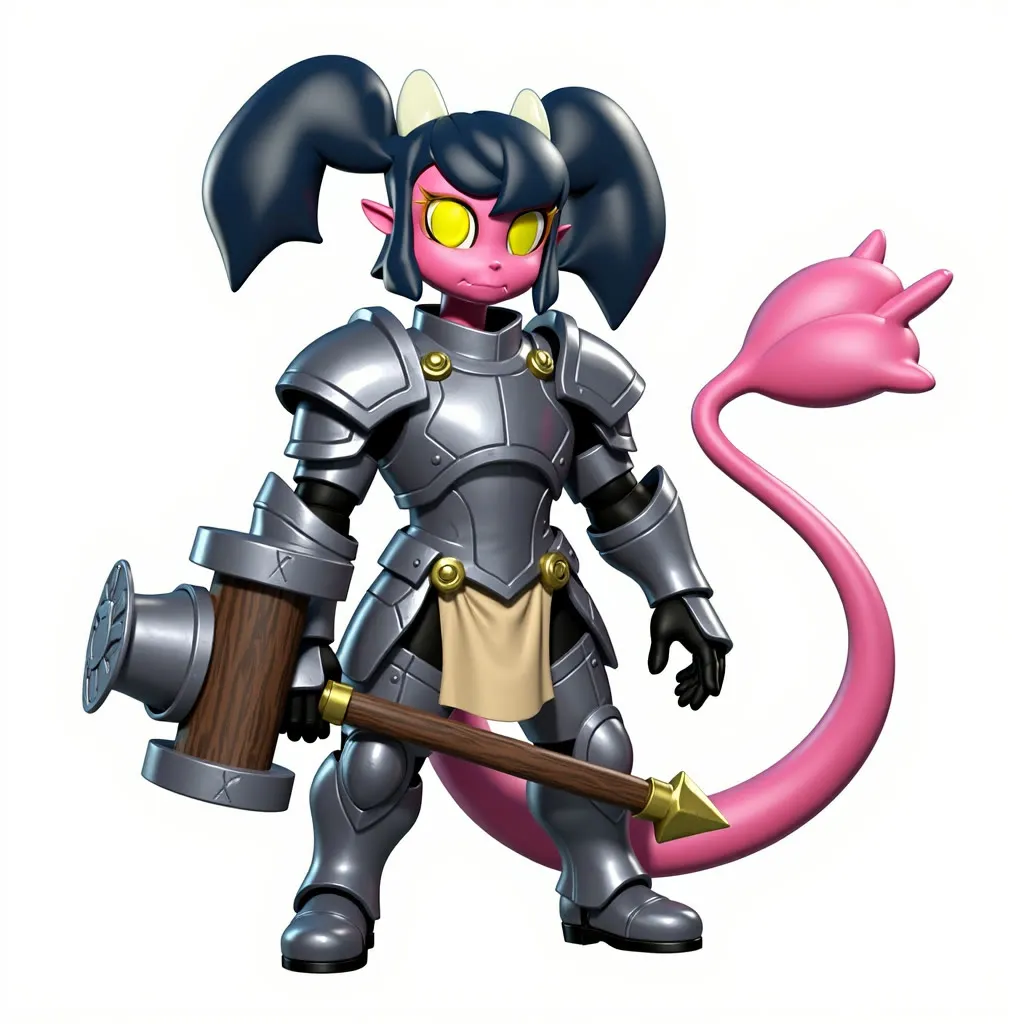
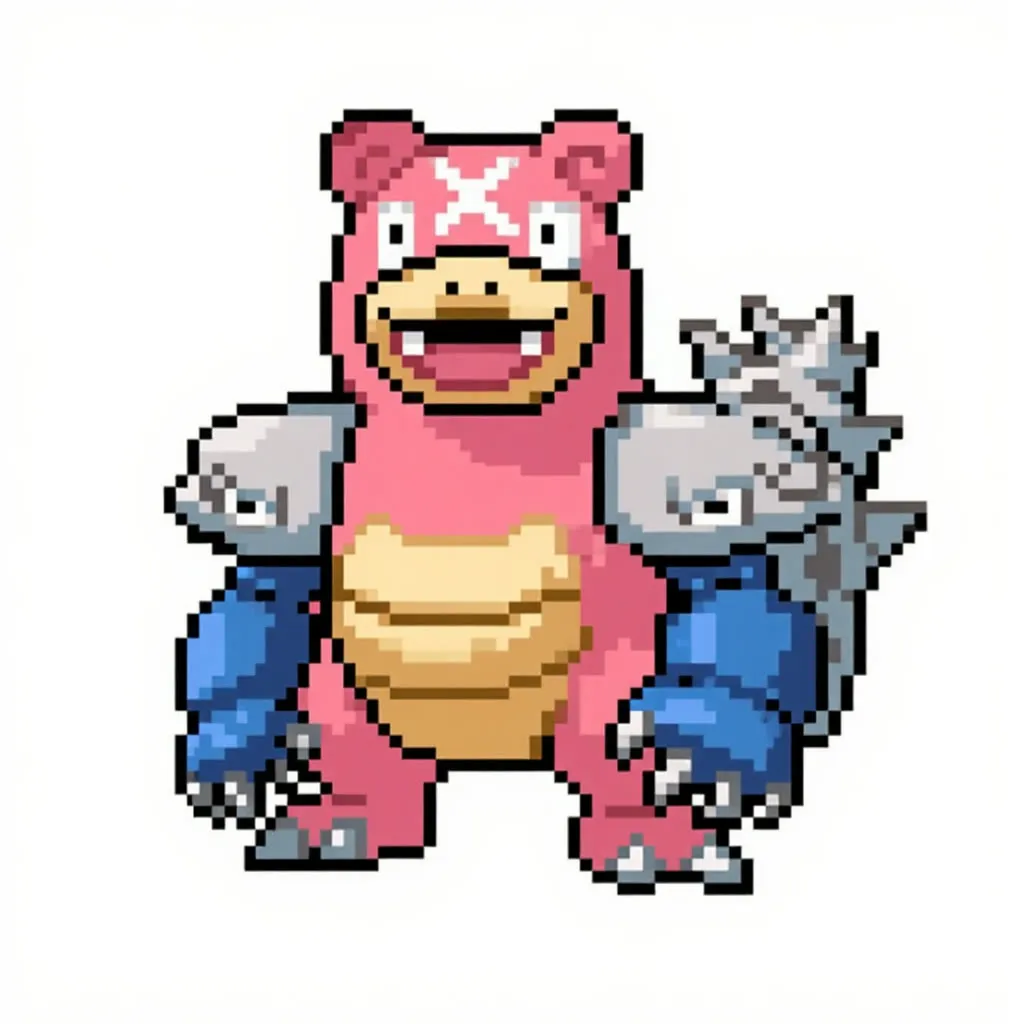
Date Scene Image and Video (Kontext and Seedance)
Upload an image of a character and one of yourself, name a place such as Tokyo Tower, and get a date image and a short video.
- No GPU (runs on CPU)
- Image editing
- Image to video
- Free template
How it works
No local diffusion model is used. The two images are resized with ImageResizeKJv2, background-cleaned with BiRefNetRMBG if needed, and merged with ImageStitch. FluxKontextImageScale sets the size.
The llm-toolkit handles prompting. SystemPromptTaskGenerator and PromptManager produce an image prompt from your scene text, and a second chain writes the video prompt. The image goes to Flux Kontext on the Black Forest Labs API through BFLProviderNode, ConfigGenerateImageBFL and GenerateImage. The result is previewed and saved.
The video step takes that image and sends it to Seedance Pro image-to-video using ConfigGenerateVideoSeedanceProI2V and WaveSpeedProviderNode with GenerateVideo, and PreviewVideo shows the clip. Separate aspect ratio inputs control the input stitch and the output.
Tips
- Set the output aspect ratio to match the shape you want for the video, such as 9:16 for vertical.
- Keep the scene prompt short and concrete.
- Use clear single-subject photos for both inputs.
- Both API steps need provider keys set up on your machine or account.
What you can use it for
- Fan-art style date scenes
- Fun shareable clips with a favorite character
- Testing multi-image Kontext compositions
- Short animated social posts from two photos
Run it in three steps
Open the template
Click Run on ComfyDeploy. The workflow, its custom nodes and models are set up for you on a cloud machine.
Add your inputs
Provide person image and character image in the playground or the ComfyUI editor.
Run, share or deploy
Run it on a cloud machine, share it with your team as a playground, or deploy it as an API endpoint.
Frequently asked questions
What GPU does this workflow need?
It is listed as CPU, so it runs without a GPU. Kontext runs on the Black Forest Labs API and the video comes from Seedance Pro through WaveSpeed.
What goes in the prompt?
A short place or scene, such as Romantic date at Tokyo Tower. The input notes also list preset tasks such as Teleport, Relight and Change Outfit, with comma-separated keywords.
How do I run this date scene workflow as an API?
Deploy the workflow on ComfyDeploy and call the generated endpoint. The ComfyUIDeployExternal input and output nodes in the graph become the request and response fields.