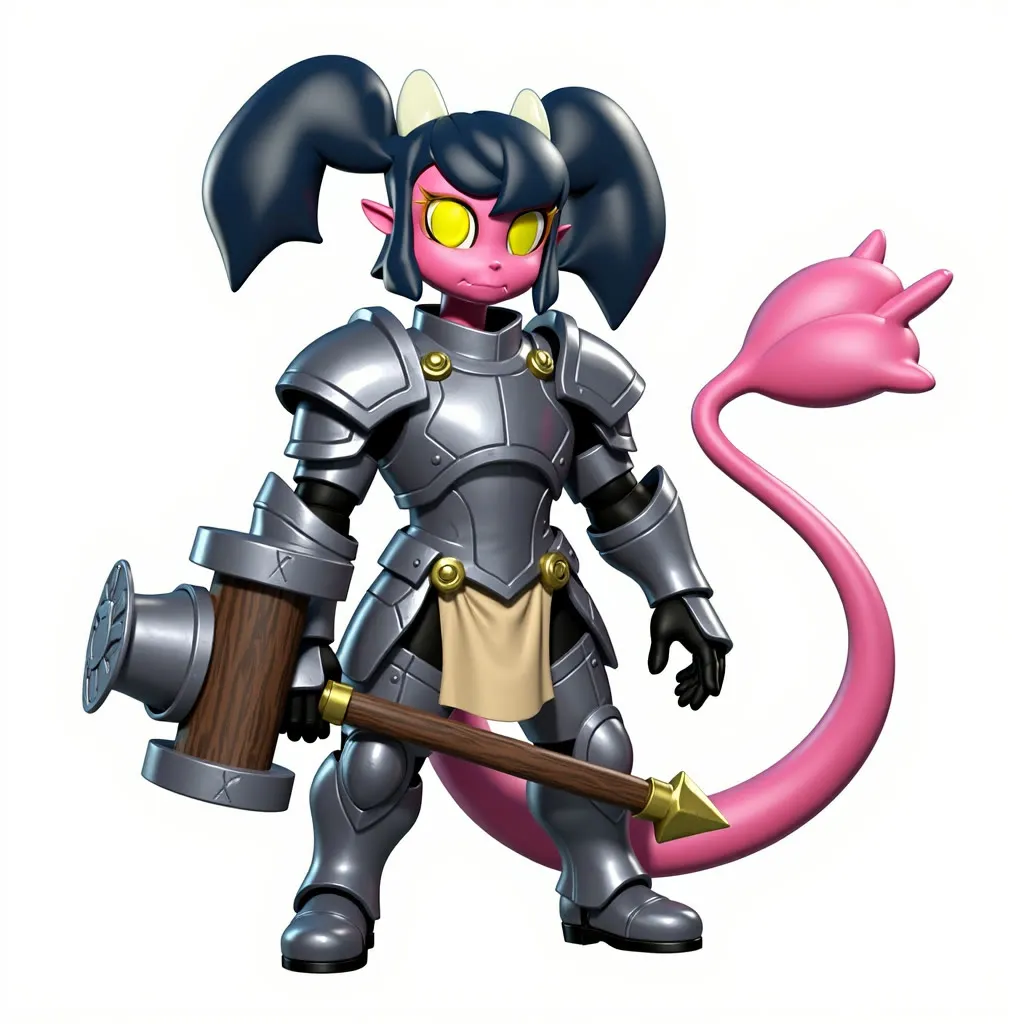
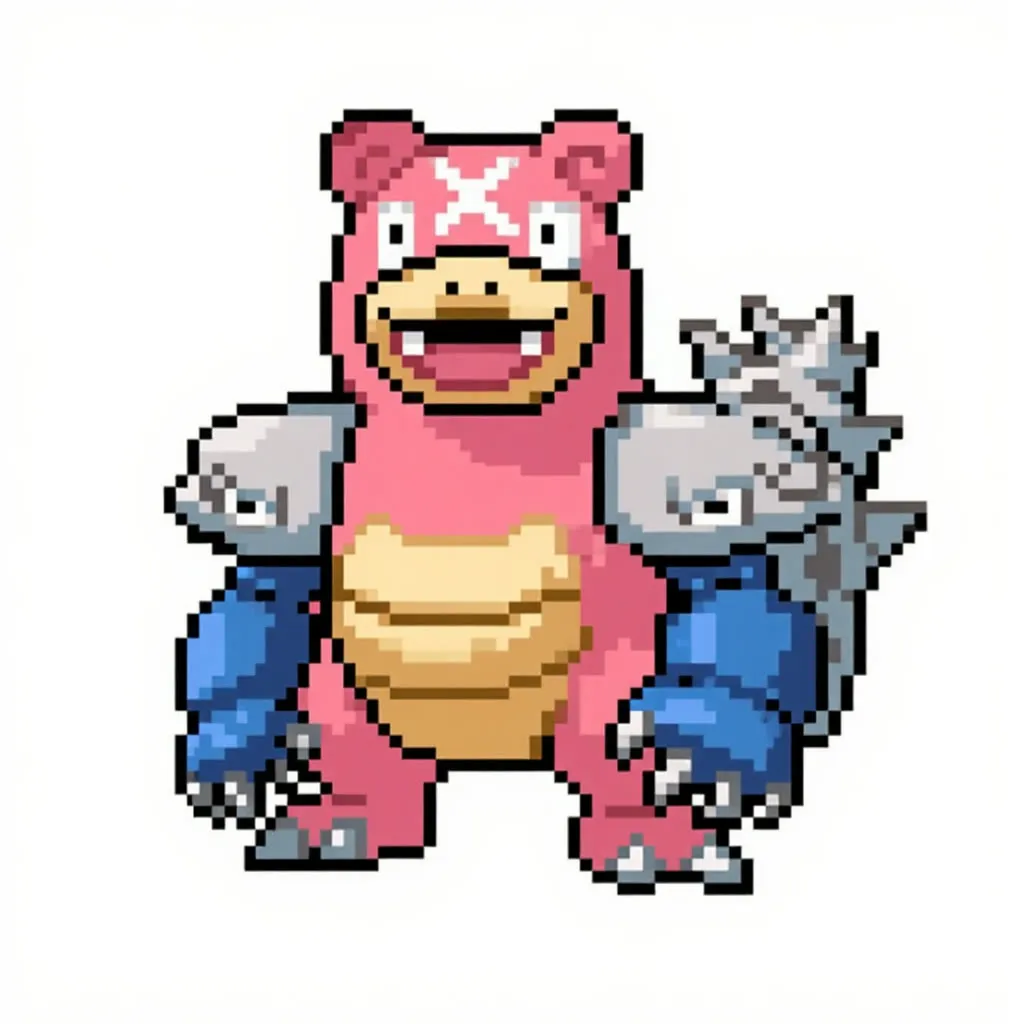
Flux Kontext Edit with Auto-Prompts and NAG
Supply a source image, a reference image and a short instruction, and an LLM rewrites it into a Kontext prompt before editing. Useful for style and character edits with less prompt writing.
- L40S
- Image editing
- Free template

How it works
This workflow edits with flux1-kontext-dev.safetensors, clip_l, t5xxl_fp8_e4m3fn_scaled and ae.sft. Two input images are resized with ImageResizeKJv2 and FluxKontextImageScale, optionally have backgrounds removed with BiRefNetRMBG, and are stitched together with ImageStitch. They are encoded and passed to ReferenceLatent so Kontext can use both.
The prompt is generated by an LLM. The llm-toolkit nodes send your action prompt and an AI_SYSTEM_PROMPT, which tells the model to act as Kontext and write a single flowing paragraph, to an OpenAI model (default gpt-4.1-mini). The generated text is shown and fed to CLIPTextEncode.
Sampling uses KSamplerWithNAG, so a negative prompt has an effect. FluxGuidance and FluxDisableGuidance handle guidance, and ModelSamplingFlux sets the schedule. A VideoResolutionSelector sets size from the aspect ratio. The workflow also includes Kontext prompting notes and an image comparer.
Tips
- Keep the action prompt short, such as converting a character to realistic style, and let the LLM expand it.
- Steps default to 20. Lower it for quick drafts.
- Edit the negative prompt to block problems like short legs or a big head.
- Without an OpenAI key, write the full Kontext prompt manually.
What you can use it for
- Restyle a character in a new art style
- Transfer elements from a reference image
- Edit with an auto-written Kontext prompt
- Compare before and after with the image comparer
Run it in three steps
Open the template
Click Run on ComfyDeploy. The workflow, its custom nodes and models are set up for you on a cloud machine.
Add your inputs
Provide source image and reference image in the playground or the ComfyUI editor.
Run, share or deploy
Run it on an L40S, share it with your team as a playground, or deploy it as an API endpoint.
Frequently asked questions
What GPU does this workflow need?
It is set to run on an L40S GPU on ComfyDeploy.
What does NAG do here?
KSamplerWithNAG applies Normalized Attention Guidance, which lets the workflow use a negative prompt even though Flux Kontext normally runs without CFG.
How do I run it as an API?
Deploy it on ComfyDeploy and call the endpoint with two images and the prompt fields. An OpenAI key must be set as a secret for the automatic prompt step.