Flux Kontext Presets (Nunchaku)
Pick a preset task, add a short descriptor, and Flux Kontext dev edits your image locally with a quantized Nunchaku model. Built for quick one-click edits and variations.
- L40S
- Image editing
- Free template
How it works
The model is svdq-int4_r32-flux.1-kontext-dev.safetensors, a Nunchaku quantized build of Flux Kontext dev, loaded through the Nunchaku model node. It is paired with clip_l, t5xxl_fp16, the ae.sft VAE and the FLUX.1-turbo-Alpha LoRA, which helps lower the step count.
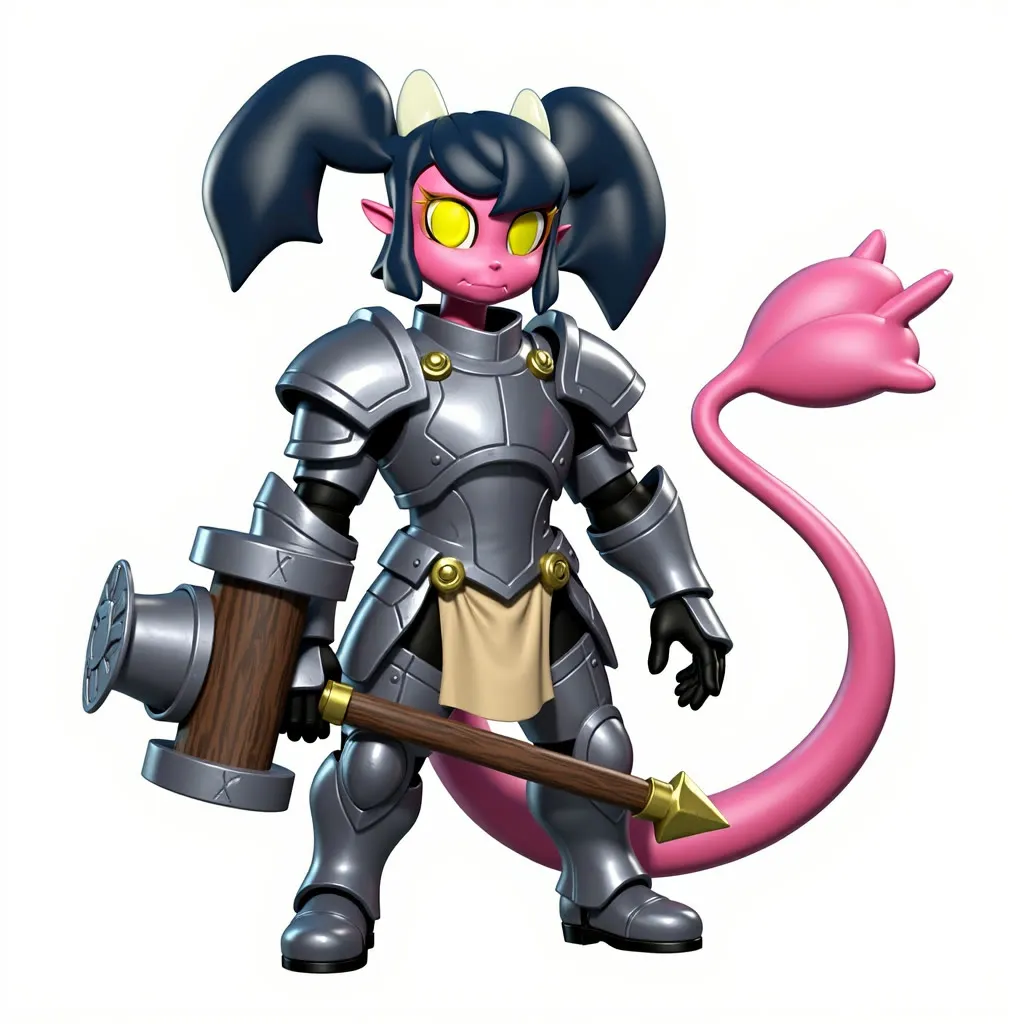
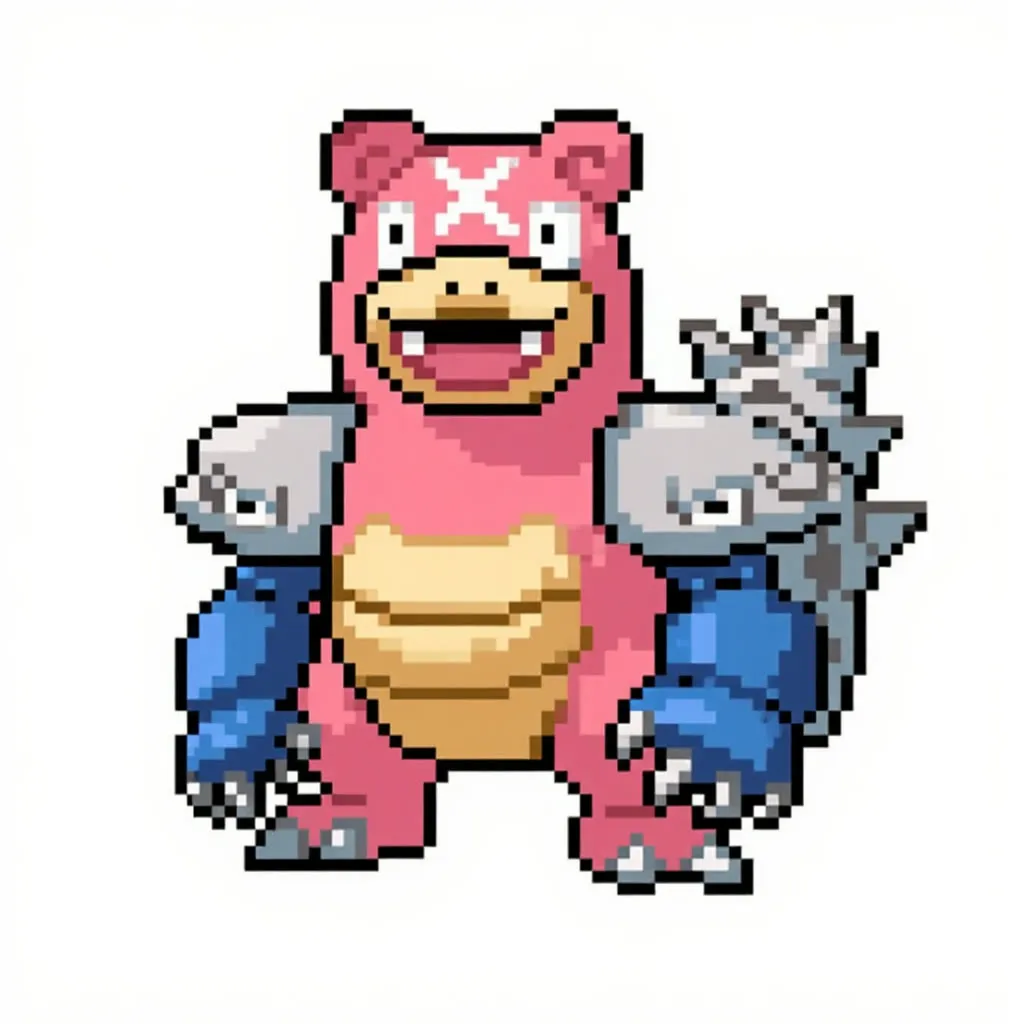
The task dropdown is the core of the page. Presets include Teleport, Move Camera, Relight, Product, Zoom, Colorize, Movie Poster, Cartoonify, Remove Text, Haircut, Interior Design, Season Shift, Age Progression and more. A PromptManager node from llm-toolkit turns the preset and your manual prompt into the Kontext instruction. Your image is resized with ImageResizeKJv2 and FluxKontextImageScale, encoded with VAEEncode and passed through ReferenceLatent. Optional background removal uses BiRefNetRMBG from comfyui-rmbg, and ImageStitch can combine two images. The batch_size and noise_seed inputs control how many outputs you get and which seed they use.
In-graph notes explain that multiple reference images can be added by chaining ReferenceLatent nodes.
Tips
- Leave the manual prompt empty for tasks that do not need it, and use short descriptor words for the 4 variations tasks.
- Keep Remove Background on for product and similar presets, and turn it off if you want to keep the original scene.
- Pick the aspect ratio close to your image. Squarish, Horizontal, Vertical and Cinematic are available.
- For LLM-written prompts and up to three reference images, see the Nunchaku fast and simple Kontext editing workflow.
What you can use it for
- Product shots on new backgrounds
- Relighting or colorizing photos
- Cartoonify, season shift or age progression edits
- Interior design and furniture removal
- Generating four style variations at once
Run it in three steps
Open the template
Click Run on ComfyDeploy. The workflow, its custom nodes and models are set up for you on a cloud machine.
Add your inputs
Provide input image and task preset in the playground or the ComfyUI editor.
Run, share or deploy
Run it on an L40S, share it with your team as a playground, or deploy it as an API endpoint.
Frequently asked questions
What GPU does Kontext Presets (Nunchaku) need?
The recommended GPU is an L40S. It runs the svdq-int4_r32 Nunchaku quantization of Flux Kontext dev, and the notes mention an FP4 variant for Blackwell 50-series cards.
What do the 4 variations tasks do?
Some tasks have a 4 variations version. For those, you supply one to four comma-separated descriptor words in the manual prompt field, as explained in the in-graph cheat sheet. Tasks without variations need that field left empty.
How do I run Kontext Presets as an API?
Deploy it on ComfyDeploy and call the endpoint with the image, task, aspect ratio and seed. The result is returned from the API response.