Flux Kontext Dev Single-Image Edit with NAG
Single-image Kontext editing with a negative prompt (via NAG), optional GPT prompt writing, background removal and a hires pass. For people who want more control than a plain Kontext graph.
- L40S
- Image editing
- Free template

How it works
The input image is resized by ImageResizeKJv2 and FluxKontextImageScale, and BiRefNetRMBG can remove the background. flux1-kontext-dev.safetensors loads through UNETLoader with clip_l, t5xxl_fp16 and the ae.sft VAE. ReferenceLatent feeds the encoded image into the conditioning, with ModelSamplingFlux and FluxGuidance.
Instead of a standard sampler, the graph uses KSamplerWithNAG so the negative prompt actually influences the edit. A widen_difference slider sets how strongly it separates from the negative. A HOW_MANY input repeats the latent to produce more than one variant.
An OpenAIProviderNode and PromptManager from llm-toolkit can expand your short action text into a detailed instruction using a system prompt, with gpt-4.1-mini as the default. A ttN hires fix step with 4xNMKDSuperscale_4xNMKDSuperscale.pt upscales the output.
Tips
- Keep instructions direct, such as changing a color or style, and name what must stay the same.
- Start with HOW_MANY at 1 or 2, because the note warns more variants raise wait times a lot.
- Edit the negative prompt to steer away from unwanted looks like cartoon or sketch.
- The notes include Kontext prompting tips you can read in the graph.
Run it as an API
You can deploy this workflow on ComfyDeploy as a hosted API endpoint. The inputs listed above become the request fields, so your own app can submit them and receive the finished result without running ComfyUI yourself. The same workflow can also be run and shared from the ComfyDeploy playground in your browser.
What you can use it for
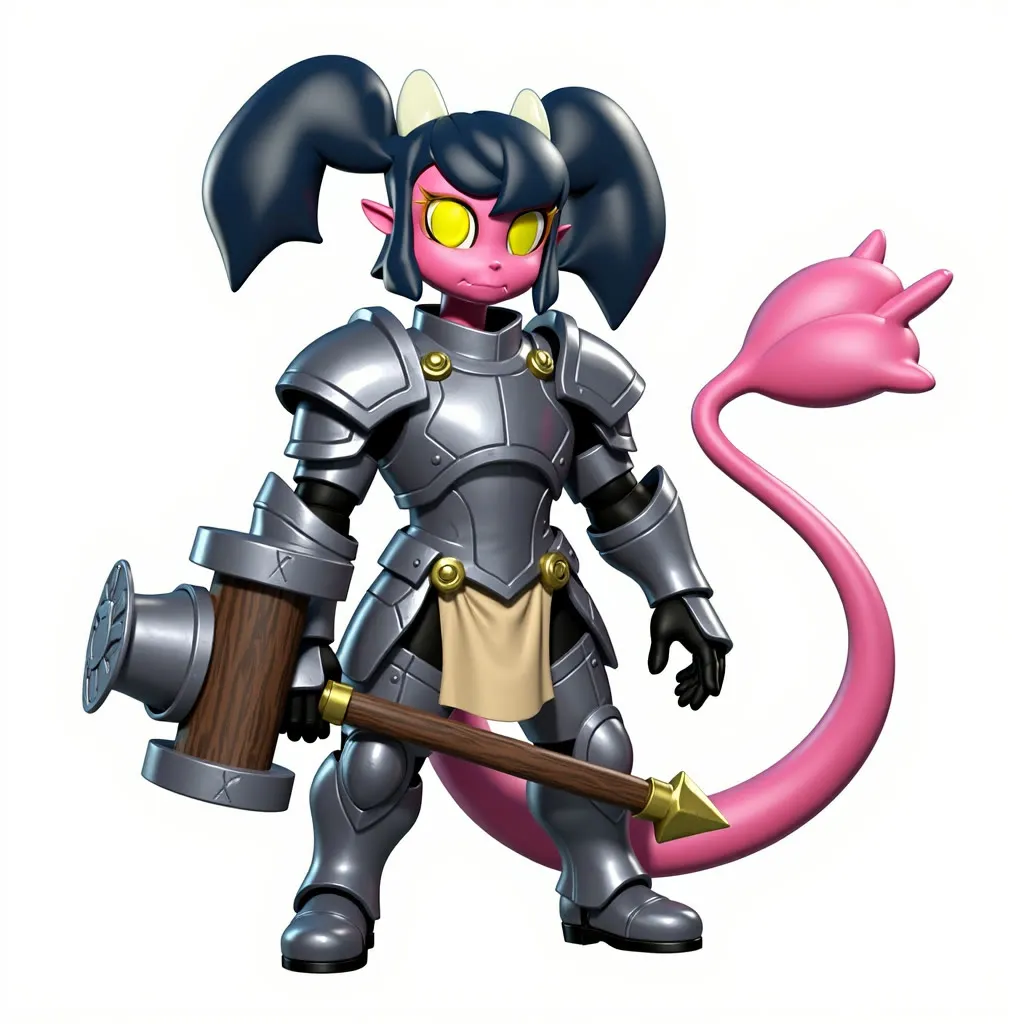
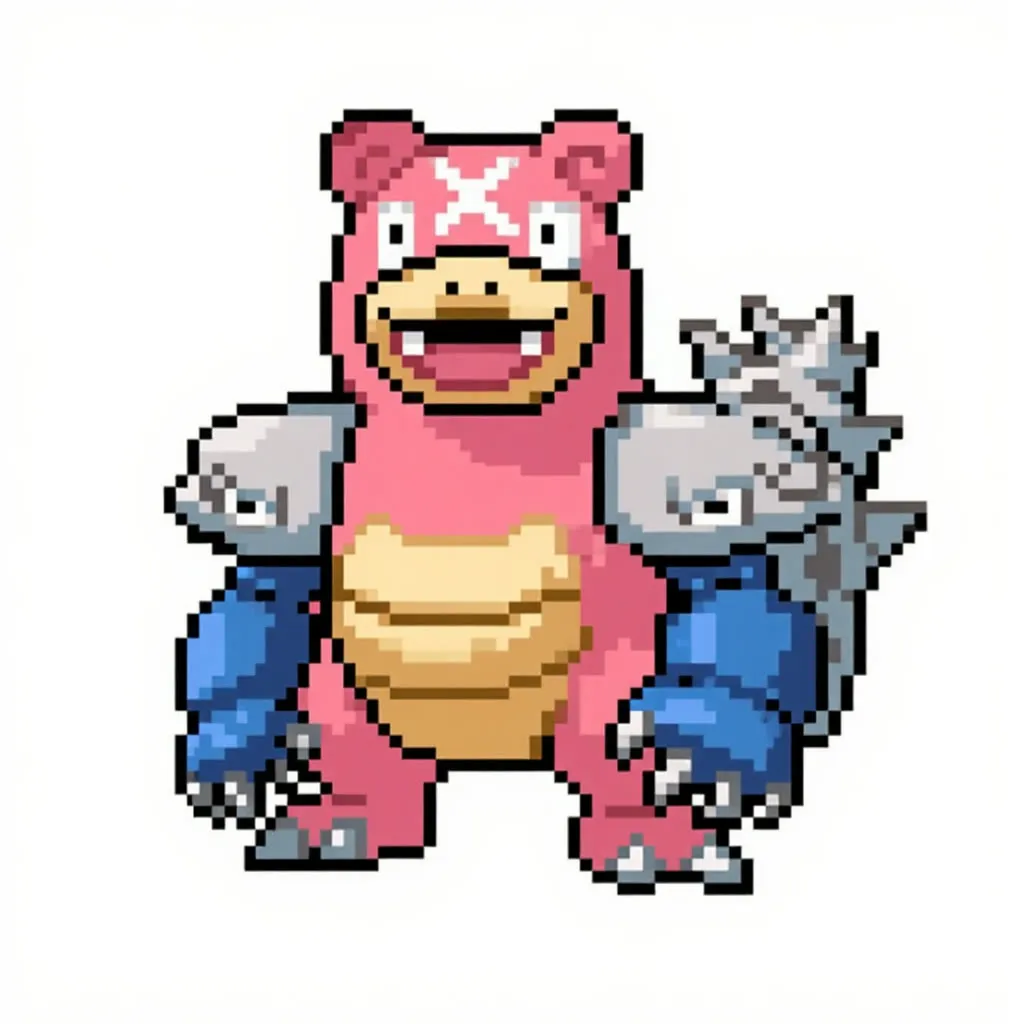
- Restyling a character into a realistic version
- Changing colors, clothing or backgrounds with a text instruction
- Generating several edit variants in one run
- Prompt-assisted edits when you only know the idea
Run it in three steps
Open the template
Click Run on ComfyDeploy. The workflow, its custom nodes and models are set up for you on a cloud machine.
Add your inputs
Provide input image and edit instruction in the playground or the ComfyUI editor.
Run, share or deploy
Run it on an L40S, share it with your team as a playground, or deploy it as an API endpoint.
Frequently asked questions
What GPU does this Kontext workflow need?
It is set to an L40S on ComfyDeploy and loads flux1-kontext-dev with the t5xxl_fp16 text encoder.
What is NAG here?
KSamplerWithNAG applies Negative Attention Guidance, which lets Kontext respond to a negative prompt even at low guidance.
Do I need an OpenAI key?
Only for the AI prompt helper. Without an OPENAI_API_KEY machine secret, write the full prompt yourself, as the input notes explain.