Flux Kontext Multi-Image Edit (Nunchaku)
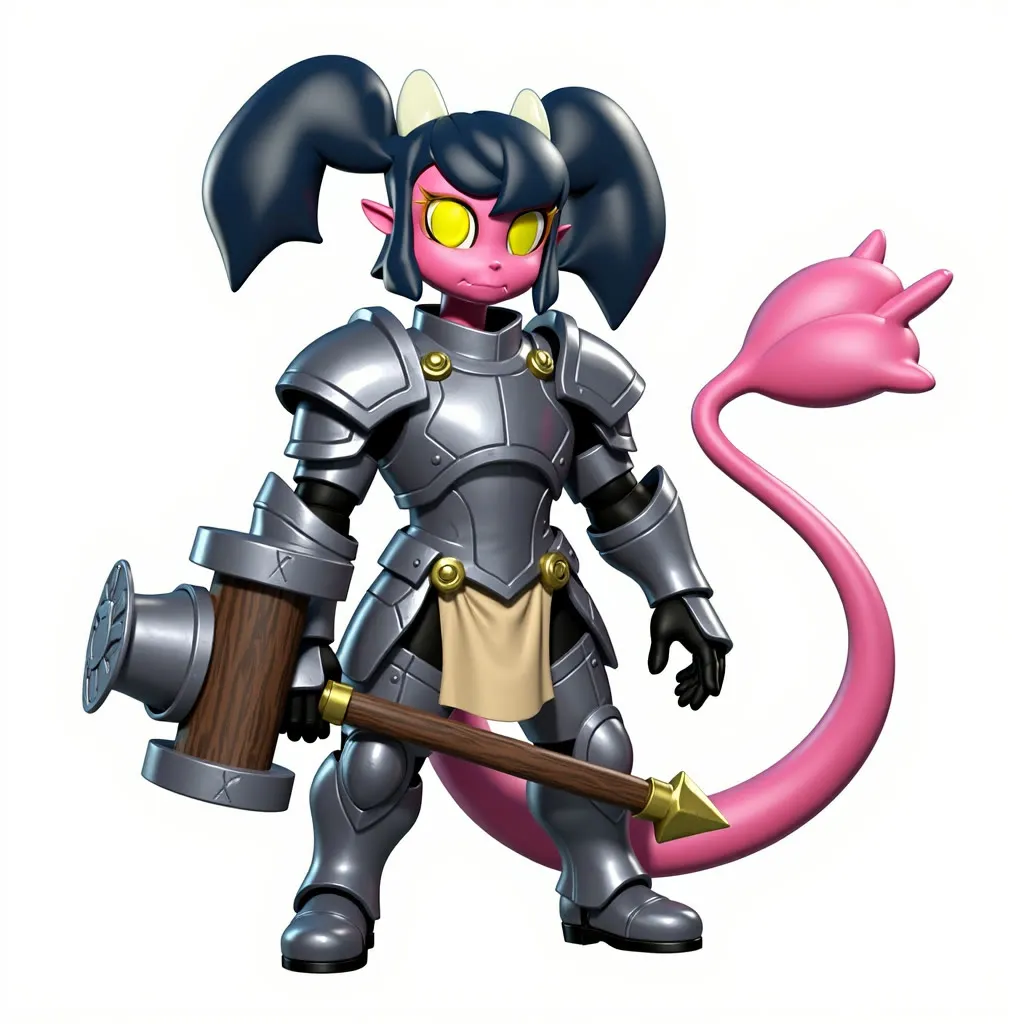
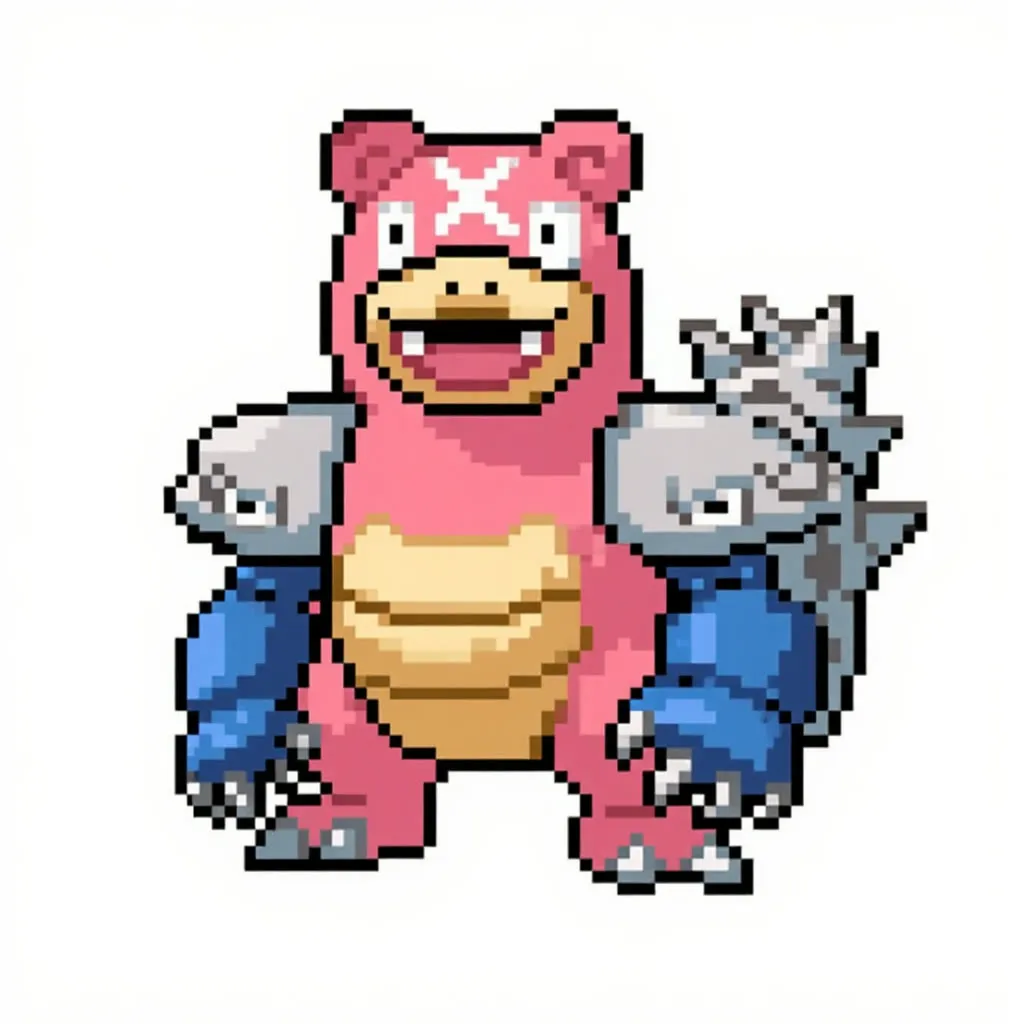
Use one main image plus optional reference images to insert objects, change outfits or restyle a scene with Flux Kontext. Prompts can be written by hand or by an LLM.
- L40S
- Image editing
- Free template
How it works
The generator is svdq-int4_r32-flux.1-kontext-dev.safetensors, a Nunchaku INT4 quantization of Flux Kontext dev, with clip_l, t5xxl_fp16, ae.safetensors and the FLUX.1-turbo-Alpha LoRA. The sampler is a plain KSampler with the Euler sampler, per the description, preceded by ModelSamplingFlux and FluxGuidance.
Images enter through LoadImage nodes and are resized with ImageResizeKJv2 and FluxKontextImageScale. ImageStitch joins two images into a single input, and ReferenceLatent nodes add individual images as extra conditioning, which is how the third reference is supported. Optional background removal uses BiRefNetRMBG from comfyui-rmbg.
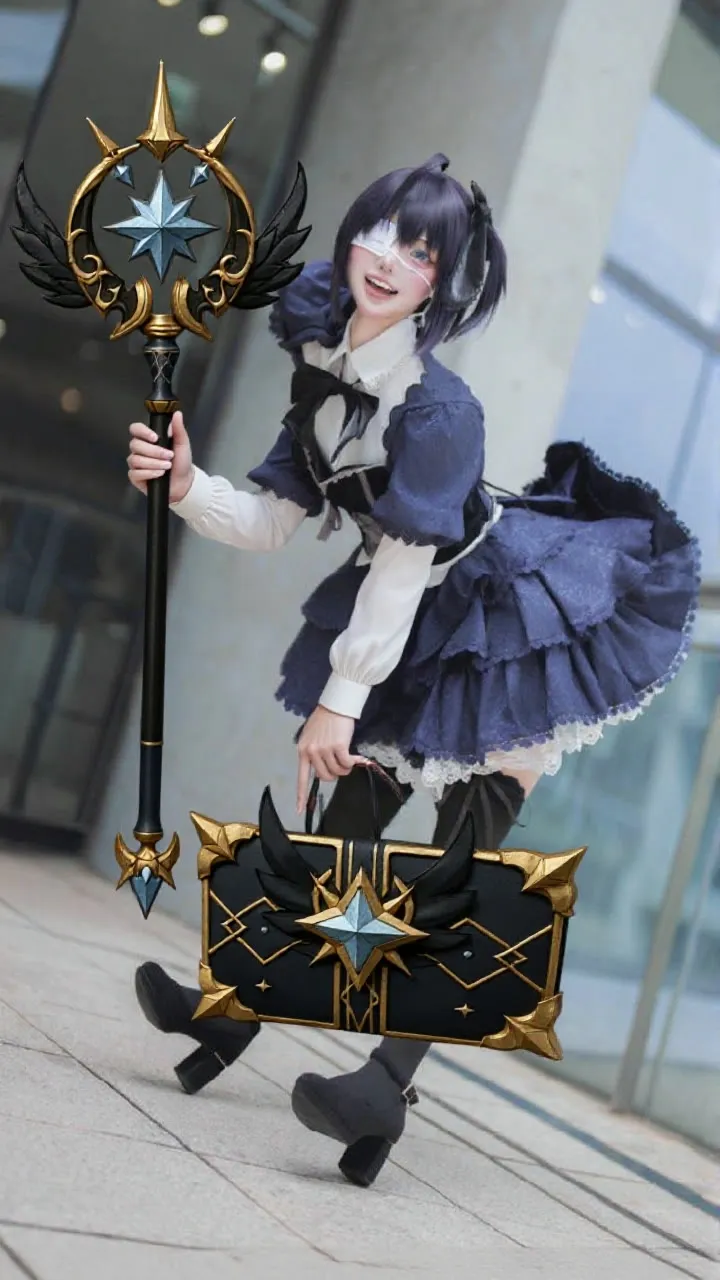
The prompt can come two ways. The LLMToolkitTextGeneratorStream node, chosen through LLMToolkitProviderSelector, follows a SYSTEM_PROMPT that casts the model as Kontext and asks for a single paragraph of exactly 70 words, treating image 1 as the subject and image 2 as the reference. JoinStringMulti and PromptManager assemble the text. Or you can write your own in the MANUAL_PROMPT field, for example making a girl hold a staff and a book and restyling them to look realistic.
Tips
- Follow the in-graph steps: pick a size, build the prompt, enable the concept groups you need, then run.
- Name the object and where it goes in the manual prompt, as in the staff and book example.
- Turn off groups for unused images so they do not condition the result.
- Change noise_seed if the integration looks pasted on.
What you can use it for
- Putting a prop or costume from a second image onto a character
- Restyling objects so they fit the scene
- Object integration for product mockups
- Multi-reference edits with optional background removal
Run it in three steps
Open the template
Click Run on ComfyDeploy. The workflow, its custom nodes and models are set up for you on a cloud machine.
Add your inputs
Provide main subject image and optional reference images in the playground or the ComfyUI editor.
Run, share or deploy
Run it on an L40S, share it with your team as a playground, or deploy it as an API endpoint.
Frequently asked questions
What GPU does this Kontext Nunchaku workflow need?
The recommended GPU is an L40S. It loads the svdq-int4_r32 Nunchaku quantized Flux Kontext dev model.
How many images can I use?
The in-graph notes say up to three images. The first is the main subject, the others are references, and you disable the concept groups you do not need.
Do I need an LLM key?
No. The LLM node writes a 70-word prompt from your request and the images, but you can use the MANUAL_PROMPT field instead. Using the LLM needs a provider key in machine secrets.