Re-Styler: Stylized Profile Pictures with Kontext
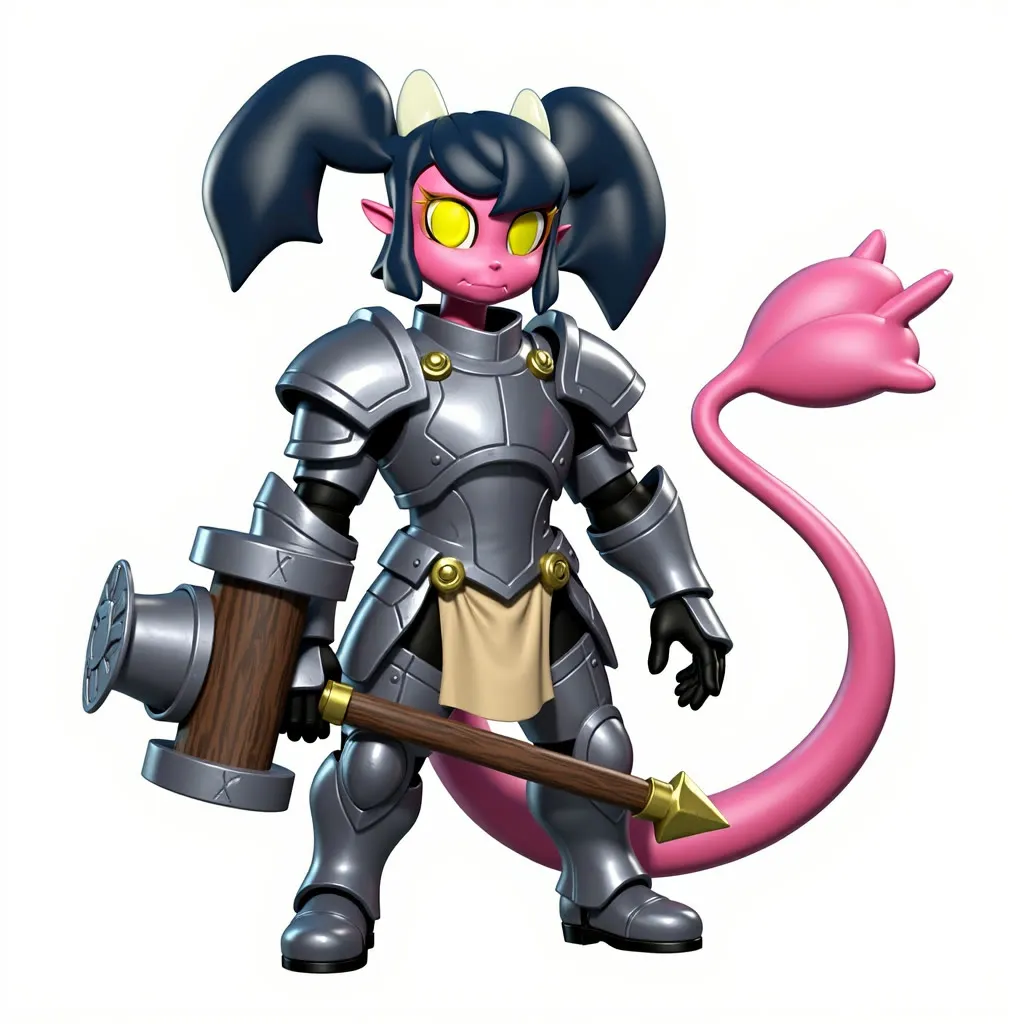
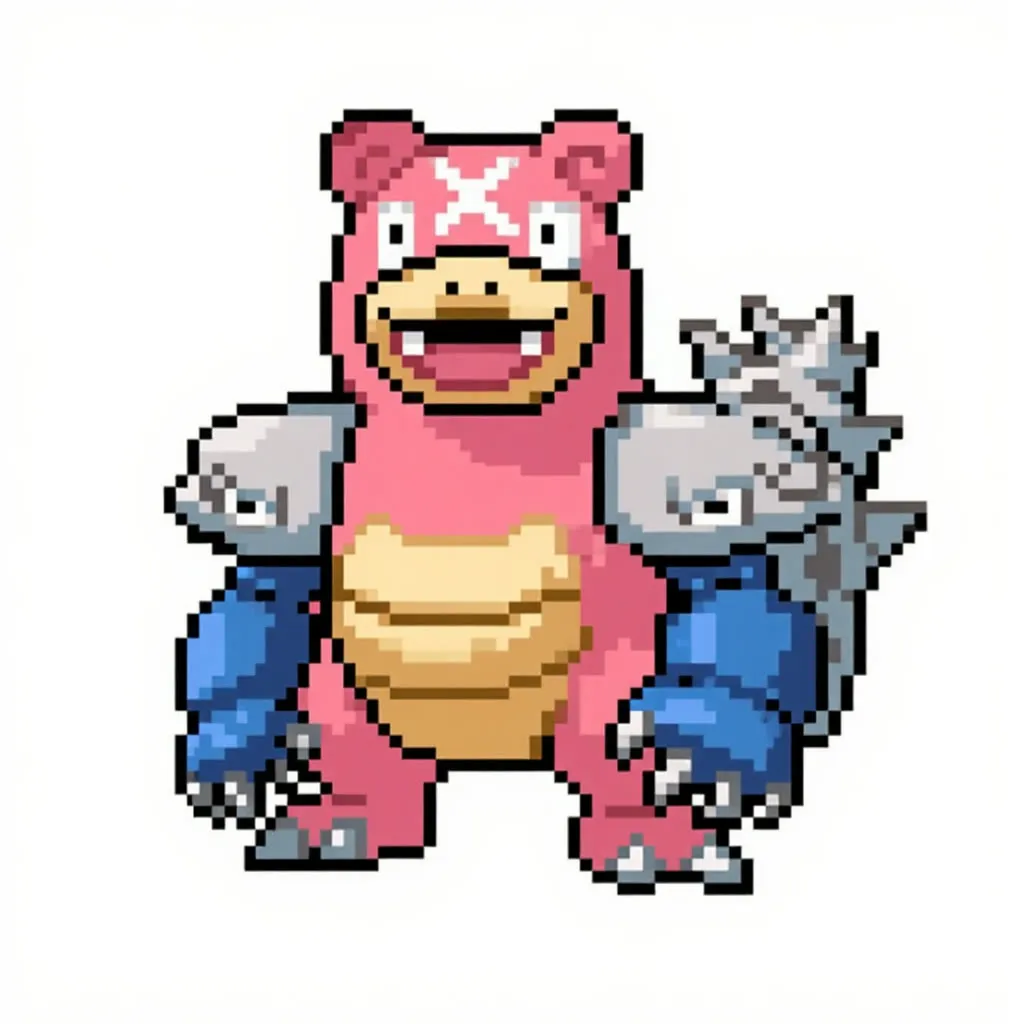
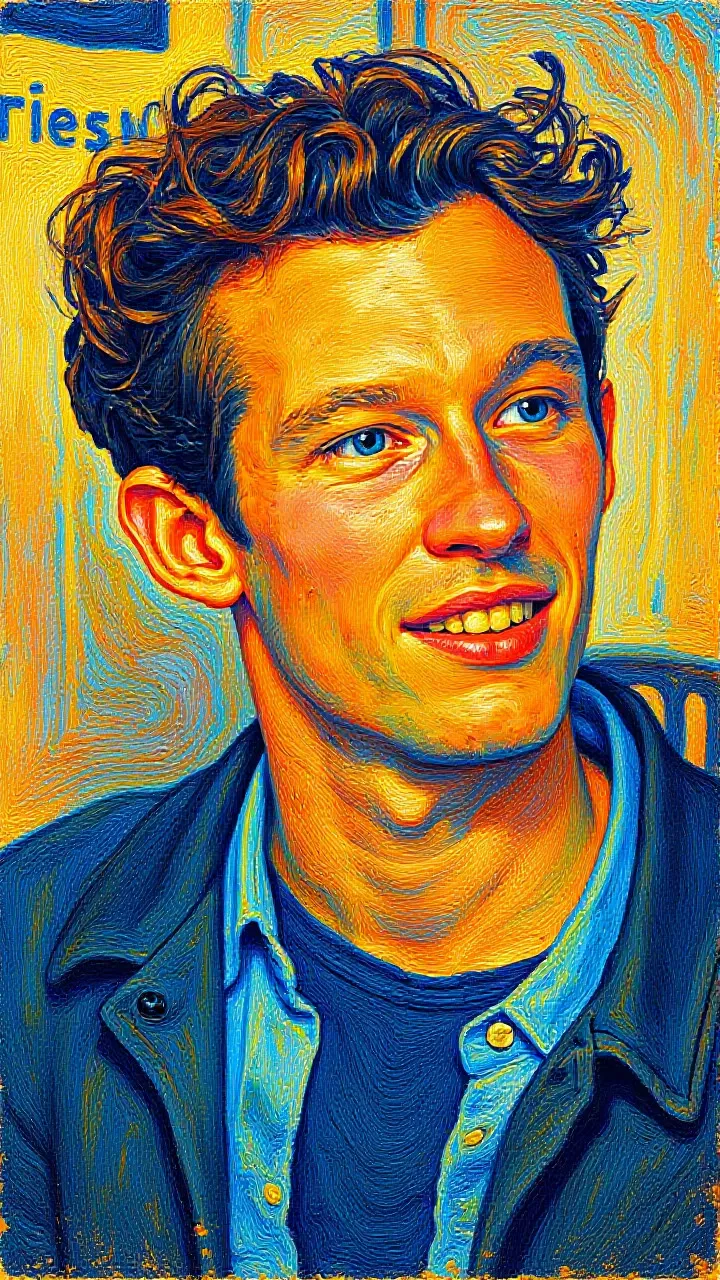
Upload a portrait, pick a style, and get a creative restyled picture for avatars and profile photos. Other kinds of images also work.
- L40S
- Image editing
- Free template
How it works
The workflow loads svdq-int4_r32-flux.1-kontext-dev as a Nunchaku model together with the FLUX.1-turbo-Alpha LoRA, clip_l, t5xxl_fp16 and ae.sft. The Nunchaku quantization and the turbo LoRA keep generation fast.
Your portrait is resized, can have its background removed with BiRefNetRMBG, and is scaled with FluxKontextImageScale. It is encoded with VAEEncode and attached with ReferenceLatent so Kontext keeps the person’s identity.
The style comes from the llm-toolkit nodes. A StylePromptGenerator and SystemPromptTaskGenerator build a Kontext prompt from your chosen style and the manual prompt, which defaults to the person. A LocalTransformersProviderNode can run the text step locally. FluxGuidance sets guidance, ConditioningZeroOut handles the negative side, and KSampler renders the result.
A ResolutionSelector picks the size from the aspect ratio.
Tips
- Use a clear portrait with the face fully visible.
- Try different style presets with the same seed to compare looks.
- Use the manual prompt to describe who is in the picture, such as the person, or add details to keep.
- Vertical works well for profile photos, and you can switch the aspect ratio for banners.
What you can use it for
- Creative profile pictures
- Collage and poster-style portraits
- Social media avatars
- Style experiments on any photo
Run it in three steps
Open the template
Click Run on ComfyDeploy. The workflow, its custom nodes and models are set up for you on a cloud machine.
Add your inputs
Provide portrait image and style preset in the playground or the ComfyUI editor.
Run, share or deploy
Run it on an L40S, share it with your team as a playground, or deploy it as an API endpoint.
Frequently asked questions
What GPU does this workflow need?
It is set to run on an L40S GPU on ComfyDeploy. It uses the Nunchaku int4 Kontext model for speed.
Which styles can I pick?
The style input is a list of presets. The saved default is GTA Pricedown Collage, and you can add your own text in the manual prompt field.
How do I run it as an API?
Deploy it on ComfyDeploy and send the portrait, style and prompt to the endpoint. The inputs map to API fields.