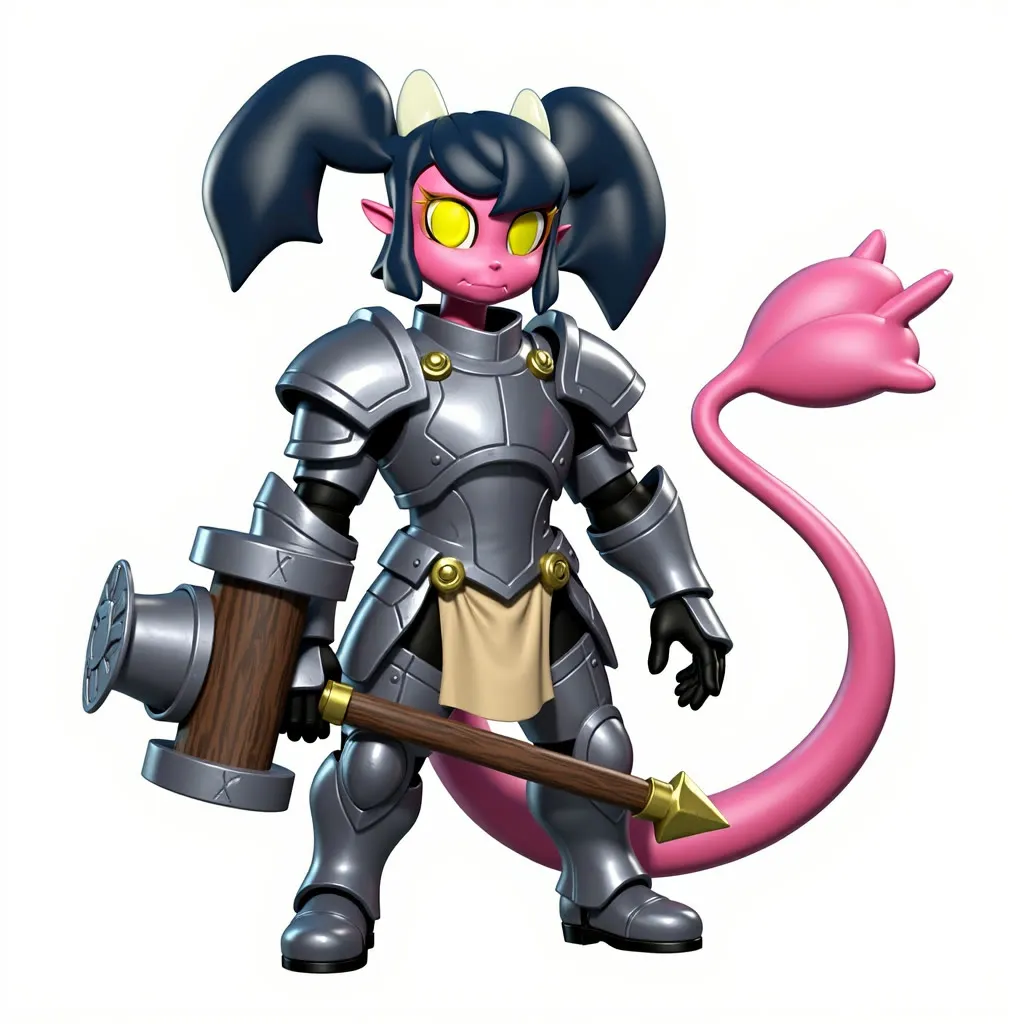
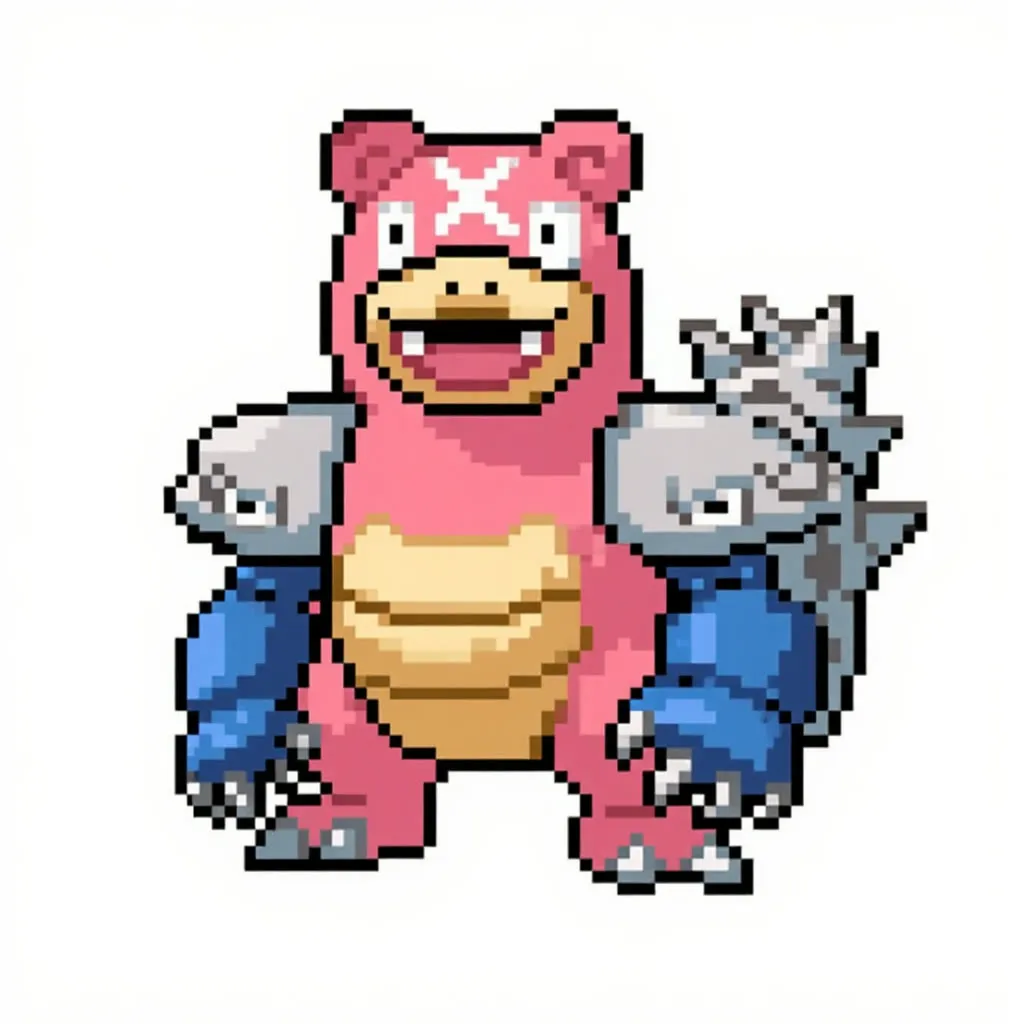
Restyle Images with Kontext Max
Pick a named visual style and Kontext Max redraws your image in that look. The heavy model runs through the Black Forest Labs API, so no GPU is used.
- No GPU (runs on CPU)
- Image editing
- Free template
How it works
Instead of loading a local model, this graph calls Flux Kontext Max through the Black Forest Labs API. A BFLProviderNode and ConfigGenerateImageBFL set the provider and the output aspect ratio (1:1, 3:4, 4:3, 9:16, 16:9, 2:3 or 3:2), and the GenerateImage node from llm-toolkit sends the request.
Your image is resized with ImageResizeKJv2, and a ResolutionSelector and FluxKontextImageScale prepare it. If Remove Background is on, BiRefNetRMBG from comfyui-rmbg removes the background first, which suits product-style subjects. ImageStitch can join a second reference image to the first.
The prompt is built by a StylePromptGenerator, which maps the chosen style name to a detailed style description, and a PromptManager node combines it with your manual prompt. An LLMToolkitTextGeneratorStream node can help write the final text. PreviewAny and Display_Text nodes show the prompt that is sent.
Tips
- Keep the manual prompt short. A subject word such as person is enough for many styles.
- Turn Remove Background off if the setting is part of the picture.
- Use the second image for a costume or object to carry into the new style.
- Pick the output aspect ratio at the BFL config, separate from the input aspect setting.
What you can use it for
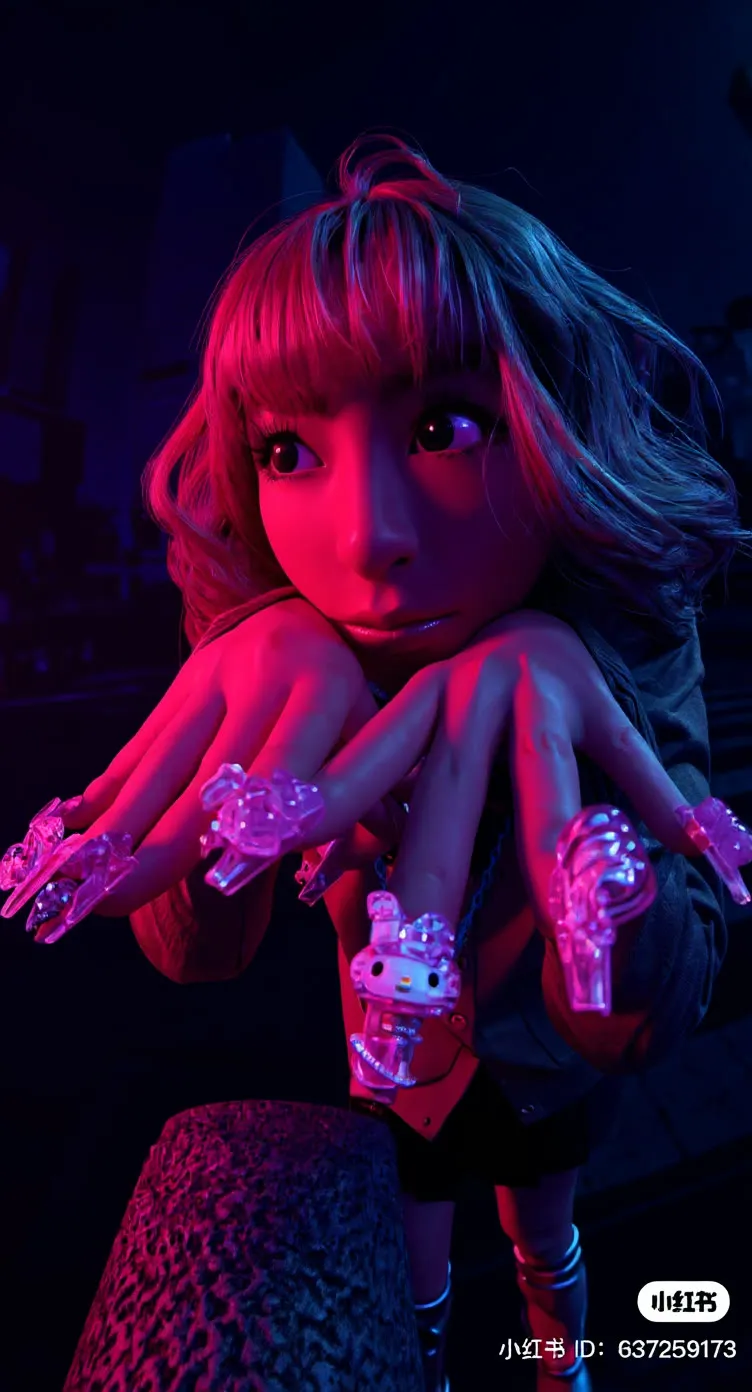
- Turning photos into isometric, anime, art deco or retro VHS looks
- Consistent branded styles across a set of images
- Restyling product or portrait images
- Adding a second image as a costume or style reference
Run it in three steps
Open the template
Click Run on ComfyDeploy. The workflow, its custom nodes and models are set up for you on a cloud machine.
Add your inputs
Provide input image and style preset in the playground or the ComfyUI editor.
Run, share or deploy
Run it on a cloud machine, share it with your team as a playground, or deploy it as an API endpoint.
Frequently asked questions
What GPU does Restyle Images Kontext Max need?
It is listed as CPU, so no GPU is needed. Flux Kontext Max runs on Black Forest Labs servers through the BFL provider node, and your machine only prepares images and prompts.
Which styles are available?
The style dropdown is long and alphabetical, with entries like Afrofuturism chrome tribal, Anime cel-shade vibrant, Art Deco Miami pastel, Bauhaus Minimal Geometry, Betamax Retro VHS and SimCity Isometric Playful, which is the default.
Can I use two images?
Yes. The notes say you can use up to two images: the first is the subject, the second is a prop, costume or style to copy. Disable the group you do not need.